Product Updates
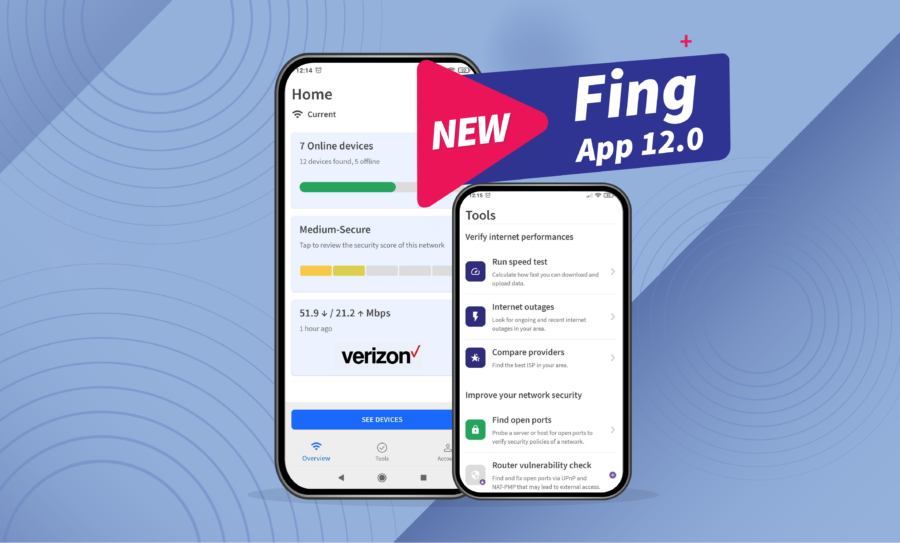
Fing App 12.0 available now
Today, we celebrate the release of Fing App 12.0, the latest version of our mobile app. With this release, your Home tab becomes even more personalized, with several additional information about the network you are monitoring. We also added a shortcut to the Tools in the bottom menu, so that you can access your troubleshooting, security and internet performance toolkit quicker than ever. Keep reading to discover what’s new with...
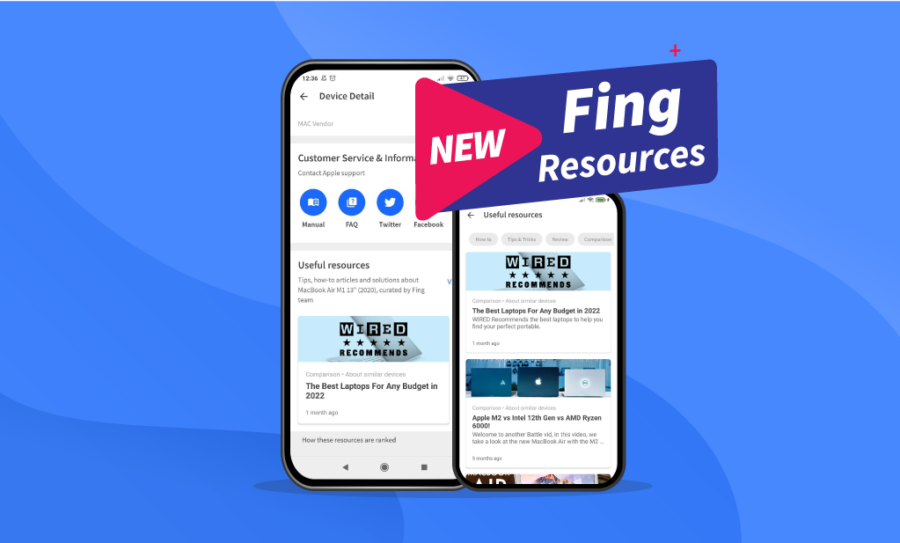
Introducing Useful Resources for Devices
Brand-new year, brand-new content! And yes, we mean it literally. We are starting the year off strong with the release of the Fing resources, a dedicated content segment to stay updated on all your devices’ news. The bottom of each Device Detail Page now includes a section with external articles, videos, and reviews about your specific device, carefully selected by the Fing Team. Want to read about your device’s latest...
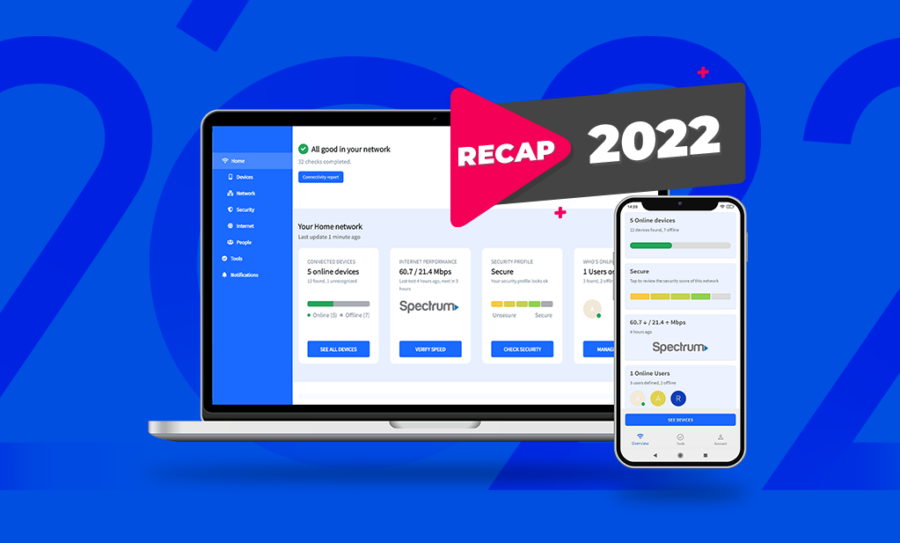
What Fing Did in 2022
As the end of the year is approaching, it’s time to look back and review what happened in 2022. It’s been an intense year of releases and new features here at Fing, with a couple of relevant milestones. Let’s review the biggest news of this past year! Do you prefer videos? Here is our 2022 recap on YouTube! Fing stats keep growing The Fing catalog is in constant growth and...
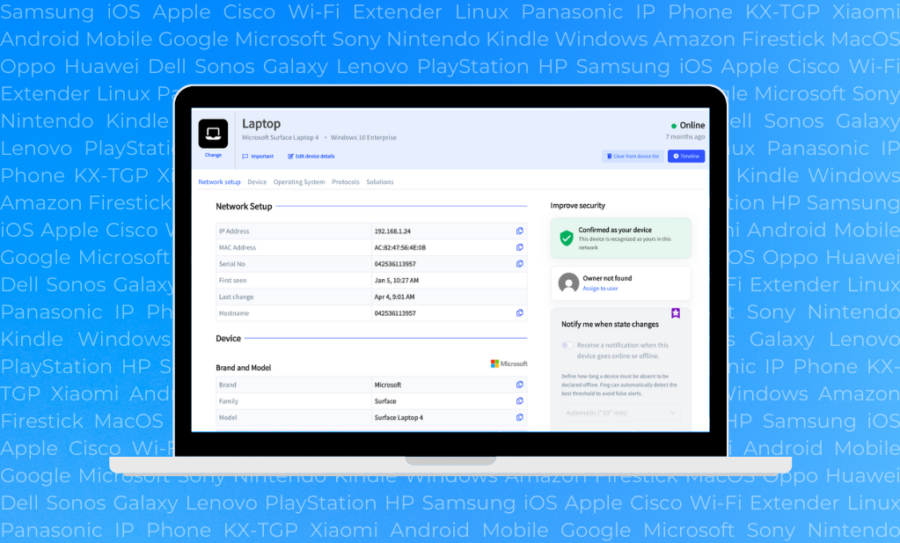
A Redesigned Device Detail Page for Fing Desktop
[Updated in February 2023 with Fing Desktop 3.2 additions] It’s been a few months since the release of Fing Desktop 3.0, which came with several changes in the Home dashboard and in the Tools tab. Today, we deep-dive into Fing Desktop 3.1, which includes, among bug fixes, a completely revamped Device Detail Page, to better show you information about your devices. The Device Detail Page includes a large amount of...
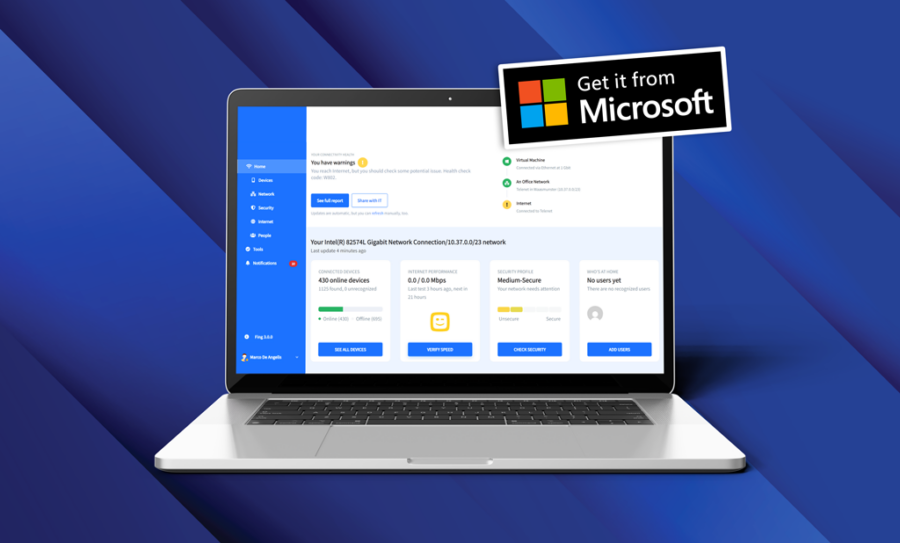
Fing Desktop joins Microsoft Store!
We are proud to announce that, starting from today, Fing Desktop is available for download on the Microsoft Store! While you can already download Fing Desktop from our website (both on Windows and macOS), being accepted in the official Microsoft Store is a massive milestone for our product. We are now joining a trusted marketplace with thousands of beloved apps from all over the world. This news makes the lives...

Fing Desktop 3.0 is here: discover the new interface
Here at Fing, we always aim to offer the best internet experience you could possibly have. Therefore, we keep adding more and more useful features to monitor and secure your network. However, as things were getting a bit crowded, we decided to revamp the Fing Desktop layout in order to provide effortless navigation for all our users. You can find changes in the home dashboard, tools tab and more: keep...
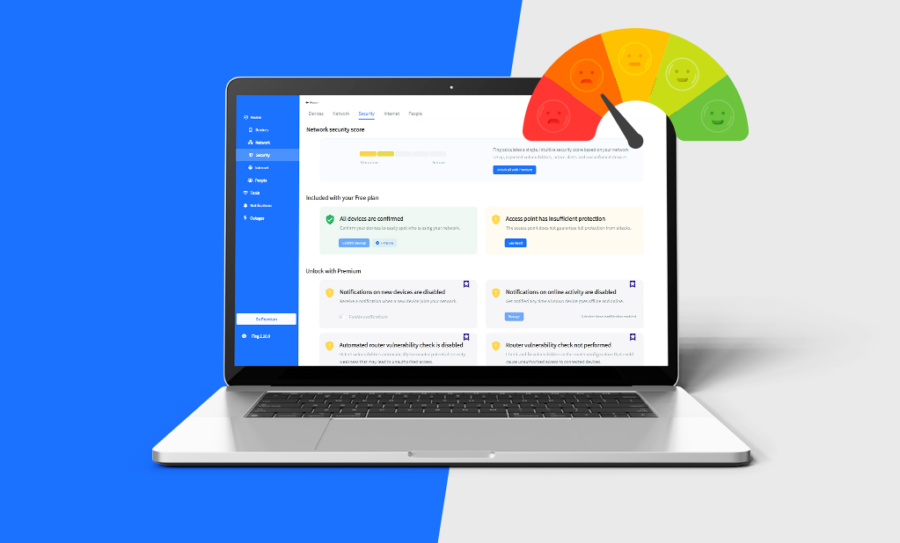
Introducing the new Security Score
At Fing, we are constantly working to improve our products and give our users the best network security features. And we listen to feedback too: we appreciate our customers’ suggestions – and maybe you participated in one of our surveys in the last months. When we reviewed the surveys’ results, we noticed that a recurring question was: “How can I understand my network security at a glance?”. Fing offers several...
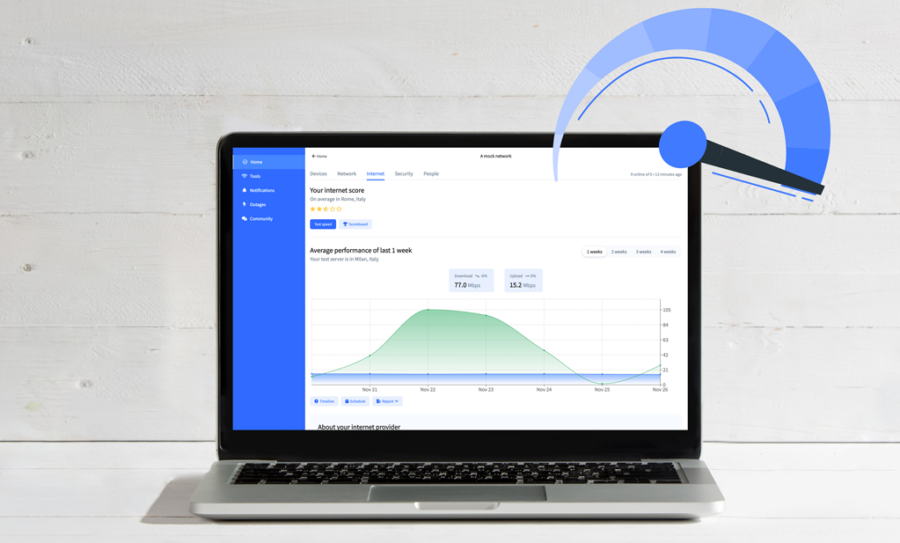
The Internet Tab: Automated Internet Speed Tests and More
Every so often, even a good Internet connection can suffer from latency. The best way to learn if the problem is at your end, with your ISP, or elsewhere, is to use Fing. We provide you with a variety of performance tracking features, now centralized in a single tab called the Internet Tab. Its most prominent feature, the Internet Speed Test, is now also fully automated to help you keep...

Monitor your desktop network straight from your phone with Fing 11
Awesome news coming your way! We have just released Fing 11, the newest version of Fing App. In this upgrade, we have included the possibility for you to manage your Fing Desktop network directly from your mobile phone. This allows you to keep track of the continuous monitoring of Fing Desktop on Fing App, which now manages your Fing products all at once. Download Fing Desktop Download Fing App Fing...