Works for Hospitality
Keep your guest
Wi-Fi running, and
your reviews up
Whether you run a small hotel or rent out a single apartment, Fing lets you monitor your guest network remotely, get alerts the moment something breaks, and fix it before a guest ever writes about it.
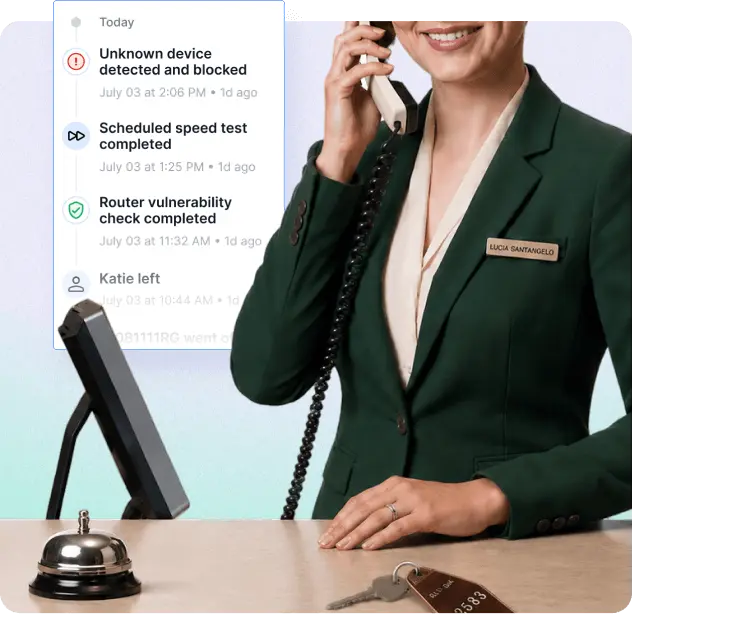
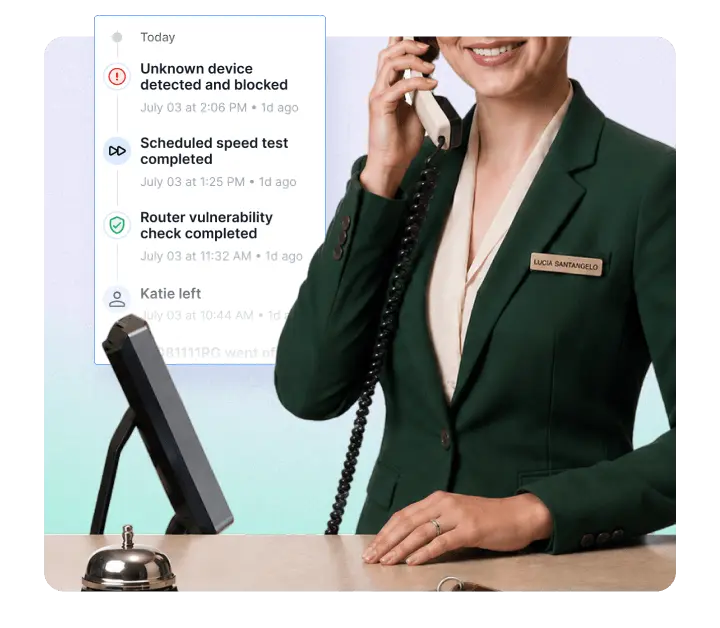
The problems hospitality businesses face every day
In hospitality, network problems aren't IT problems. They're review problems.


Everything a hospitality network needs
One app to see every device, catch every failure, and fix it before a guest does.
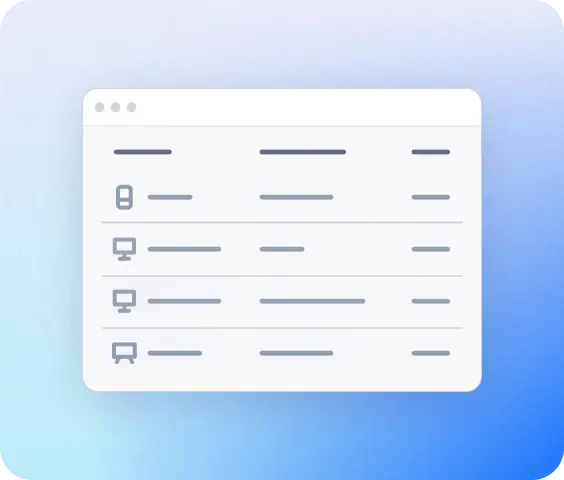
See every device, instantly
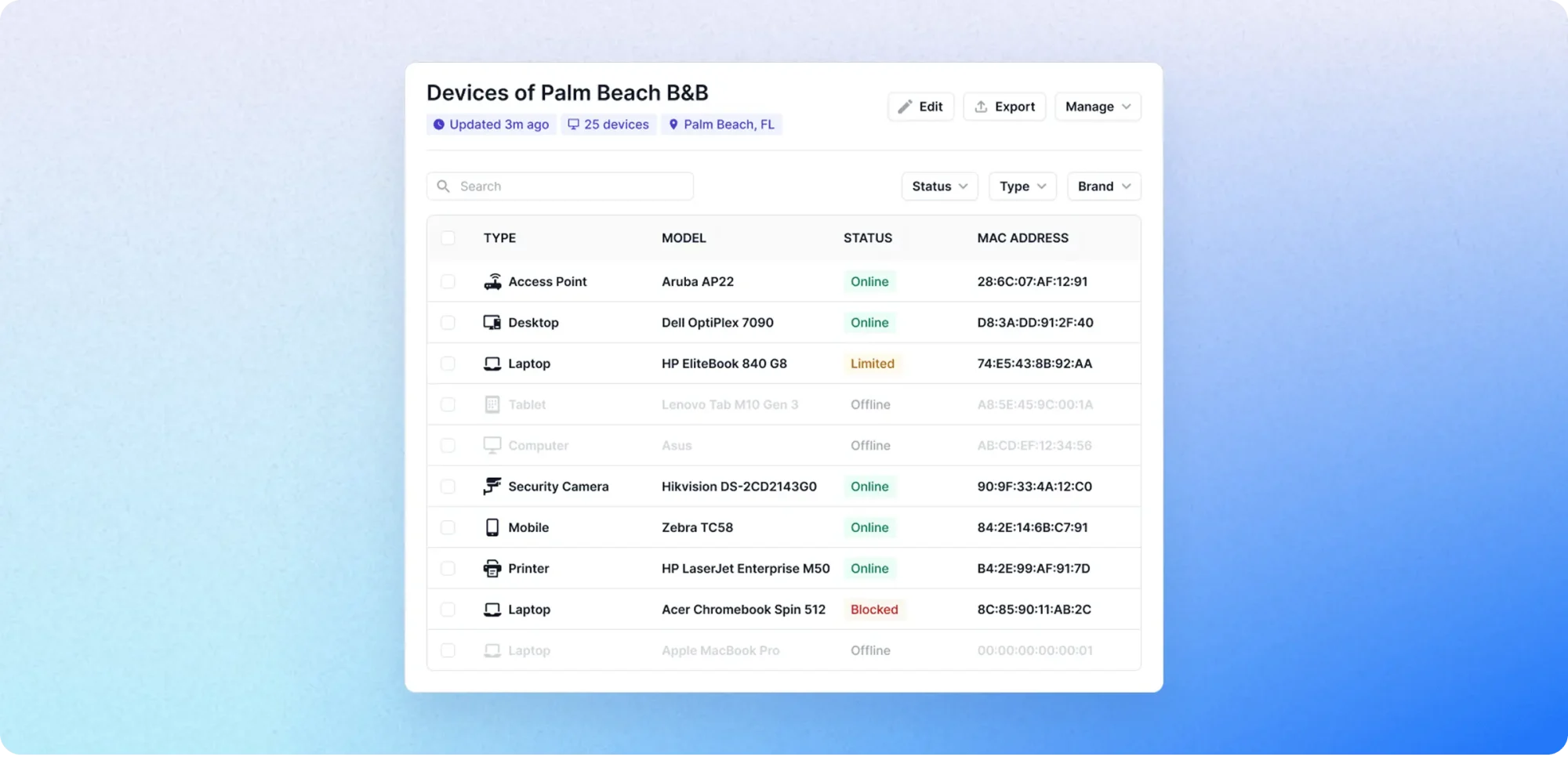
Run one scan and Fing maps everything connected to your network — locks, cameras, TVs, guest phones, and anything else. You get a live inventory you can check from your phone, with no spreadsheets and no need to walk the property.
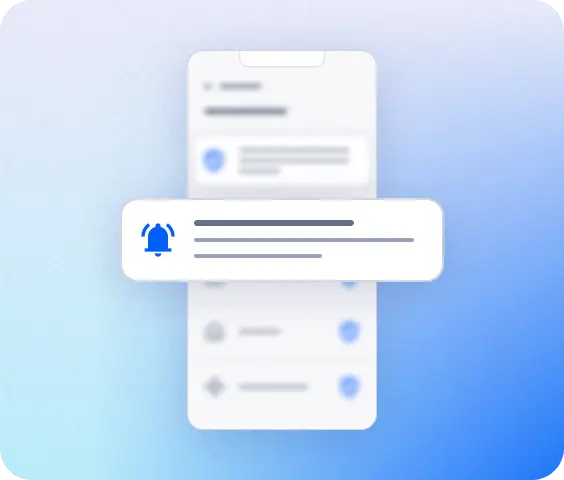
Know before your guests do
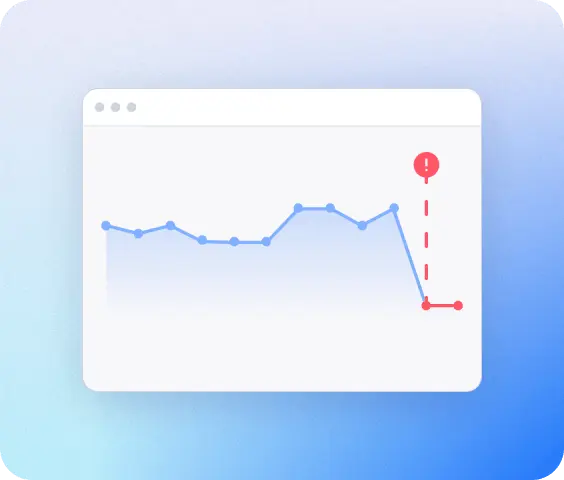
Fing sends a notification to your phone or inbox the moment an access point, smart lock, or any connected device goes offline. Whether you're at the front desk or managing an apartment from another city, you'll catch it before a guest writes about it.
Pinpoint the problem in seconds
When a guest reports slow Wi-Fi or a device that won't respond, anyone on your team can open Fing and see in seconds whether it's the device, the router, or the internet provider. No IT background and no guesswork required.
Spot what shouldn't be on your network
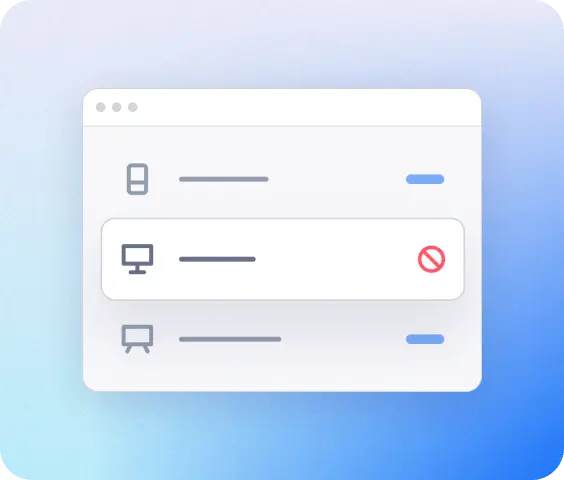
Fing flags every new device that joins the network. A sudden jump in connected devices can also be your first sign that a listing has more people in it than the booking says, before a noise complaint tells you first.
More devices than you think
A typical apartment has 10–15 connected devices. A small hotel has 50 or more. Fing shows you every one of them in real time, so nothing on your network is a mystery.
How Fing works
Up and running in three simple steps
See everything on network
Download Fing Desktop, run your first scan, get a complete inventory in 60 seconds.
Get continuous monitoring
Upgrade to Fing Professional for 24/7 alerts, access control, and multi-network coverage.
Set it and forget
Install Fing Agent on a Raspberry Pi or NAS so monitoring runs even when no one's around.
Frequently asked questions
Do I need technical knowledge to use Fing?
No. Fing is designed for non-technical users — from front-desk staff at small hotels to short-term rental hosts managing a single apartment. The interface is visual and intuitive: just run a scan and you’ll see every device on your network in plain language. No command-line tools, no certifications, no jargon.
Will it work with my existing router or my smart room setup?
Yes. Fing works with any network infrastructure — any router, any ISP, and any brand of smart lock, thermostat, or connected device. You don’t need to change or replace anything. Just install Fing Desktop on a computer connected to your property’s network and run a scan.
Does Fing see my guests' personal data or browsing?
No. Fing sees devices, not traffic. It identifies what’s connected to your network — device name, type, manufacturer, IP address, connection status — but never intercepts, reads, or stores any content. No browsing history, no personal information, no messages. Your guests’ privacy stays intact.
How many networks can I monitor?
Fing Professional includes monitoring for up to 3 networks — enough for most setups, whether that’s a single apartment, or a hotel with separate guest and back-office Wi-Fi. If you manage multiple properties, add-on packs extend coverage by 3 networks each.
Can I monitor multiple properties?
Yes. Install Fing Agent at each property and manage them all from one dashboard. You’ll see every site’s network status in a single view, switch between properties on your phone, and give your team access only to the locations they need.
Can I monitor my rental property remotely?
Yes. Install Fing Agent on a small always-on device at the property (a Raspberry Pi works well, but any low-power computer will do), and you’ll have full visibility from anywhere — on your phone or through the Fing web dashboard. You’ll see every connected device, get alerts when something goes offline, and check how many devices are connected at any moment.
Can I share access with my team?
Yes. Fing Professional includes shared workspaces, so reception staff, a co-host, a property manager, or an external IT consultant can all see the same network information. You control who has access through role management — no need to share your login.
What if I already use Fing's free version?
Your existing scans and device history carry over automatically. Upgrading to Fing Professional unlocks continuous monitoring, alerts, multi-network coverage, and shared team access — everything described on this page.
Protect your reviews. Keep your guests connected
Whether you run a hotel or rent out a single apartment, Fing gives you the visibility and control to keep every device running — without needing an IT department.