Works for Education
See every device on your school networks
Fing gives school IT teams a simple way to see every device on the network, get alerts when something goes offline, and fix problems the same day. Verified education institutions qualify for a permanent exclusive discount.
- Trusted by 600+ educational institutions worldwide
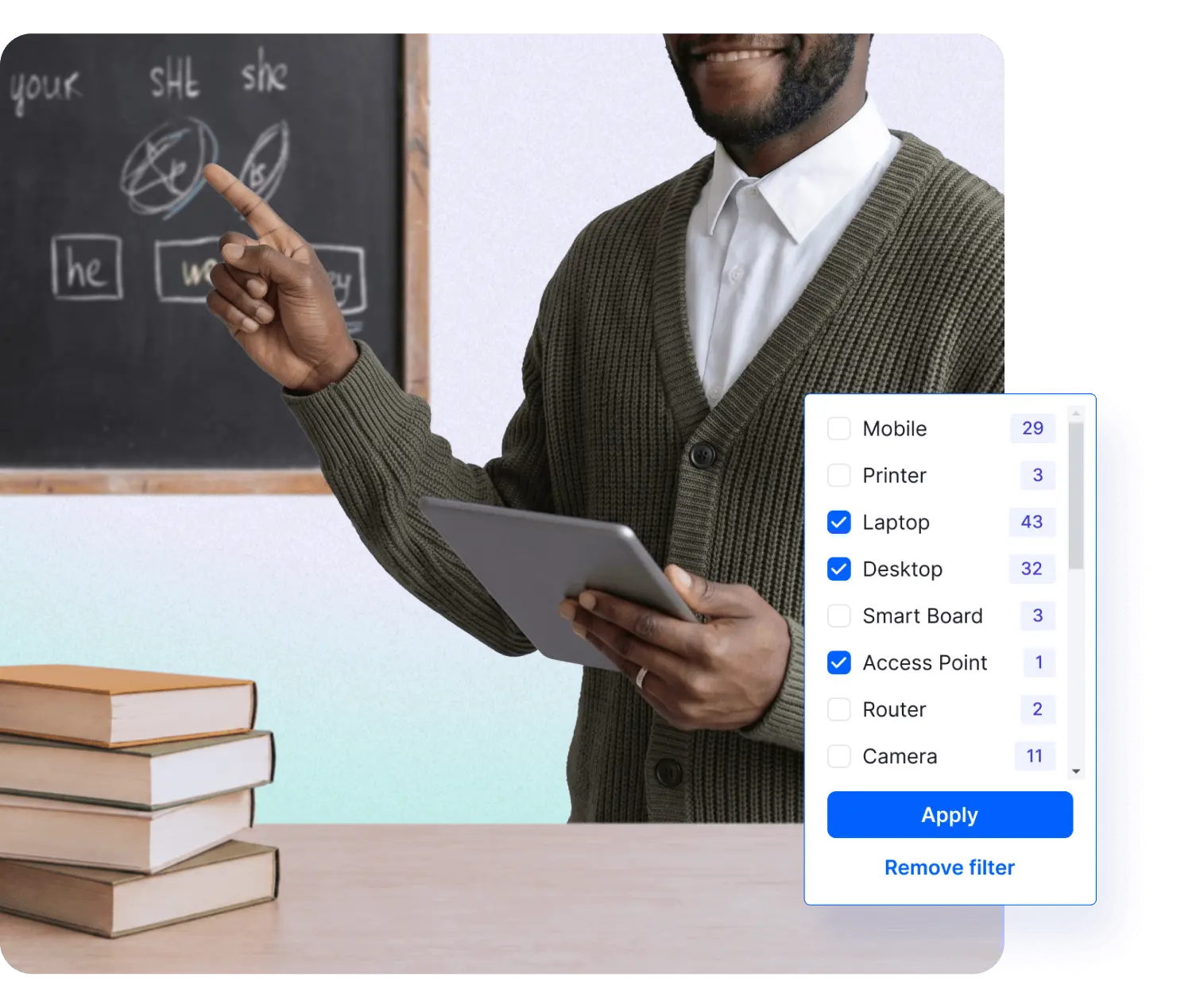
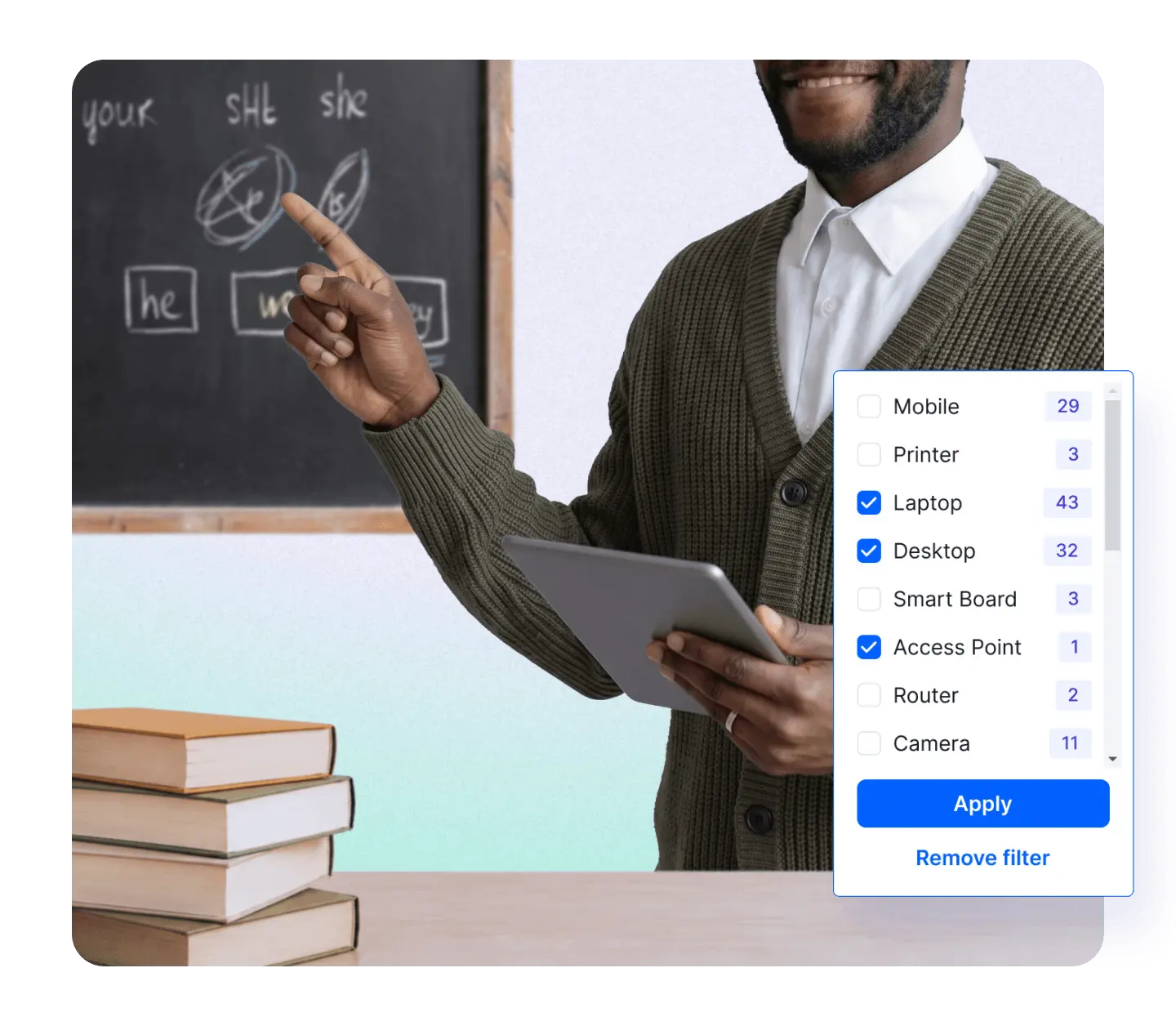
The challenges schools face every day
Network problems disrupt lessons, waste staff time, and go unnoticed for days. These scenarios happen in schools everywhere.


Everything a school network needs
One tool to discover, monitor, troubleshoot, and secure your school network
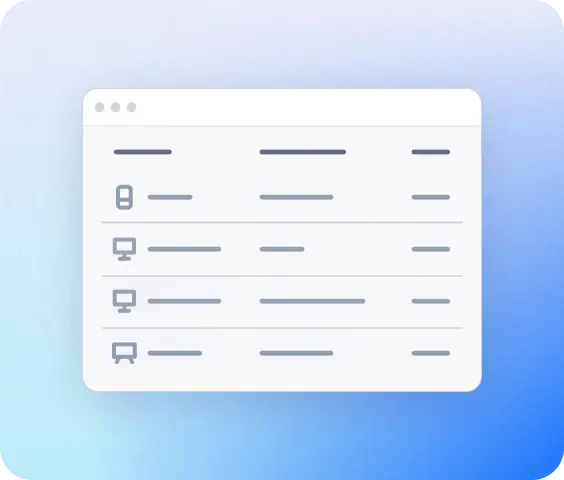
See what's connected
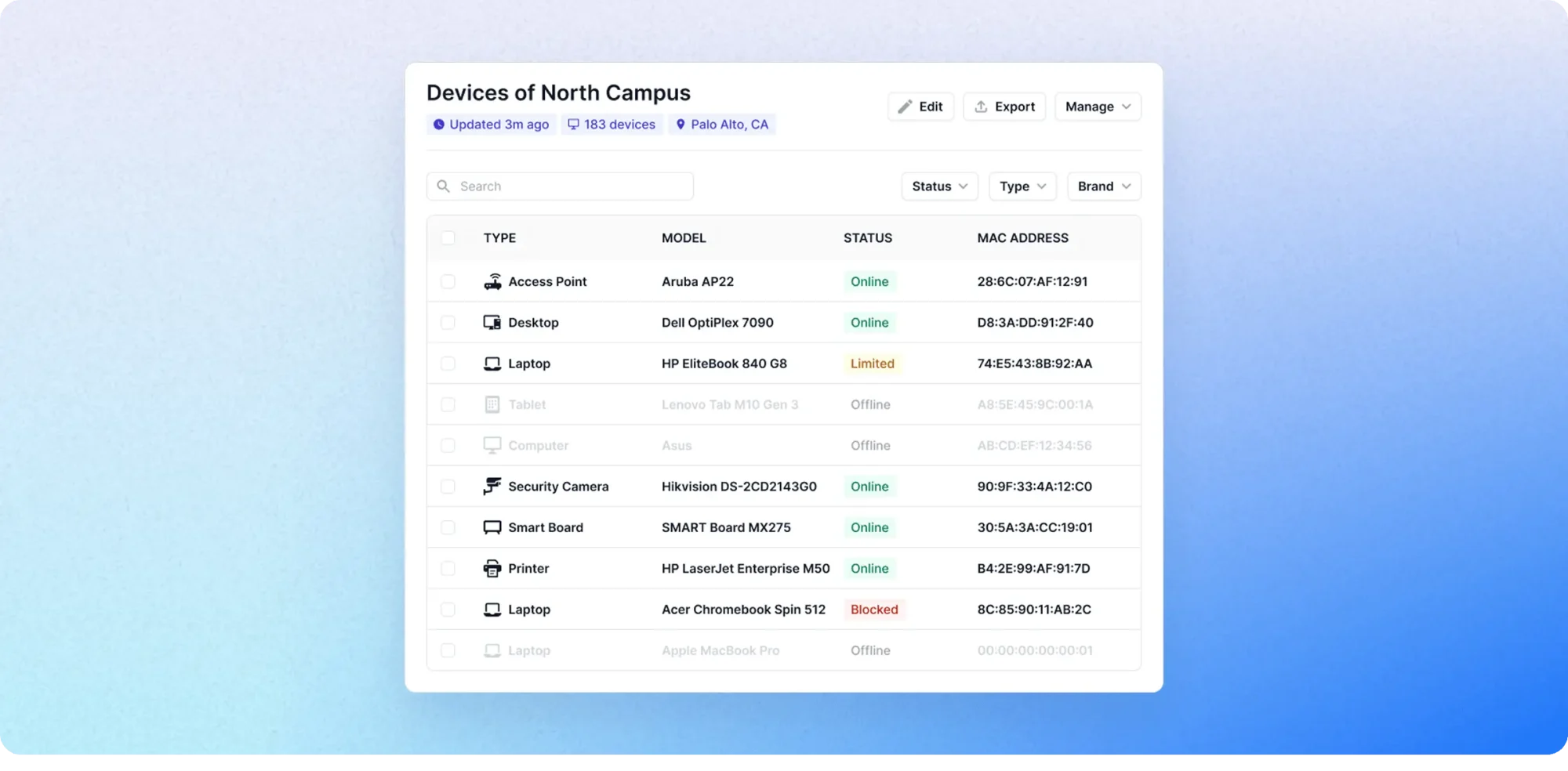
Run a single scan and get a complete inventory of everything connected — projectors, tablets, printers, access points, and every student phone on the Wi-Fi. No spreadsheets, no guesswork.

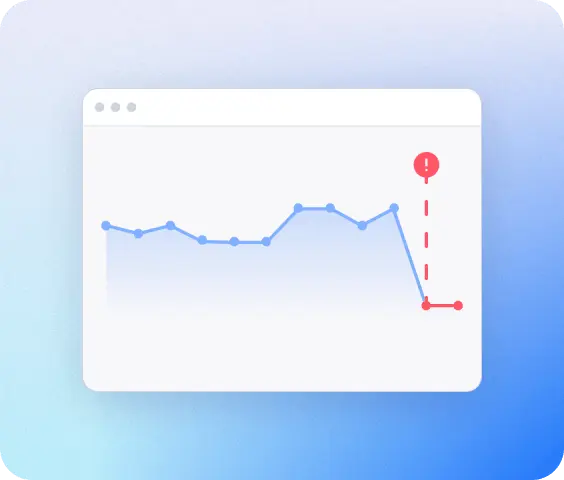
Get alerted instantly
Get a notification on your phone or by email the instant a projector, printer, or access point drops or appear online. Check it the same day, not a week later when someone reports it.
Find the problem fast
When the internet goes down, any staff member can open Fing and see in 30 seconds whether it's the router, the provider, or a single device. No technical training required.
Control who connects
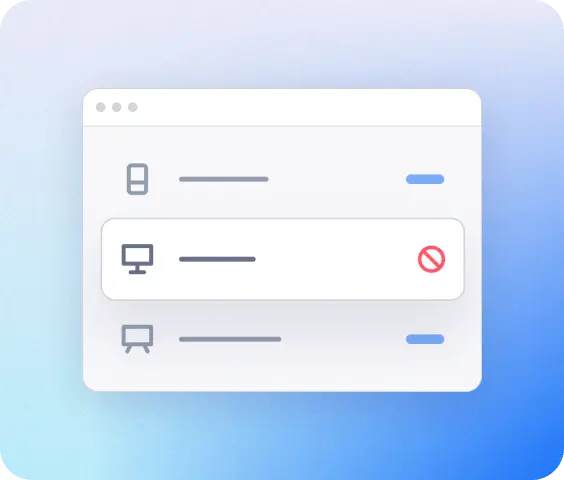
See every device that joins your network, identify unknown ones, and automatically block them from connecting — keeping classroom tech running smoothly and your network secure.
A school network, fully mapped
The average school has 50–200 connected devices across multiple rooms and buildings. Fing gives you a single, real-time view of all of them.
How Fing works
Up and running in three simple steps
See everything on network
Download Fing Desktop, run your first scan, get a complete inventory in 60 seconds.
Get continuous monitoring
Upgrade to Fing Professional for 24/7 alerts, access control, and multi-network coverage.
Set it and forget
Install Fing Agent on a Raspberry Pi or NAS so monitoring runs even when no one's around.

Fing is SOC 2 ® Type II Certified.
Meet your institution's vendor security requirements with confidence. Independent audit, zero exceptions.
Frequently asked questions
Do I need technical knowledge to use Fing?
No. Fing is built so anyone responsible for the school’s network can use it, from IT managers running multiple sites to office managers or head teachers who handle tech alongside everything else. The interface is visual and intuitive: just run a scan and you’ll see every device on your network in plain language. No command-line tools, no certifications, no jargon.
How does the education discount work?
To apply for the education discount, contact us from your school or institution email address, providing details (school name, website, and your role). We’ll verify your eligibility in a couple of working days and share your discount code. The discount is permanent: it applies to every renewal, for as long as you use Fing Professional.
How many networks can I monitor?
Fing Professional includes monitoring for up to 3 networks, which covers most school setups (e.g., main building, gym/sports hall, admin offices). If your campus has more than 3 networks, add-on packs are available to extend coverage.
Does Fing work with our existing router and Wi-Fi setup?
Yes. Fing works with any router, Wi-Fi setup, or ISP. You don’t need to change or replace anything: just install Fing Desktop on a computer connected to your network and run a scan.
Is student data at risk?
No. Fing monitors network-level information – connected devices, IP addresses, and network activity – and does not collect or store personal student data such as names, grades, or browsing history.
Beyond that, Fing is SOC 2® Type II certified, independently audited with zero exceptions noted across all security controls. This means our access management, data protection, incident response, and vulnerability management practices have all been externally verified to meet rigorous industry standards, giving your institution the assurance it needs when evaluating us as a vendor.
Can multiple staff members access the same dashboard?
Yes. Fing Professional includes shared workspaces, so your head teacher, office manager, and IT volunteer can all see the same network information. You control who has access through role management.
Join 600+ schools already using Fing
Whether you're a primary school with 30 devices or a multi-building academy with 300, Fing gives you the visibility and control to keep everything running — without needing an IT department.