#1 Network Scanner
Manage your
network like a pro
Powered by a decade of machine learning, Fing gives home users and IT professionals alike the tools to strengthen cybersecurity, monitor their networks, and manage every device – all in just a few clicks.
Trustpilot Score

Based on more than 1,300 reviews


Strengthen your cybersecurity with Fing
-
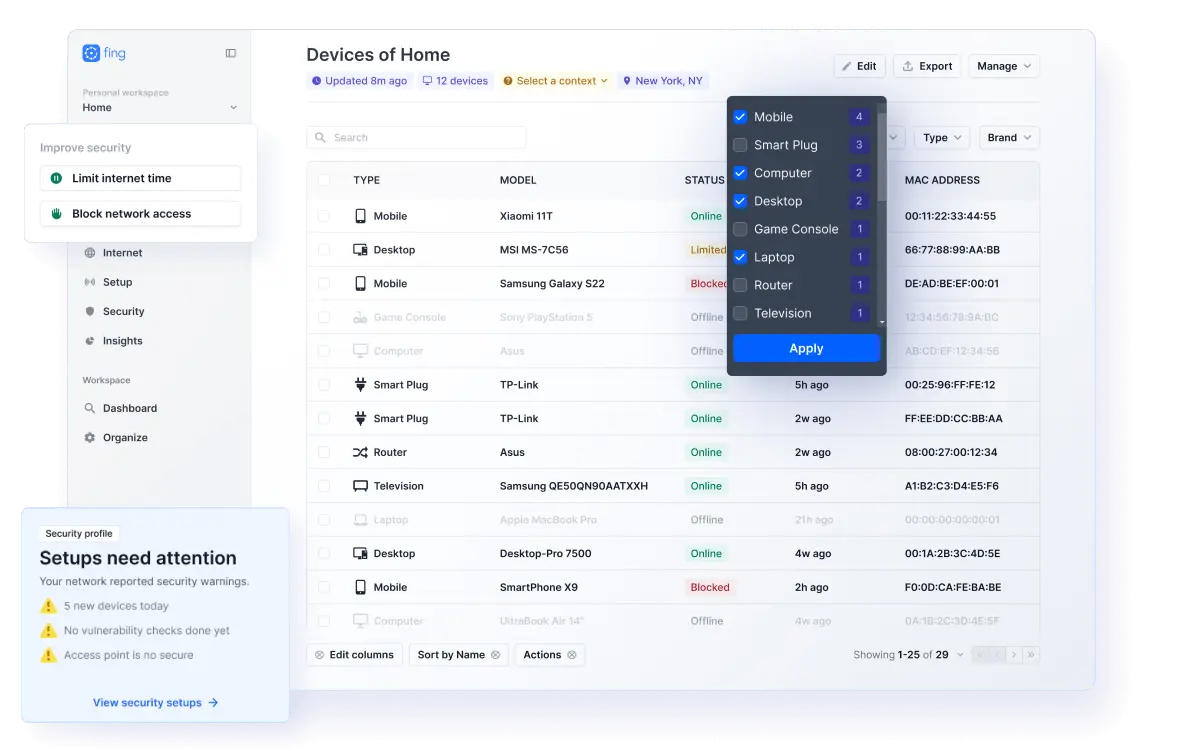
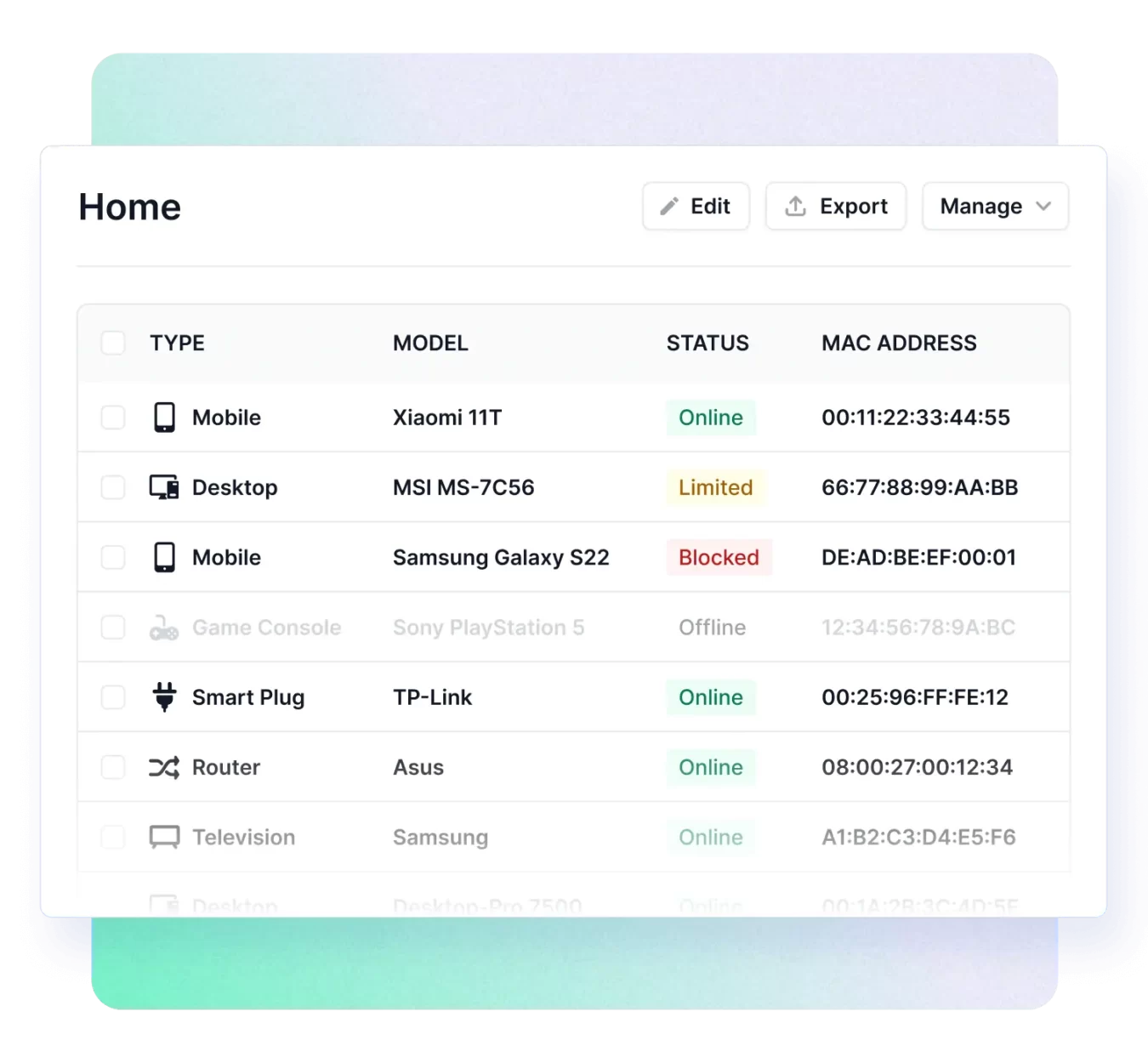
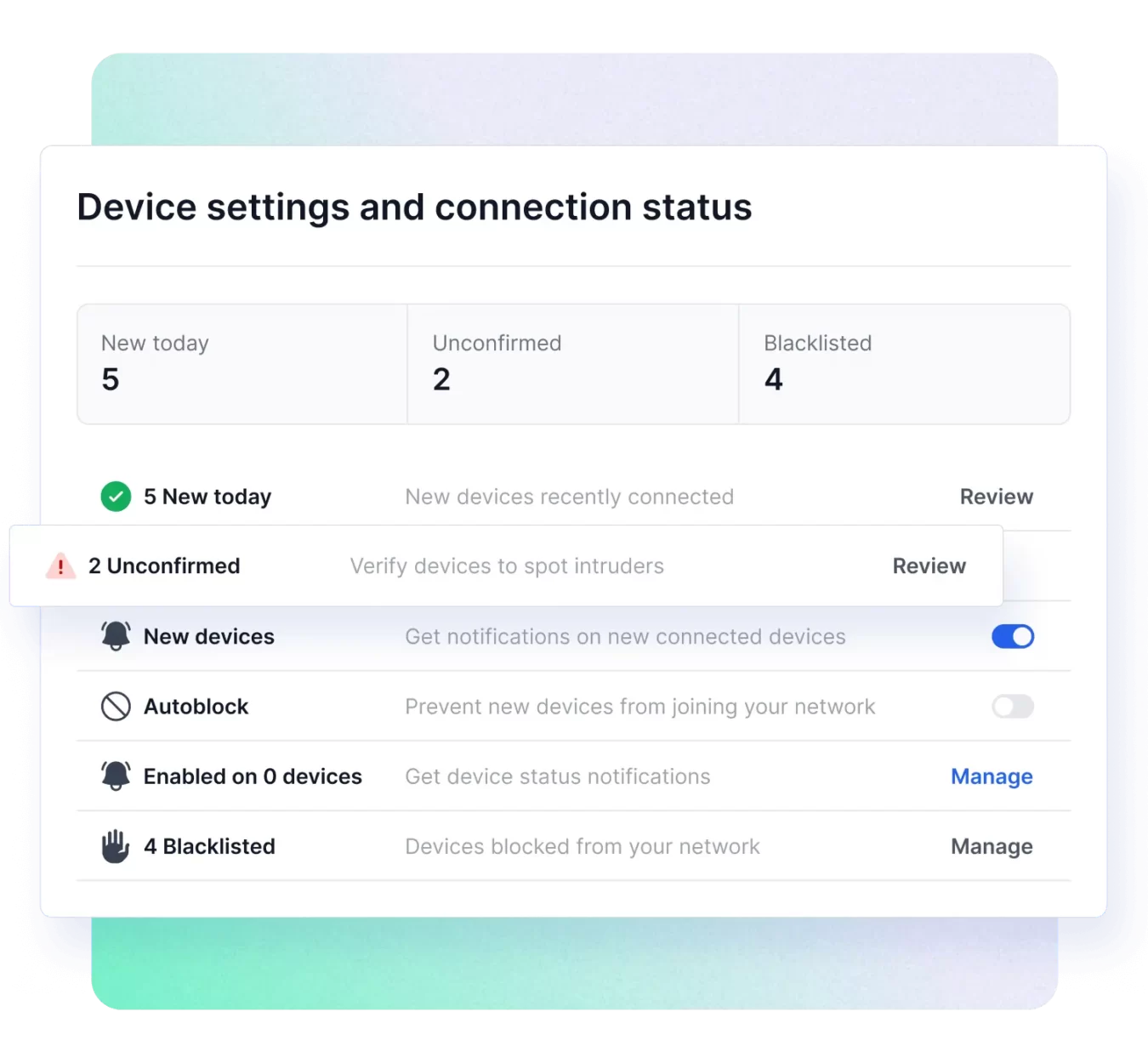
Create a complete inventory
Use our advanced network scanner technology to instantly identify every device on your network.
Learn more -
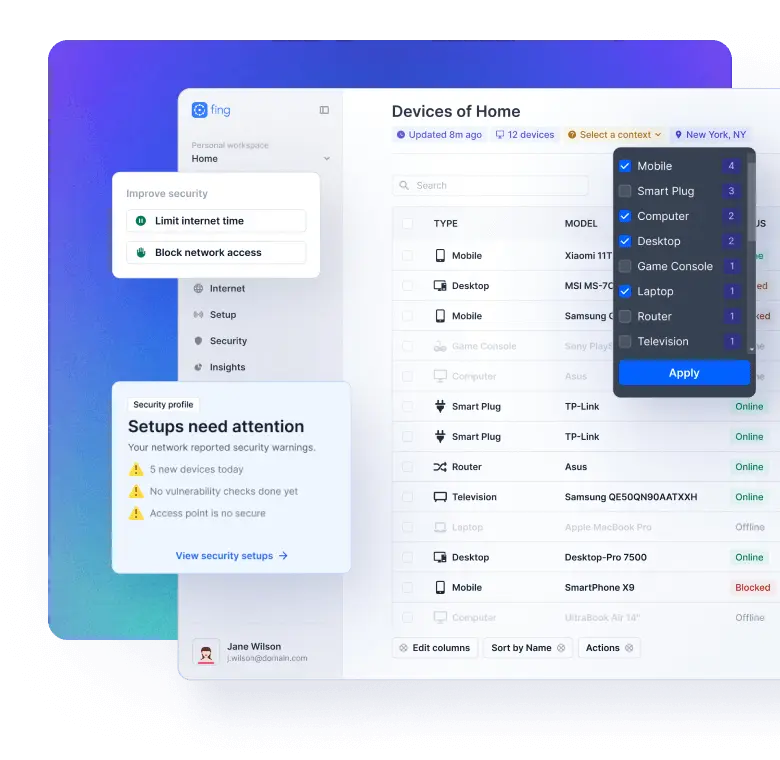
Protect from intrusions
Keep your network clean by auto-blocking unknown and unwanted devices.
Learn more -
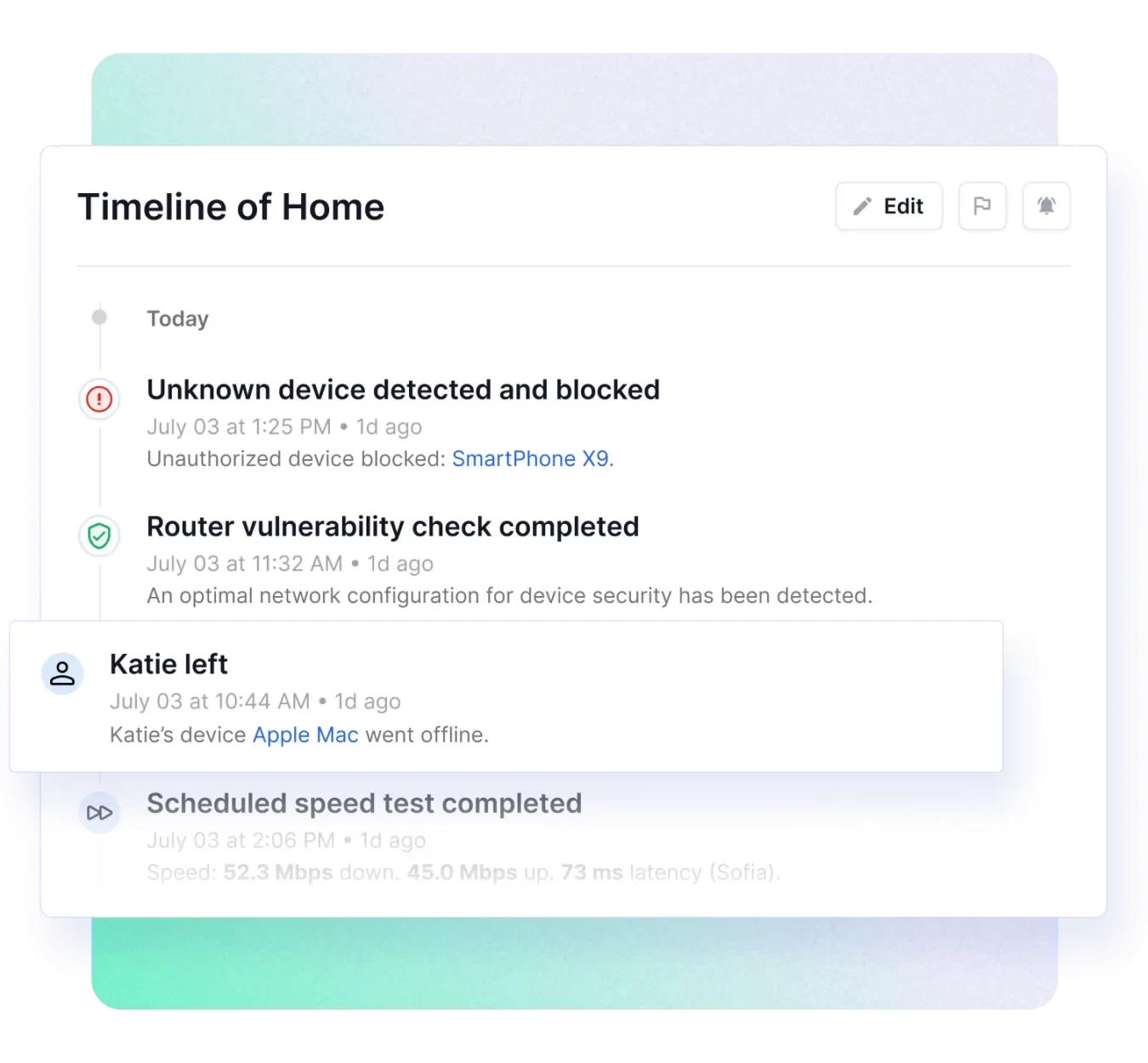
Track network events
Get real-time alerts on new devices, outages, and vulnerabilities with full event tracking.
Learn more
A complete network scanner suite
Limit Internet access
Promote healthy digital habits by scheduling offline time for your family's well-being with a single click.
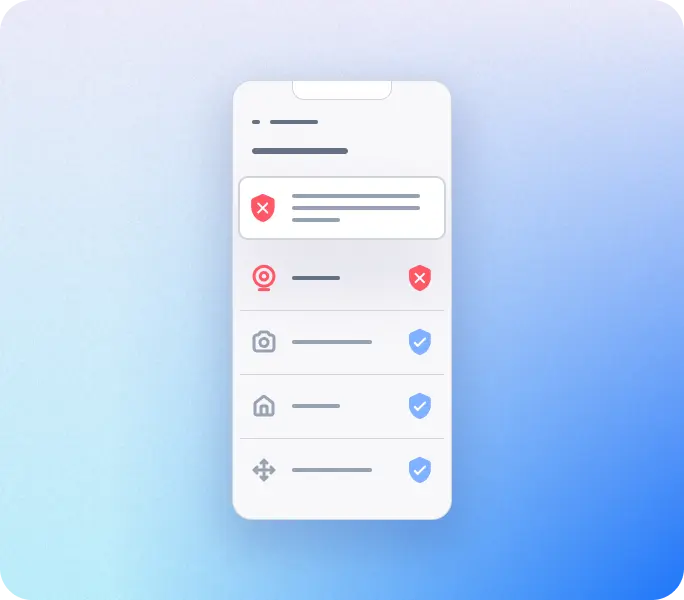
Find hidden cameras
Ensure your privacy during a rental stay by detecting cameras and spy-devices in a matter of seconds.
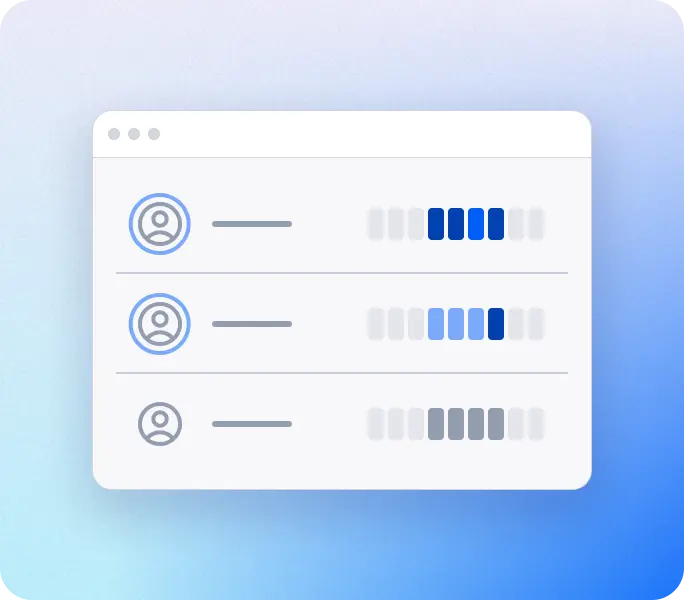
Track user presence
Monitor presence remotely and easily track who's home and for how long, based on their online activity.

Test your Internet
Check your ISP's performances and automate speed tests to monitor if you're getting what you're paying for.
Use Fing everywhere
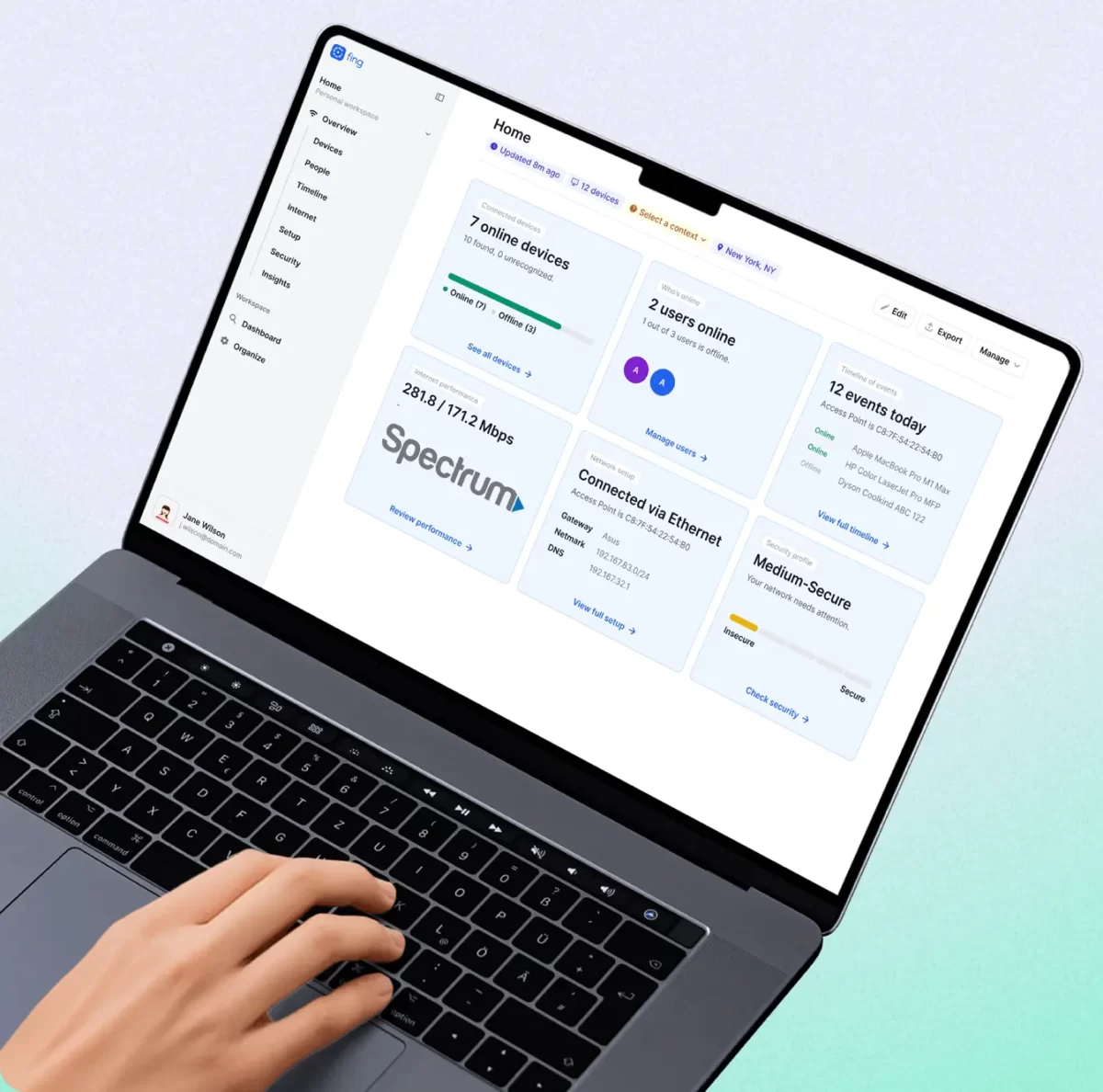

Fing Desktop
Best for advanced network monitoring
- Get top-tier recognition for your device inventory.
- Monitor your network’s cybersecurity constantly through automated security checks.
- Implement advanced restrictions, including network access blocking and Internet time limitations.
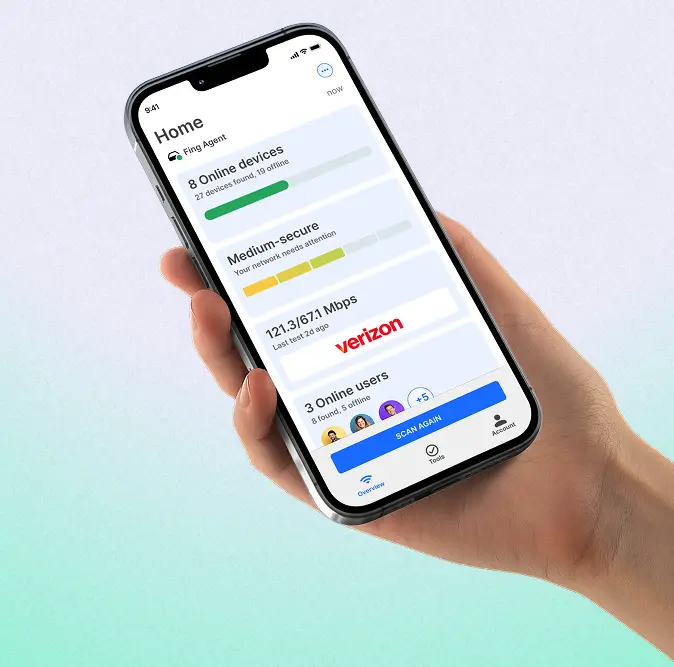

Fing Mobile
Best for portable network scanning
- Ensure safety wherever you connect, by scanning any network you join.
- Receive security alerts directly to your phone and email, for instant awareness.
- Seamlessly check your home network on-the-go, by pairing with Fing Desktop.
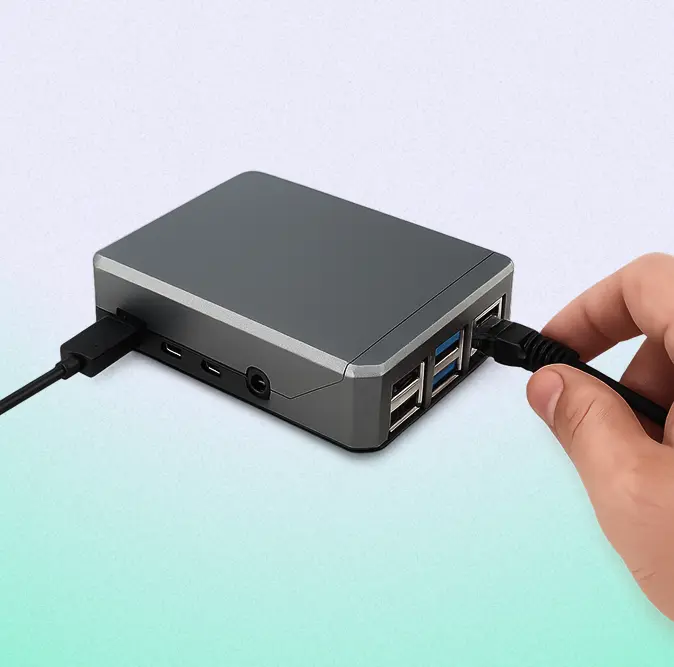

Fing Agent
Best for complete cybersecurity and 24/7 monitoring
- Get continuous protection by turning your Raspberry Pi or NAS into an always-on network monitoring unit.
- Stay informed on your network status with real-time notifications and alerts.
- Take advantage of an always-on vigilant, with a complete timeline of events and Internet blocking capabilities.
One Fing account,
total network visibility
With a single Fing account, your network data syncs across desktop, mobile, web
and agent - so you’re always connected and in control.


Step 1
Get started
- Create a free Fing account.
- Download Fing Desktop on your computer.
- Instantly see who is using your Wi-Fi and enhance your network cybersecurity.
Step 2
Access your data anywhere
- See your Fing Desktop data from Fing Mobile…
- …or through Fing Web for browser access.
- Check your network status anytime, on any device.
Step 3
Go 24/7 for peace of mind
- Upgrade to a Fing subscription.
- Deploy Fing Agent on Raspberry Pi or Docker.
- Monitor your network continuously with real‑time alerts.
Plans built for every network need
From home users to network pros - all the tools you need, at a price that fits.
Latest from our blog
News about releases, cybersecurity and industry trends

Network monitoring tools for MSPs with small clients: what to look for (and what to skip)
If you look after the networks of a handful of small local businesses, you know how the day goes. A dental practice calls because the Wi-Fi is slow. A café’s card reader keeps dropping. An accountant’s printer disappeared from the network on Monday morning. None of these clients has IT on site, and nobody was watching their network until something stopped working. Most of the MSP monitoring software you’ll find...
What’s new in Fing: Cloud API, MCP and remote Fing Agent activation
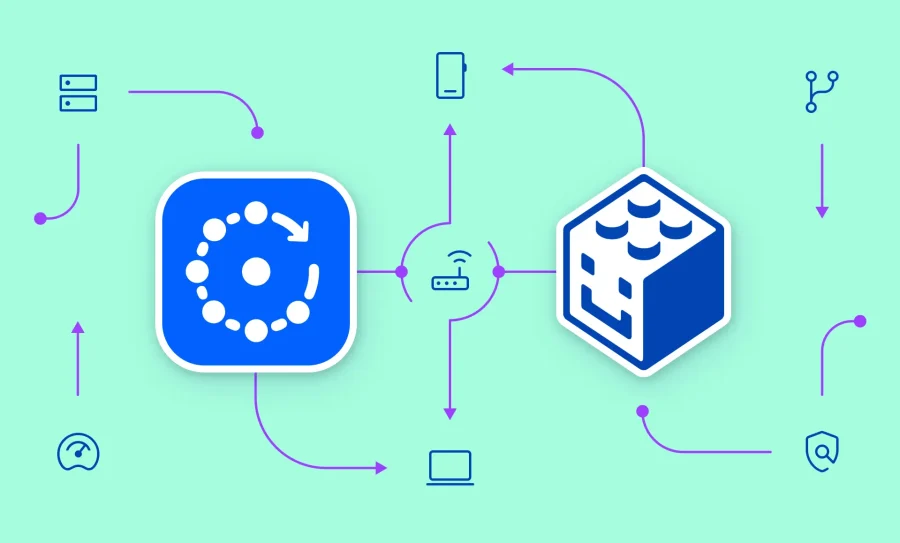
Your network data is only as useful as the places you can use it. Today, we’re making what Fing sees on your networks easier to put to work: in your own scripts and dashboards, and in the AI assistants you already talk to. Two new features make this possible, both available now to Fing Professional subscribers. The Fing Cloud API lets your own tools read what Fing knows about your...
MAC address recognition is back on Fing for iOS
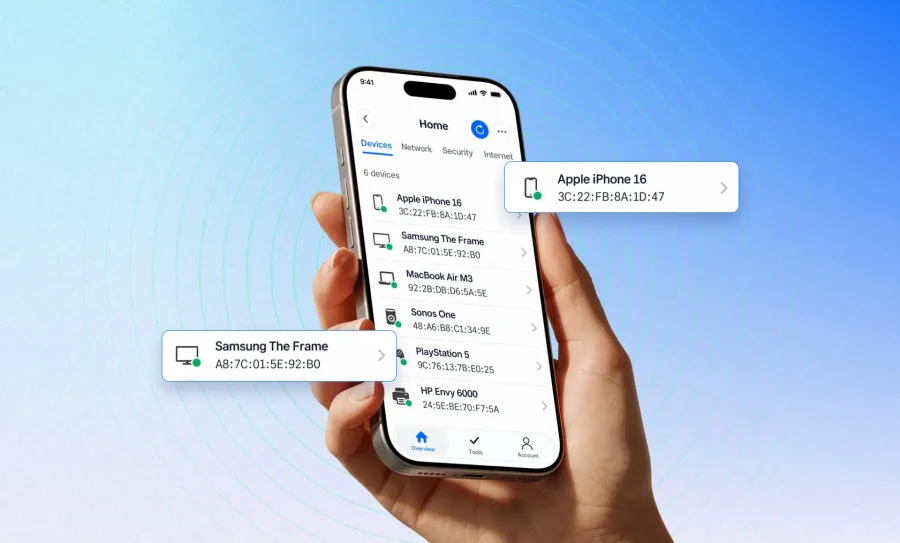
We’re excited to share some news many of you have been waiting years to hear: Fing for iOS can read MAC addresses again. With iOS 27, Apple lets apps access MAC addresses again, and Fing now takes full advantage of it. If you scan your network from an iPhone running iOS 27, you’ll get sharper device recognition: more brand names, more device types, and far fewer generic entries. It’s available...