Works for agribusiness
When your farm's tech works, your season works
Whether you run a single family farm or a multi-site agribusiness,
Fing lets you monitor every device on the operation remotely, get alerts the moment something breaks, and fix it before it costs you a harvest.
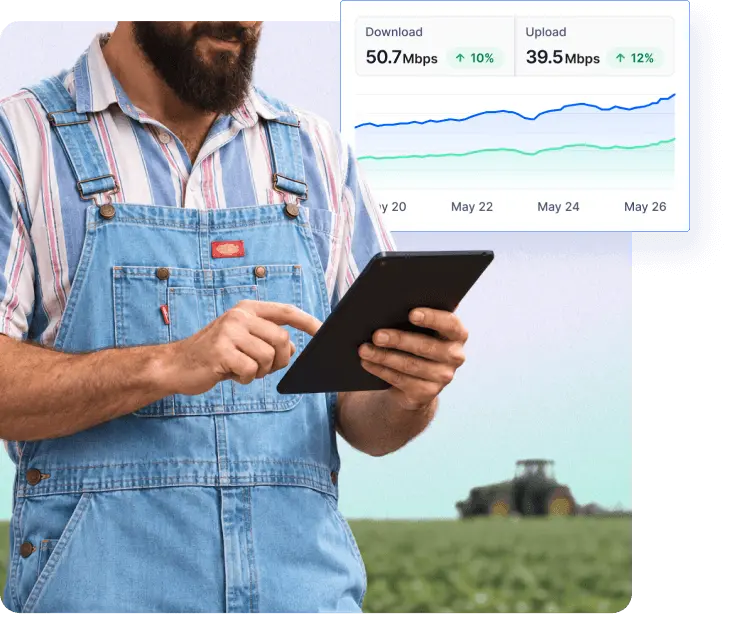
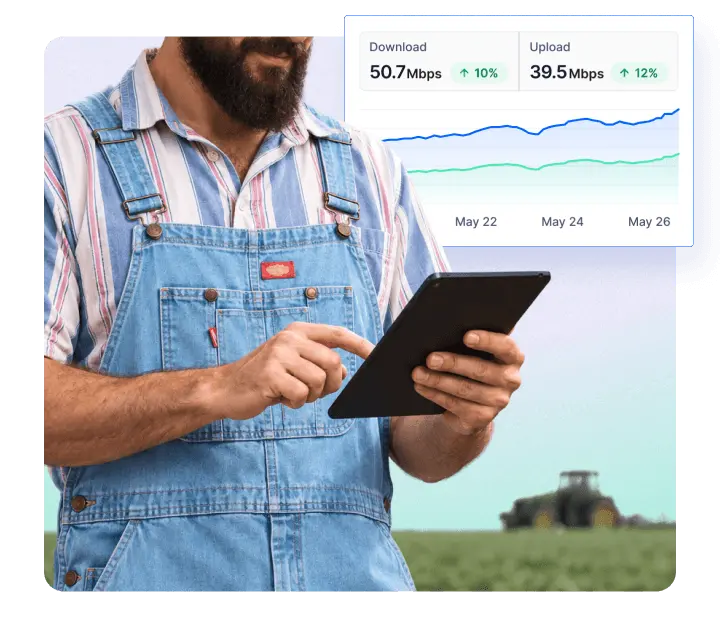
The problems farms and agribusinesses face
They never happen at a convenient time, and by the time you notice, the damage is already done.



Your whole network, handled
Fing shows you everything connected, alerts you the second something drops, and helps you find the fix before a small failure turns into a real loss.
Know what's connected
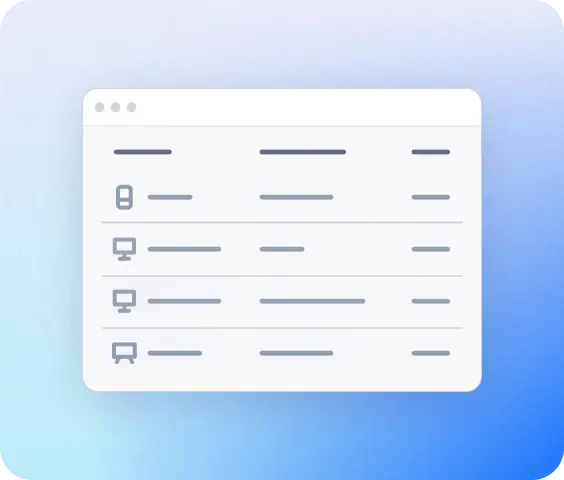
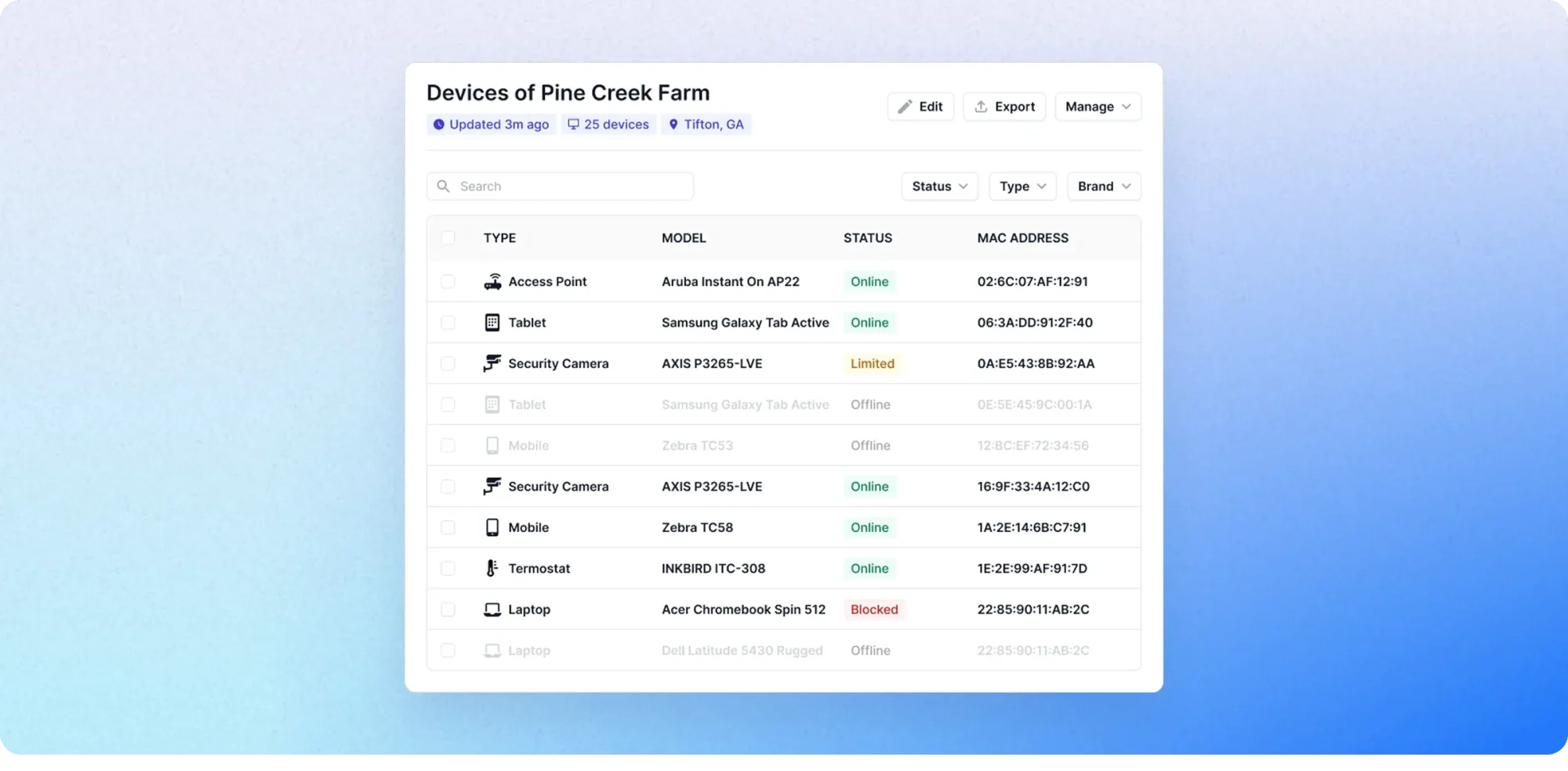
Run a scan across the farmhouse, barns, greenhouses, and the farm shop, and get a complete inventory: irrigation controllers, cameras, weather stations, the till, staff devices, all in one list.
Hear first, not last
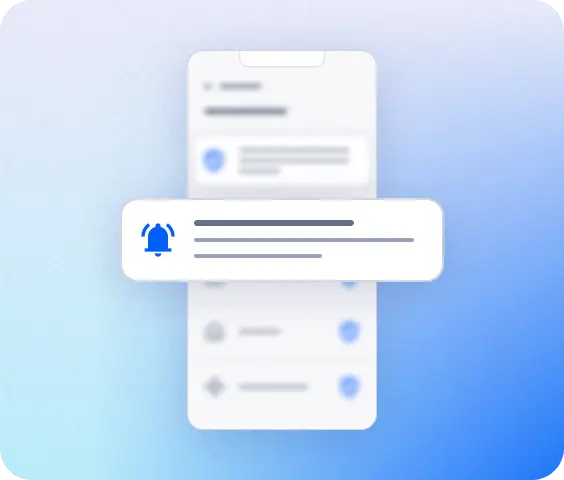
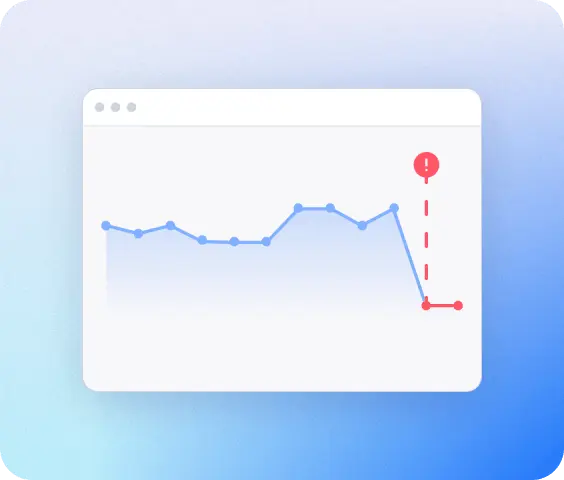
A notification on your phone or by email the instant a pump controller, camera, or gateway goes offline. Catch it before it costs you a watering cycle, a blind spot, or a sale.
See your connection status
See the live connection status of every device — online, offline, or struggling — along with the health of the internet line itself. Know exactly what's down before you start troubleshooting blind.
A farm, fully mapped
Sensors, cameras, and connected equipment keep multiplying across fields, buildings, and the farm shop, often split across separate networks. Fing brings all of it into one real-time view, network by network.
How Fing works
Up and running in three simple steps
See everything on network
Download Fing Desktop, run your first scan, get a complete inventory in 60 seconds.
Get continuous monitoring
Upgrade to Fing Professional for 24/7 alerts, access control, and multi-network coverage.
Set it and forget
Install Fing Agent on a Raspberry Pi or NAS so monitoring runs even when no one's around.
Frequently asked questions
Do I need technical knowledge to use Fing?
No. Fing is designed for the people actually running the operation: owners, farm managers, whoever’s on-site that day. The interface is visual and in plain language: run a scan and see every device on your network. No certifications, no jargon.
Does Fing work with rural internet, cellular, or satellite routers?
Fing works with any router and any internet connection. Install Fing Desktop or Fing Agent on a device already connected to that network and you’re set.
Can Fing monitor more than one network?
Yes. Fing Professional covers up to three networks, which fits most single-site operations. If you’re running more locations than that, you can purchase additional add-on slots.
Does Fing see my data or sensor readings?
No. Fing sees devices, not data. It can tell you that the irrigation controller is online or that a new phone joined the Wi-Fi, but it never looks at what those devices are sending or receiving.
Can my farm manager or staff also see the network status?
Yes. With Fing Professional you can give a farm manager, a family member, or your IT contractor access so they can check the network too, without sharing your login.
Is there a free version, or do I have to pay upfront?
You can start with Fing Desktop, free to download, and try it on your network with no commitment. When you’re ready for alerts, multi-user access, workspaces and blocking, Fing Professional is available monthly or yearly, and you can cancel anytime.