Network monitoring for MSPs
Scale your support without scaling your workload
See exactly what’s on every client network from one dashboard, without servers to host or domain logins to set up. Spot issues before your clients do and turn proactive monitoring into a service you can offer every month.
- Professional plans start at $19.99/month. Cancel anytime.


Monitoring that fits small clients
Four common problems when you manage networks for small businesses, and how Fing solves each one.
The challenges
Blind spots
Client networks nobody is watching until something breaks. Without a clear view, every problem starts with guesswork.
Avoidable site visits
Driving to a client’s office to find one misbehaving device takes hours you can’t spare. Many trips could have been an alert.
Heavy setup
Servers to install, domain accounts to configure, agents to roll out: a day of setup before you see a single device.
Enterprise pricing
Enterprise monitoring is priced for large IT teams. With small clients, the cost is hard to justify and even harder to pass on.
How Fing helps
Full visibility
Fing identifies each device by type, brand, and model, so you see what’s on a client’s network from the first scan.
Alerts, not trips
Fing Agent watches every network 24/7 and alerts you to changes, so many problems are solved from your desk.
Nothing to host
A PC or a Raspberry Pi is all you need, with no servers to host and no domain login to set up.
Pricing that fits
Professional starts at $19.99/month with three networks included, no matter how many devices you monitor.
Device recognition
Know what every device is
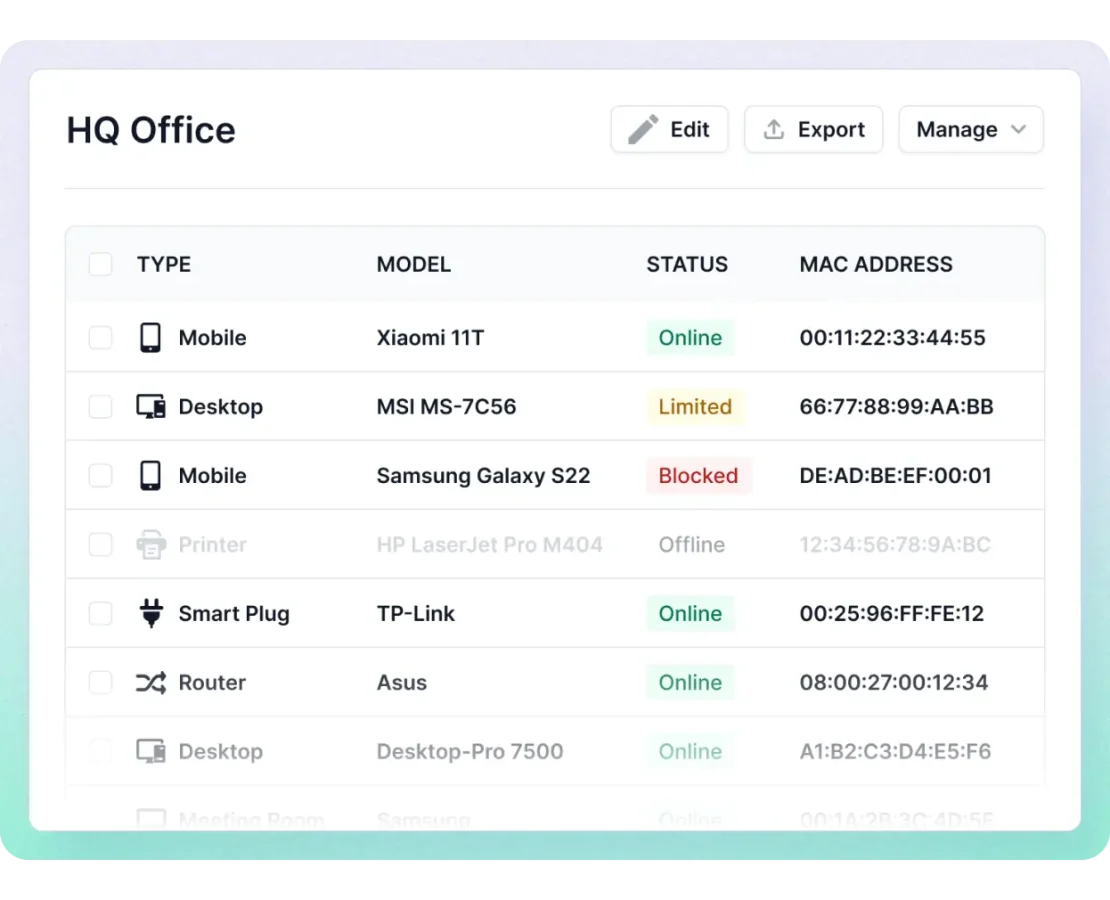
Behind every scan is a catalog of 450k+ device models, built over a decade of machine learning. Fing matches even a bare MAC address to a specific device, so a printer, a smart plug, or a phone appears with its type and model.
24/7 remote monitoring
All your clients, one dashboard
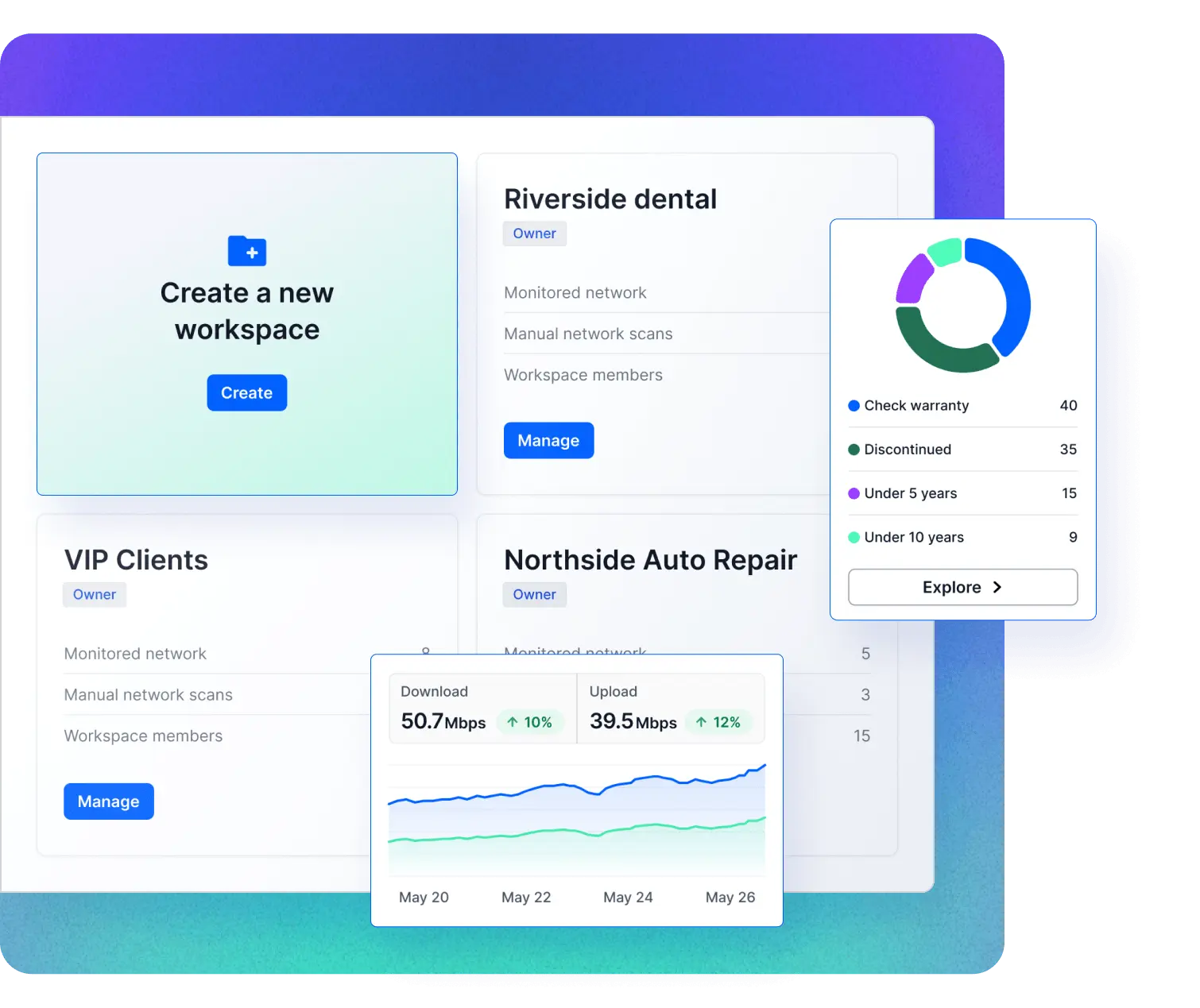
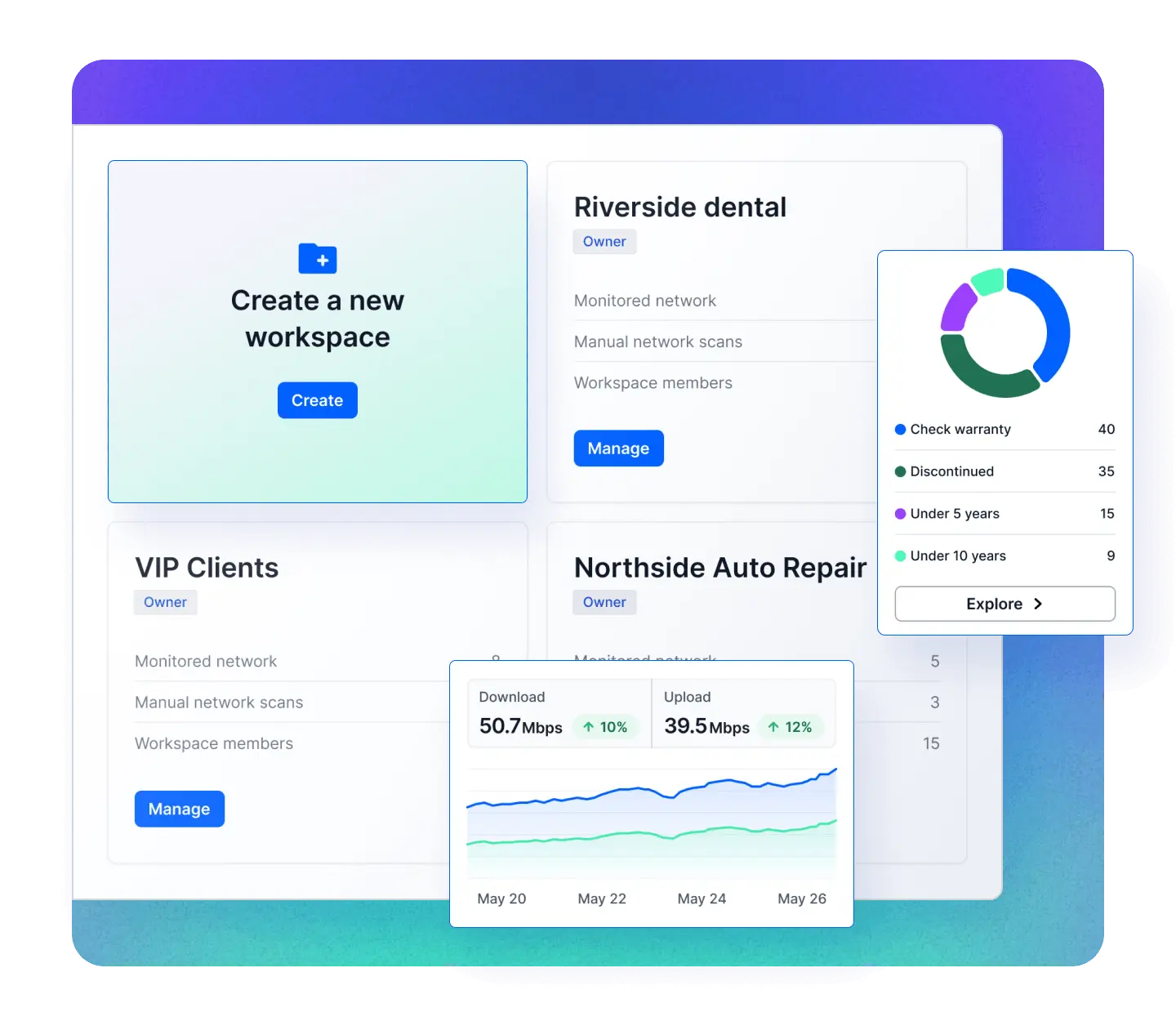
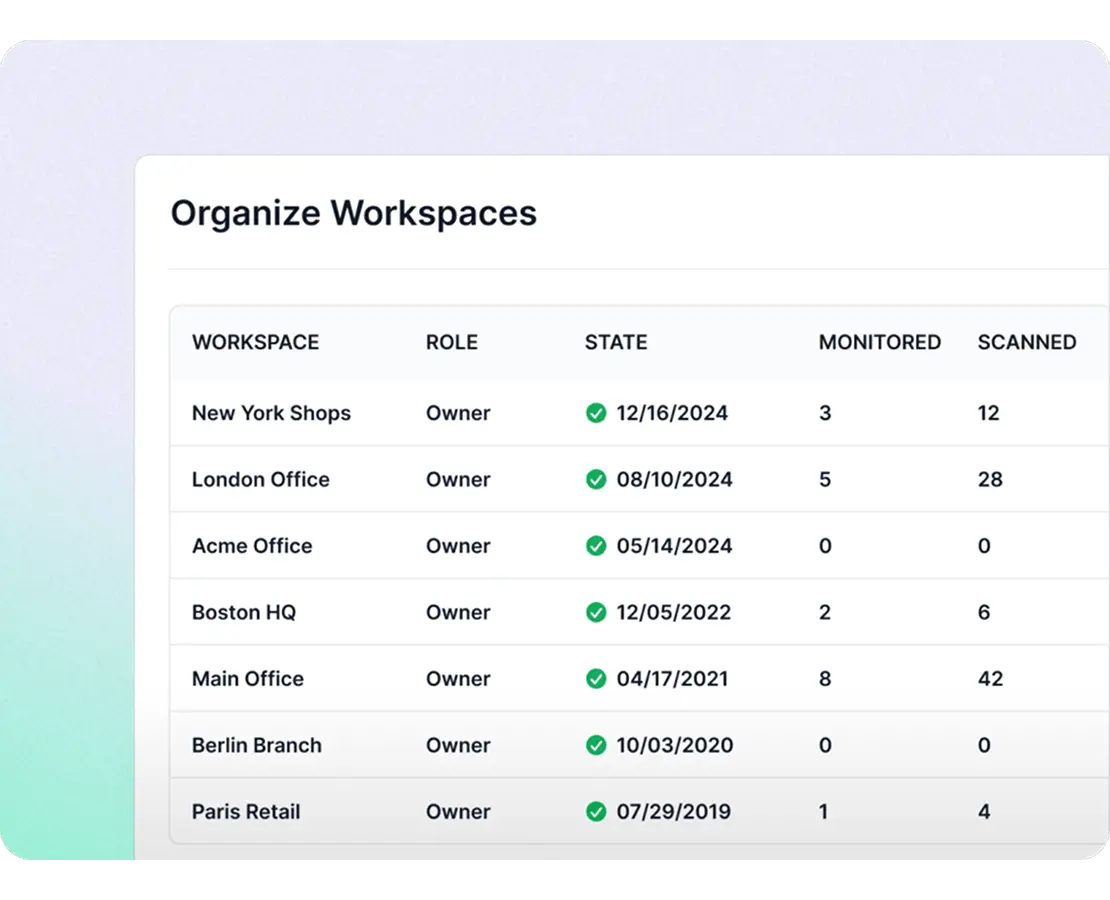
Each client gets a workspace of their own. From one list you see every workspace, your role in it, and how many networks are monitored, and you can fine-tune alerts by client or event type to keep the noise down.
Two tools, one workspace
Scan on site with Fing Desktop, or leave Fing Agent behind to keep monitoring.
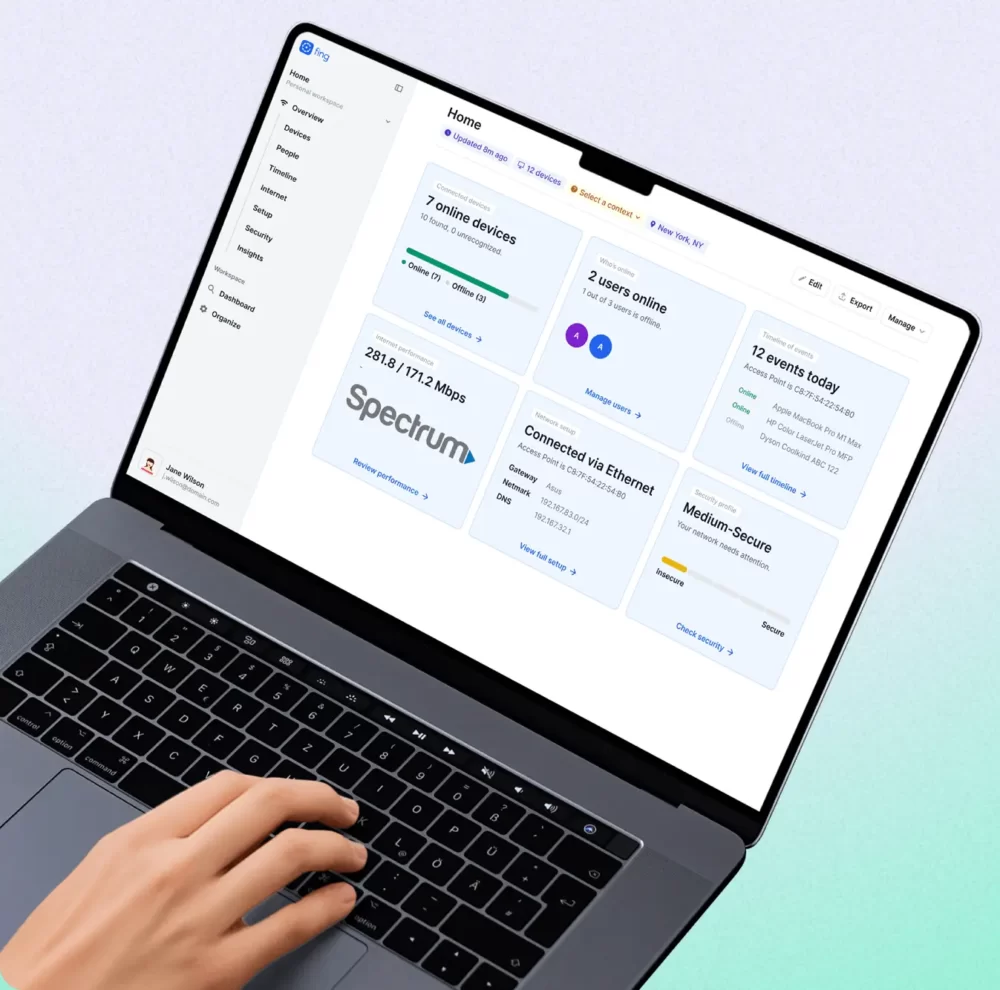
Fing Desktop
The quickest way to see what’s on a client’s network: run it on a Windows or Mac PC during an on-site visit or a remote session. Free to download, for one network at a time.
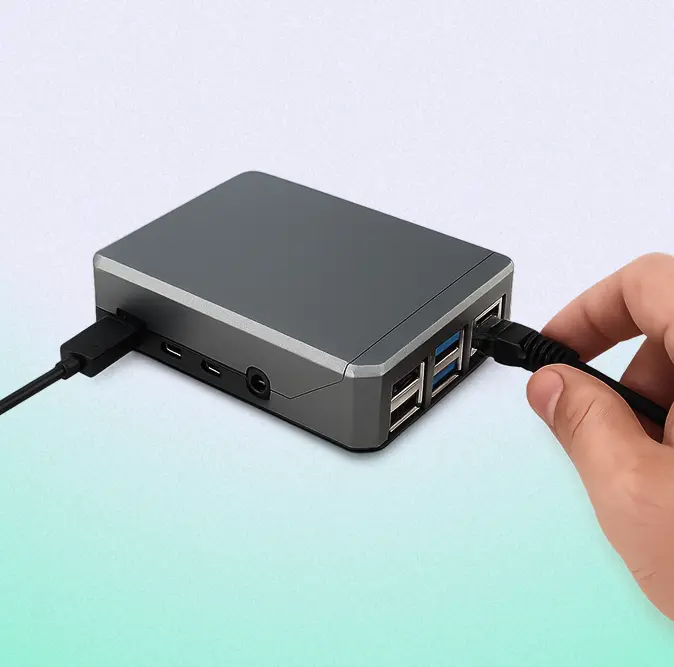
Fing Agent
A lightweight, always-on monitor for a Raspberry Pi, Docker, or NAS at your client’s site, watching 24/7. Ship a pre-loaded Raspberry Pi, and once it’s plugged in, activate it remotely with a short code.
Security your clients will ask about
Fing is independently audited, so you can answer with confidence.
SOC 2 Type II certified
Fing’s controls are audited by an independent third party. You can request the report to support your own vendor reviews.
Read moreEncrypted data
All data in transit is protected with TLS, and data at rest in our cloud environment uses strong encryption.
Role-based access
Invite technicians to a workspace and give each one a role, from view-only to full management, so access always matches the job.
From install to dashboard in three steps
The same simple routine for every client you take on.
Install Fing Agent
Run the lightweight Fing Agent on a Raspberry Pi, in Docker, or on a NAS that’s already at your client’s site.
Connect it to a workspace
Create a workspace for each client and connect the Agent to it, so networks, devices, and alerts stay organized.
Watch every client at once
Follow devices, changes, and alerts across your client networks, wherever you are, without switching tools.
See how workspaces work
A hands-on tour of how Fing keeps several client networks in one place.
Built for small-business IT, not enterprise IT
We’d rather you know up front whether Fing fits the way you work.
Fing is for you if you:
- Support small and local business clients.
- Don’t have IT staff on site at your clients.
- Want to start monitoring in minutes.
Fing isn’t for you if you:
- Serve enterprise clients.
- Need endpoint management, like patching or remote control.
- Need a native PSA integration.
Integrations
Connect Fing to your own tools
Feed your scripts and dashboards with the Cloud API and Local API, and connect your AI assistant to your networks with the MCP server.
Frequently asked questions
Is Fing only for MSPs?
No. Fing Professional is built for MSPs and IT consultants with a local or limited client base, whether you’re a solo consultant with a few clients or an MSP managing dozens of networks. If you support small businesses and want clear visibility without enterprise complexity, it’s made for you.
Does Fing replace my RMM?
No. Fing doesn’t include RMM features like patching or remote control. It gives you visibility into every client network and the devices on it, so it can sit alongside the tools you already use. It’s not a full enterprise network management suite either: it’s built to give MSPs and IT consultants clear visibility without the cost and complexity of one.
Can I try Fing before I subscribe?
Fing Professional doesn’t have a free trial, but you can try Fing for free: download Fing Desktop and scan a real network to see device recognition at work. The free version covers one network at a time and occasional scans only, with no continuous monitoring. Professional adds several features, including continuous monitoring across multiple networks, and you can pay monthly, or yearly to save.
What counts as a monitored network?
Each unique subnet counts as one monitored network, whatever its location or client. Several subnets in the same building, or for the same customer, are counted separately, each with its own Fing Agent or Fing Desktop. The number of devices on a network doesn’t affect the price.
Do I need separate accounts for each client?
No. You manage all your clients from a single Fing account, with one workspace per client. Each workspace keeps that client’s networks, devices, and alerts together, and you can move between them from the same dashboard.
How long does it take to deploy Fing Agent to a client network?
Just minutes. Install Fing Agent on a device that’s already at the client’s site, like a Raspberry Pi, a Docker host, or a NAS, or run Fing Desktop on a PC. There are no servers to host and no domain login to set up. If there’s no suitable device on site, you can ship a pre-loaded Raspberry Pi instead and activate it remotely.
Can I set up an Agent without going on site?
Yes, with remote activation:
- Ship a pre-loaded Raspberry Pi to your client.
- Ask someone on site to plug it in. The Agent shows a short activation code on its local status page.
- Enter the code at setup.fing.com while signed in to your Fing account, then confirm. The Agent joins your own workspace.
Remote activation works with Agents installed as a snap, in Docker, or on a Raspberry Pi, and is available to all paying users.
How does Fing help with recurring revenue?
Fing Agent monitors client networks around the clock and alerts you to changes and issues, so you can offer ongoing support packages instead of one-time fixes. Because you see problems early, you can solve many of them before your clients notice.
Support more clients, not more work
Start with Fing Professional and monitor your first client network.