For Cybersecurity Assessors
Audit any network in minutes, not hours
If your clients are small businesses with dozens of connected devices
and no IT team, Fing gives you complete network visibility, built-in security checks, and multi-client management — so every audit is fast, thorough, and hassle-free
Fing Professional
Why Fing for
cybersecurity assessors?
- Full network picture in under 2 minutes
- Security checks built in, not bolted on
- Deploy in minutes — no complex infrastructure needed
DEVICE INVENTORY
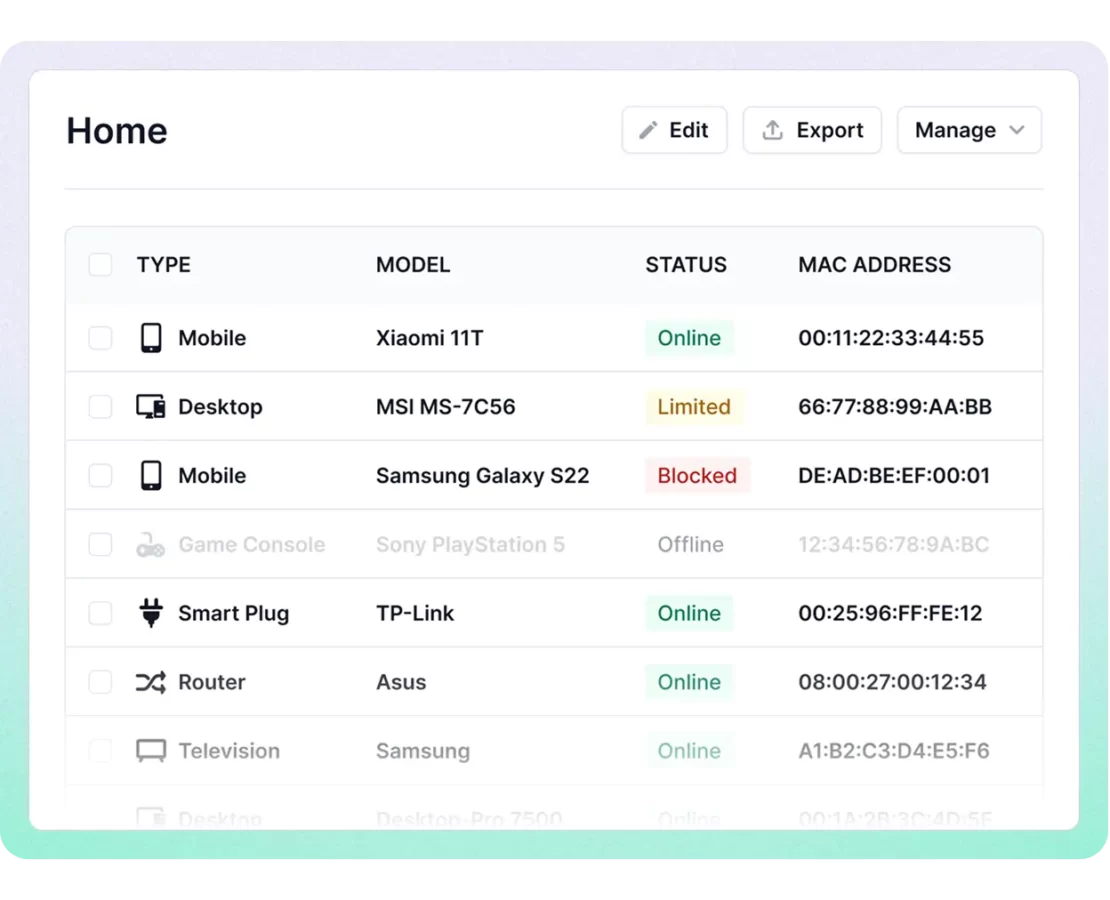
Discover every device before you even sit down
Connect to a client’s network and get a complete device inventory in seconds — computers, IoT devices, printers, cameras, routers, unknown endpoints — with manufacturer, model, and OS details. What used to take an hour with command-line tools and a spreadsheet takes under two minutes with Fing.
SECURITY CHECKS
Run security checks without switching tools
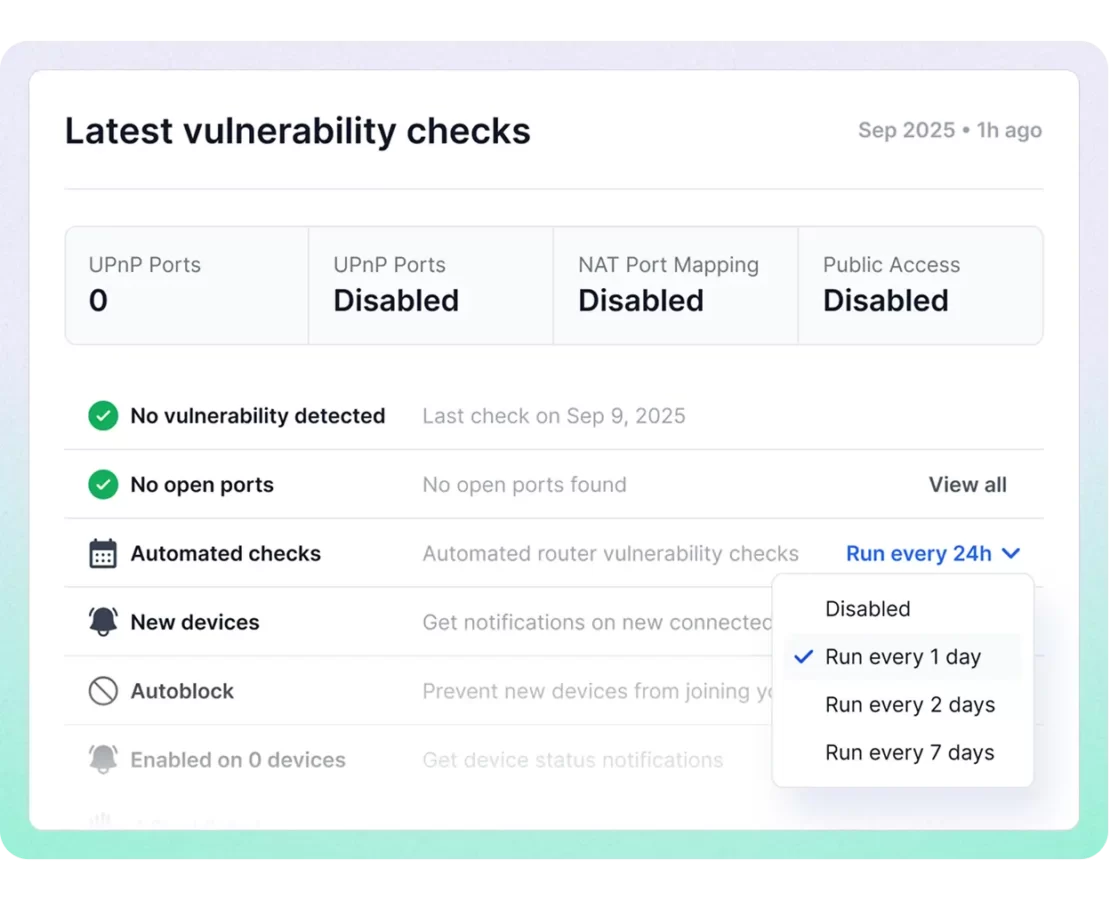
Fing scans for open ports across every discovered device, checks routers for known vulnerabilities, and flags unknown or rogue endpoints that shouldn’t be there. One tool, one workflow.
WORKSPACE MANAGEMENT
One account, every client network
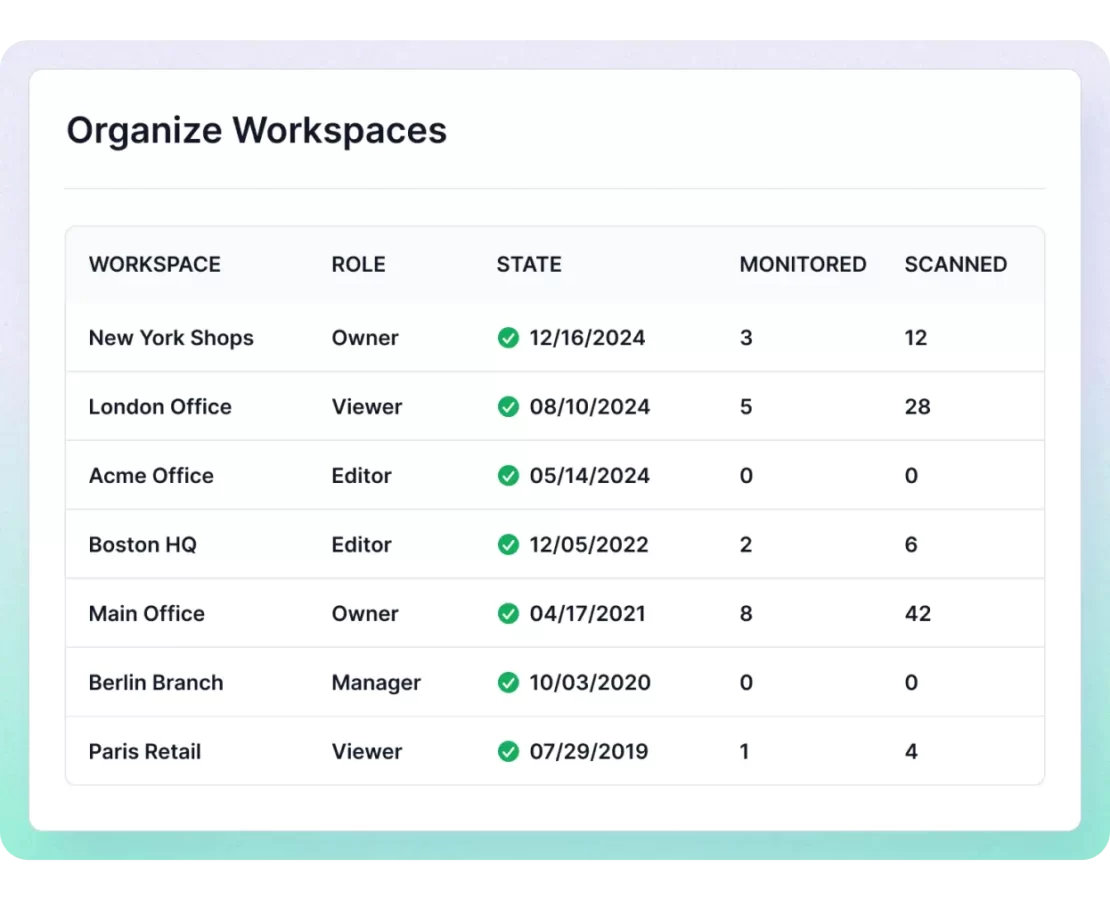
Create separate workspaces for each client, switch between networks instantly, and invite team members or clients with role-based access. Whether you’re running five audits a month or fifty, you always know which network you’re looking at and who has visibility.

We passed the audit.
Fing holds SOC 2 ® Type II certified, independently verified with zero exceptions. Add it to your approved toolkit with full confidence.
Trusted by global technology leaders
Industry leaders rely on Fing's device recognition technology to power their products.





Every assessment starts here
Fing Desktop and Fing Agent are the essential tools for cybersecurity assessors who need fast, thorough audits and ongoing visibility across client networks.
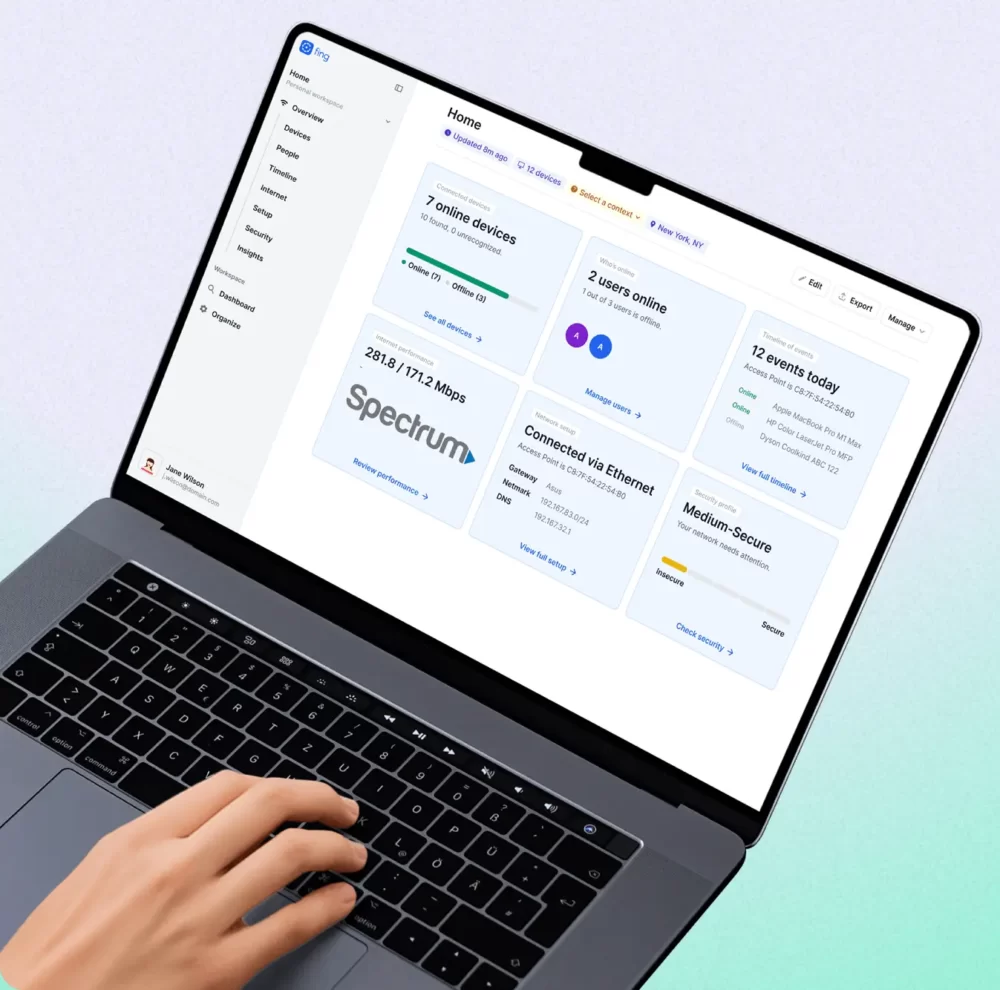
Fing Desktop
Your on-site audit toolkit. Scan the client's network from your own laptop — device inventory, open ports, and vulnerability checks in a single session. No installation on client machines required. Use it during on-site assessments to quickly map the network and identify security gaps.
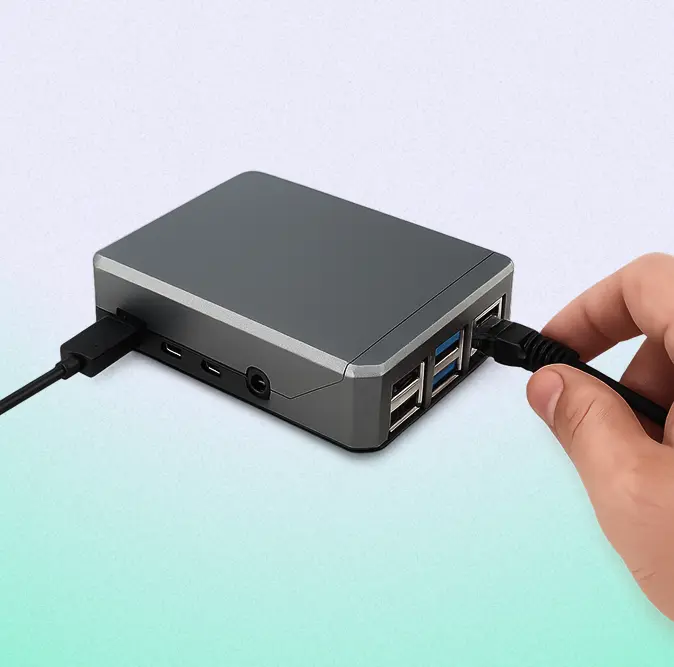
Fing Agent
Leave behind continuous protection. Deploy Fing Agent on a lightweight device at the client's site — a Raspberry Pi, a NAS, or a Docker container — to monitor for changes, new devices, and security events between assessment cycles. When it's time for the next audit, you already know what's changed.
Learn how to manage multiple networks
Take a closer look at how workspaces work
Audit faster. Certify with confidence.
Start using Fing's network security assessment tools to deliver thorough audits with less effort, fewer tools, and better results for your clients
Frequently Asked Questions
Answers to common questions from cybersecurity assessors and compliance consultants.
Can I use Fing during a Cyber Essentials Plus assessment?
Yes — and the best time to use it is right at the start. Think of Fing as your pre-flight check before diving into the full audit. Within minutes of connecting to a client’s network, you get a complete device inventory, an open port scan across every endpoint, and automated router vulnerability checks — giving you a clear picture of the network’s security posture before you begin the formal assessment. This maps directly to the Cyber Essentials technical controls, including firewalls, secure configuration, and access control, and helps you spot the biggest issues immediately so you can plan the rest of the audit efficiently
Do I need to install anything on the client's machines?
Not for the initial assessment. Fing Desktop runs on your own laptop — just connect to the client’s network and scan. If you want to leave behind continuous monitoring between assessments, you can deploy Fing Agent on a dedicated lightweight device such as a Raspberry Pi, a NAS, or a Docker container on the client’s network.
Can Fing scan for open ports and router vulnerabilities?
Yes. Fing includes an advanced open port finder that scans every discovered device, plus automated router vulnerability checks that flag known security weaknesses. These are built into the core product — no add-ons or separate tools required.
How many client networks can I manage with one subscription?
Fing Professional includes 3 monitored networks. If you manage more clients, yearly plans offer add-on packages with 3 additional networks each — so you can scale as your practice grows.