Latest from our blog

How to Use Fing Tools to Troubleshoot your Wi-Fi
When it comes to Fing features, we know that the most beloved one is our powerful network scanner, which allows you to see all the devices connected to your Wi-Fi with plenty of details. But did you know that you can do so much more with Fing? We give you all the tools to become a real home officer and to be in control of all the aspects of your...
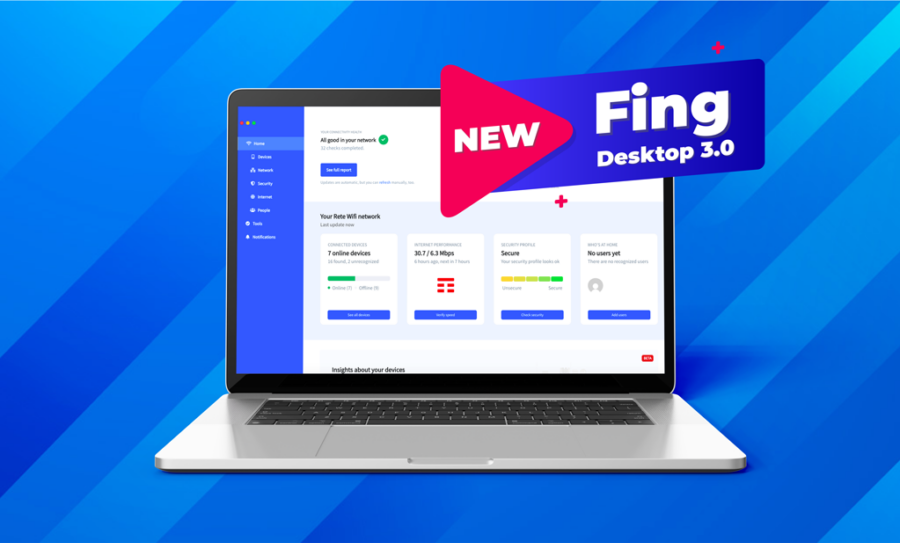
Fing Desktop 3.0 is here: discover the new interface
Here at Fing, we always aim to offer the best internet experience you could possibly have. Therefore, we keep adding more and more useful features to monitor and secure your network. However, as things were getting a bit crowded, we decided to revamp the Fing Desktop layout in order to provide effortless navigation for all our users. You can find changes in the home dashboard, tools tab and more: keep...
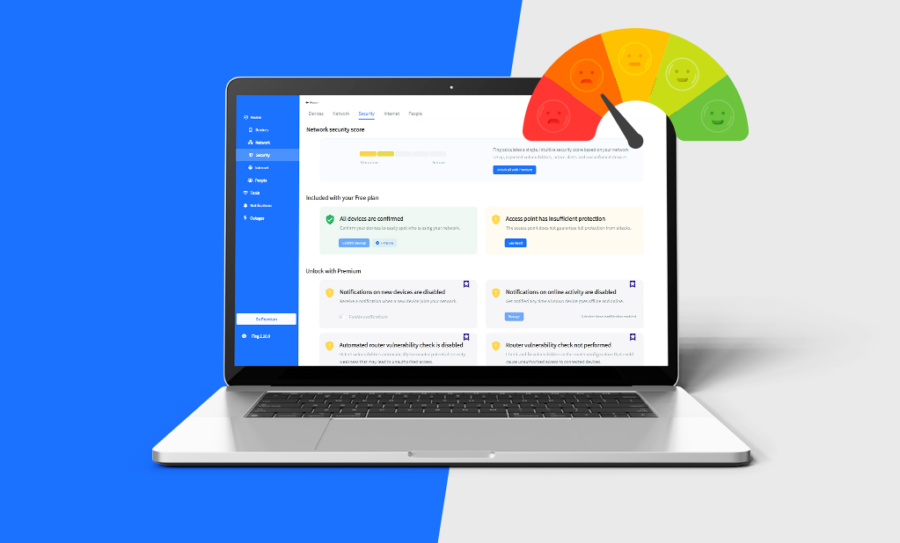
Introducing the new Security Score
At Fing, we are constantly working to improve our products and give our users the best network security features. And we listen to feedback too: we appreciate our customers’ suggestions – and maybe you participated in one of our surveys in the last months. When we reviewed the surveys’ results, we noticed that a recurring question was: “How can I understand my network security at a glance?”. Fing offers several...

How to Link Fing App and Fing Desktop and Why You Should Do it
So, we all think you are a happy Fing App user. You can check your network status, see all the devices connected to your Wi-Fi, scan for intruders, run security tests and monitor your Internet Service Provider performances. You have your network secured, and all of this with your mobile app. To do all this, your mobile must be connected to your home Wi-Fi… and obviously, you may not be...

8 Awesome Reasons Why Fing is the Best Free Network IP Scanner for Securing Your Wi-Fi
There are many reasons you may want to scan an IP internet network. You could be working in a technical role with a network that needs troubleshooting, you may want to know why your Internet speed suddenly dropped, or you may simply just want to know what devices are connected to your router. Either way, when you scan a network you want quick results that are reliable and easy to...
How to Schedule Automated Router Vulnerability Tests
Have you ever worried about your router vulnerability? Our routers are the gateway to the Internet, allowing home networks to connect with the whole world. But they could also lead intruders or malicious strangers inside your Wi-Fi… and once the breach has been open, nothing will stop them from reaching all your connected devices (and eventually your data). Are you feeling scared already? Don’t worry! With the latest releases of Fing...

Security breaches: how to fix them?
Do you suspect someone has hacked into your network? Maybe you’re experiencing strange Internet activity on your computer, or an unrecognized device is showing up in your Fing network scan. These can be signs that your network security was breached. Security breaches can be scary, but they can be solved and prevented. We’ll give you some pointers on how to do both. Download Fing Desktop Download Fing App What is...
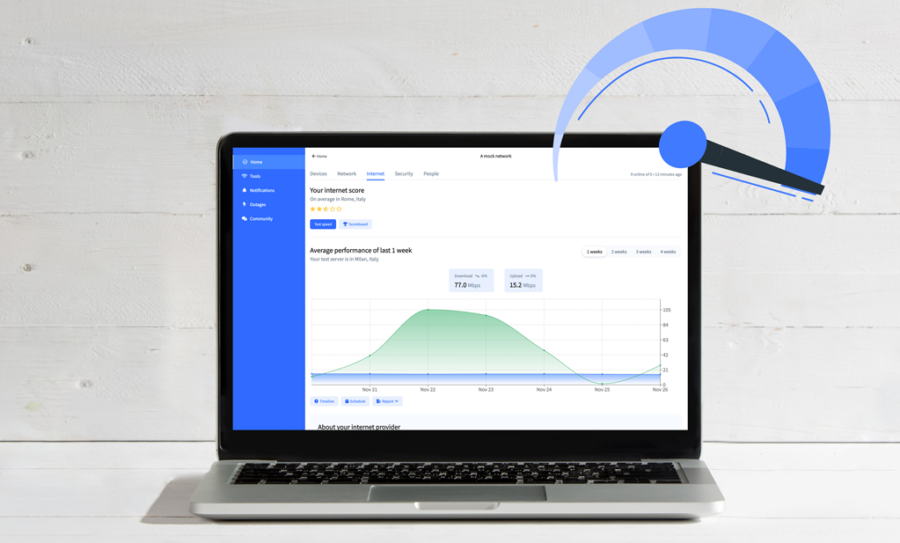
The Internet Tab: Automated Internet Speed Tests and More
Every so often, even a good Internet connection can suffer from latency. The best way to learn if the problem is at your end, with your ISP, or elsewhere, is to use Fing. We provide you with a variety of performance tracking features, now centralized in a single tab called the Internet Tab. Its most prominent feature, the Internet Speed Test, is now also fully automated to help you keep...

21 Incredibly Interesting Internet Facts
Checking train times, booking restaurants, watching video’s online… We use the Internet every day to do many different jobs. The Internet has completely reshaped our lives since its introduction. And its use is only growing, which is why people increasingly rely on Internet management tools like Fing to control all their connected devices. But what do you really know about the Internet? Here are 21 incredibly interesting Internet facts that you probably...