Latest from our blog

Fing Agent Plug-and-Play Kit Now Available in North America
Last year, we teamed up with Pimoroni to launch the first plug-and-play Fing Agent kit in the UK — no assembly, no SD card flashing, no hunting for compatible hardware. Just open the box, plug it in, and start monitoring. Today, we’re bringing that same experience to North America. Through our new partnership with Vilros, a leading Raspberry Pi-approved reseller, you can now order a fully assembled, pre-configured Fing Agent...

Fing Desktop Now Speaks German and Portuguese
We’re rolling out Fing Desktop 4.0.3 this week, and this release is all about one thing: making Fing feel like home for even more of you, wherever you are. Fing Desktop now speaks German and Portuguese, two new additions to a list that already includes English, Spanish, and Italian. The entire interface, from the Home screen to every tool and setting, has been fully localized. No half-translated menus, no mixed languages, just...
How to Secure Your Home Wi-Fi: Start Here (2026 Guide)
Your home Wi-Fi is working right now: routing messages, streaming video, handling your work calls, connecting your smart doorbell. Everything feels fine. But “feels fine” and “is secure” are not the same thing, and the gap between them is exactly where most home network problems begin. The hard truth is that most people only think about Wi-Fi security after something goes wrong: after they notice an unfamiliar device, after speeds...

Fing achieves SOC 2 Type II certification: a milestone in our commitment to security and trust
At Fing, we believe that helping businesses understand, monitor, and optimize their connected environments requires more than powerful technology. It requires trust. Our customers rely on us as an authoritative partner in their digital operations, and that means ensuring the data they entrust to us is protected with uncompromising rigor. Today, we’re proud to announce that Fing has achieved its first SOC 2 ® Type II attestation report, evaluated by an...
How to Detect Surveillance Devices in Your Home (2026 Guide)
If you’re reading this, something probably doesn’t feel right. Maybe you noticed an unfamiliar device on your Wi-Fi. Maybe an object in your home looks different than it did before. Or maybe you just have a gut feeling that someone is watching. Whatever brought you here, your concern is valid, and this guide will help you find out for sure. We’ll cover everything you need to know about how to detect surveillance in your home, from scanning your network to physical...
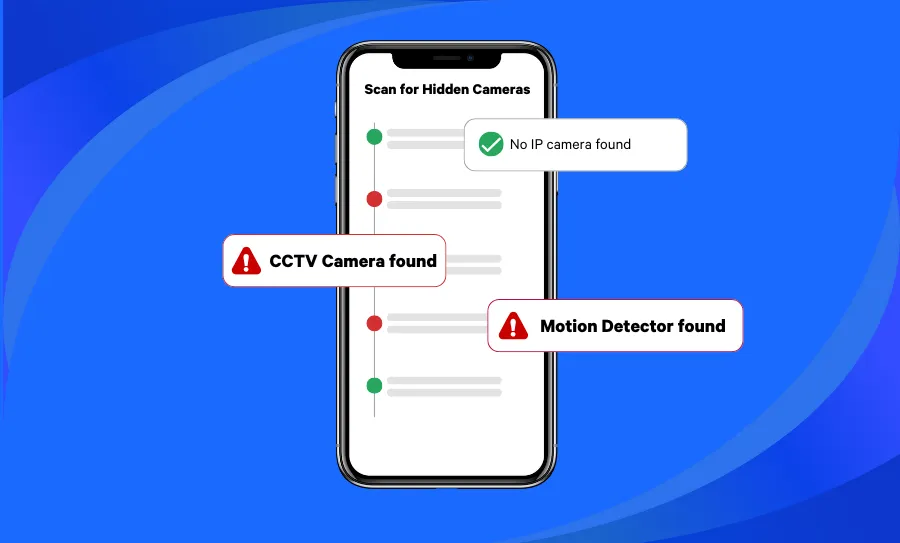
How to Find Hidden Cameras in an Airbnb or Hotel (2026)
Knowing how to find hidden cameras is becoming an essential skill for modern travelers. Whether you’re staying in an Airbnb, hotel, or vacation rental, the risk of hidden surveillance devices is real — and increasingly common. From tiny pinhole lenses tucked inside smoke detectors to Wi-Fi-connected spy cameras disguised as everyday objects, detecting hidden cameras requires a combination of awareness, technique, and the right tools. Reports of Airbnb or Vrbo...

How to Find the Best Internet in Your Area (And Make Sure It Actually Delivers)
Choosing the right Internet Service Provider (ISP) can feel like a shot in the dark. Every company promises “blazing fast speeds” and “unbeatable reliability,” but when it comes to something as essential as your Internet connection — whether for streaming, gaming, or working from home — marketing claims aren’t good enough. So how do you actually find the best Internet in your area? It starts with knowing what to look...
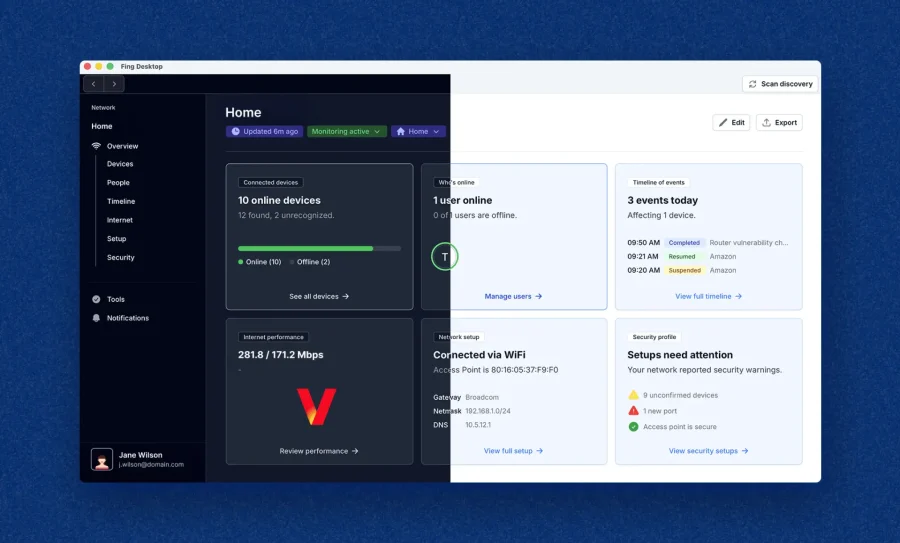
Fing Desktop 4.0 Is Here: A Whole New Experience
We’re thrilled to announce the official launch of Fing Desktop 4.0 — the biggest update to our desktop app yet. It’s a complete rewrite, not just a simple redesign: it brings a modern UI aligned to the Web App, together with a stronger and more secure foundation for faster future updates. Whether you’ve been a loyal Desktop user for years or you’re discovering Fing for the first time, we think you’re going to love what’s changed. Let’s walk you through everything that’s new. Please note: Fing Desktop 4.0 will be rolled out...
The Biggest Cybersecurity Myths Exposed
What if everything you believe about staying safe online is actually making you more vulnerable? Spoiler: for most people, it is. Cybersecurity is one of those topics where “common knowledge” is often just… wrong. Outdated advice gets recycled, half-truths go unchallenged, and dangerous assumptions hide behind a false sense of security. The result? Millions of people believe they’re protected when they’re anything but. In this article, we’re tearing down the 10...
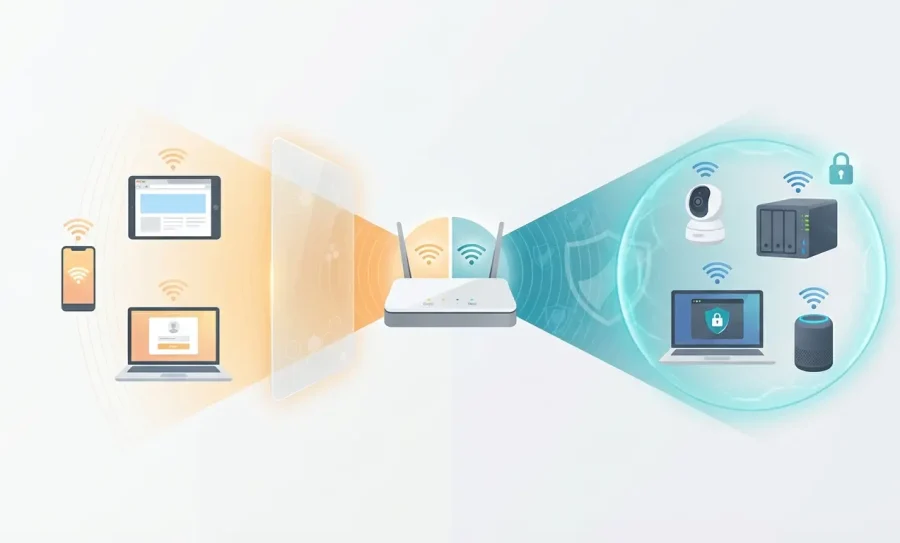
Guest Wi-Fi: Why You Need It and How to Set It Up Securely
You’ve probably shared your Wi-Fi password dozens of times without thinking twice. A friend visits for dinner, a relative stays the weekend, a technician asks to connect while fixing your boiler — and you rattle off the password like it’s nothing. But here’s the thing: when you share your main Wi-Fi password, you’re not just giving someone internet access. You’re giving them a front-row seat to every device on your home network — your smart cameras, your NAS drive, your printer, your...