We’re rolling out Fing Desktop 4.0.3 this week, and this release is all about one thing: making Fing feel like home for even more of you, wherever you are.
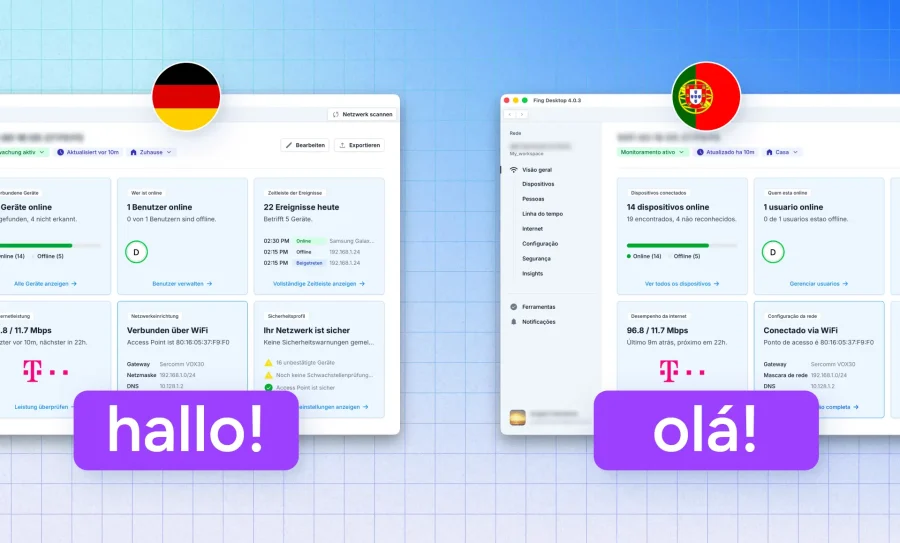
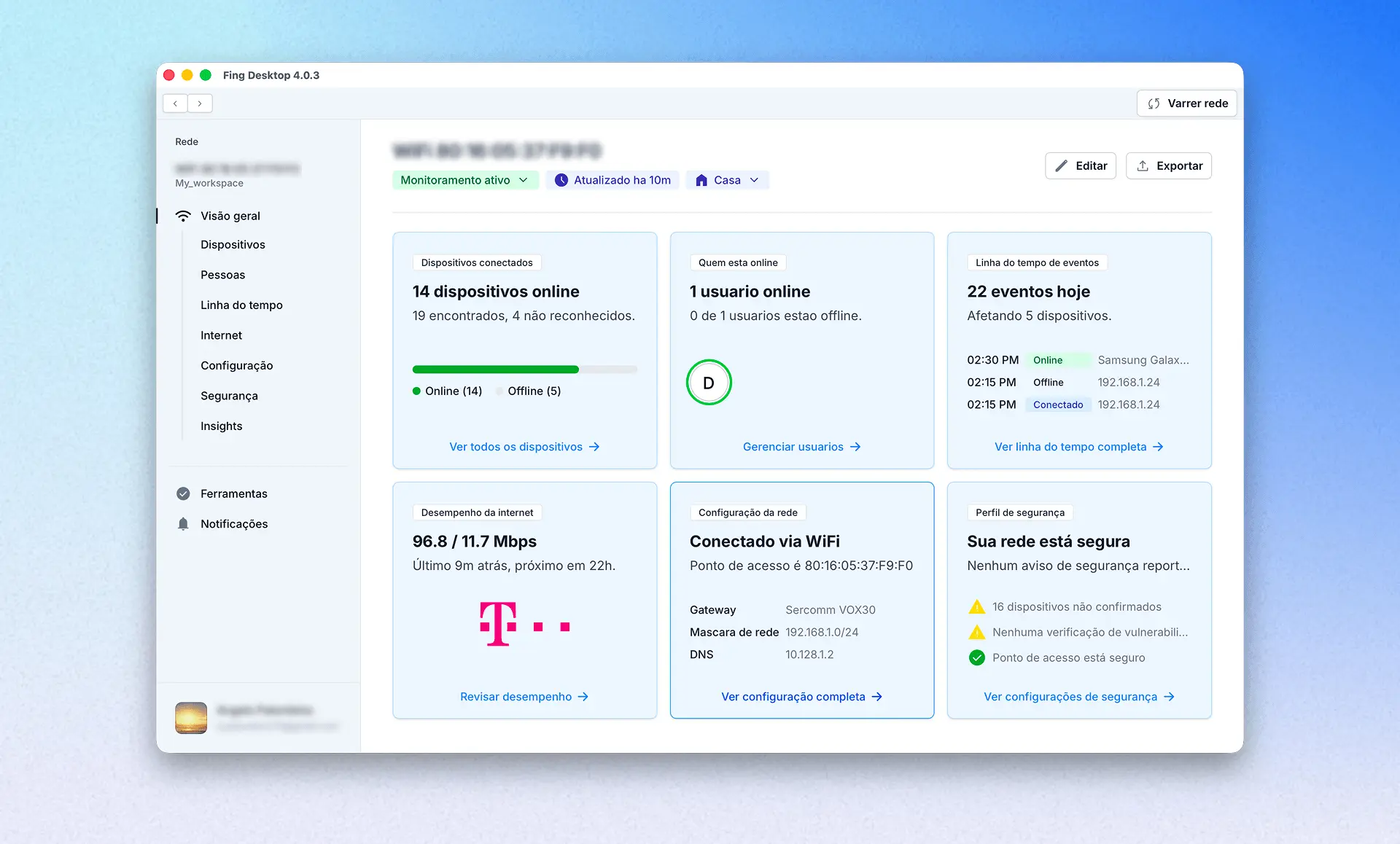
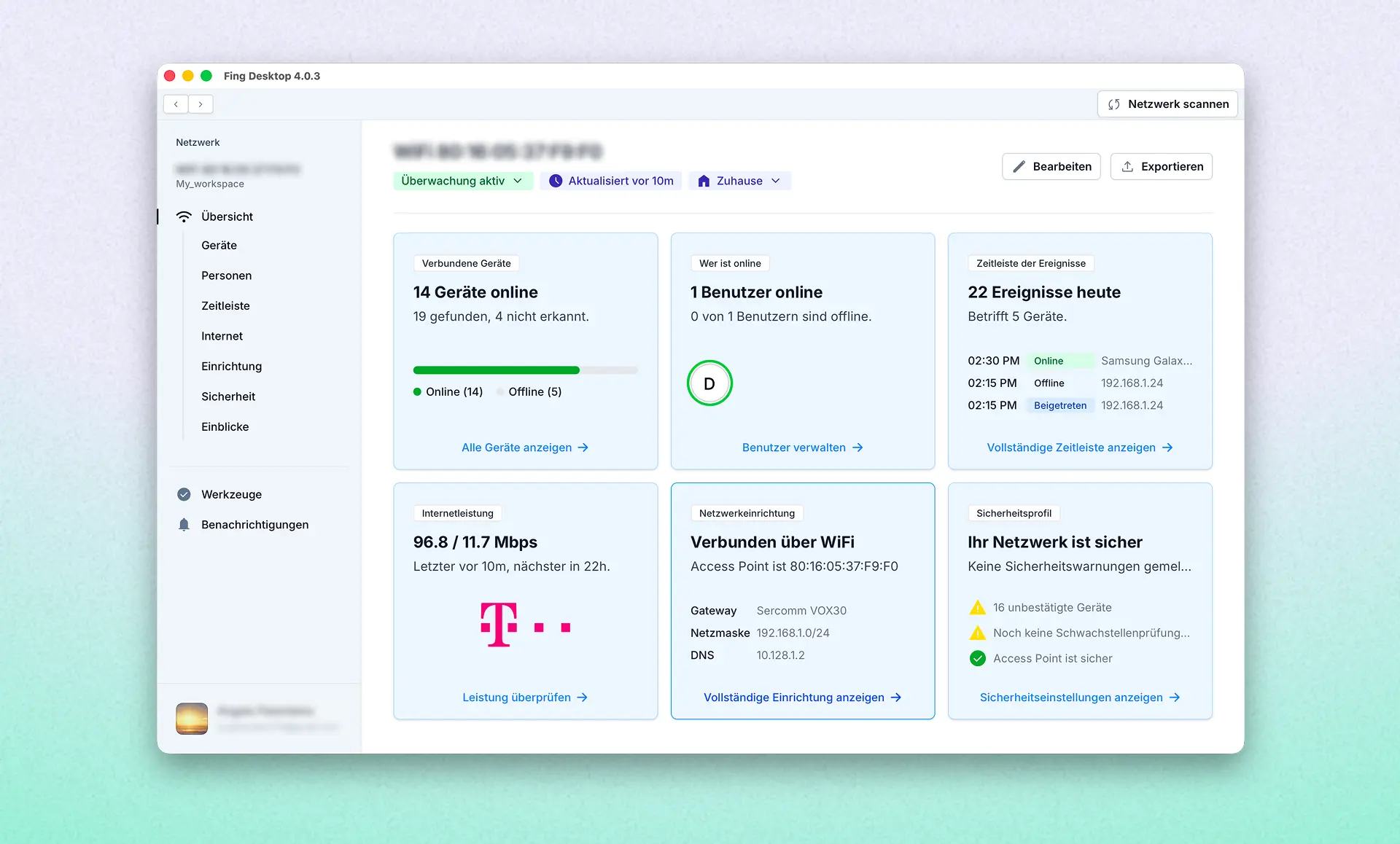
Fing Desktop now speaks German and Portuguese, two new additions to a list that already includes English, Spanish, and Italian. The entire interface, from the Home screen to every tool and setting, has been fully localized. No half-translated menus, no mixed languages, just Fing in the language you’re most comfortable with. Our Web App just received the same update, so there’s full language parity between the Web App and Desktop.
We know that a great network tool should never get in the way with a language barrier, and this update is another step toward making Fing accessible to everyone, everywhere.
How to Switch Languages
Getting set up in your preferred language takes just a few clicks:
- Open Fing Desktop and click the account icon in the bottom left corner.
- Select App Settings.
- Choose your preferred language from the list.
That’s it: the interface updates instantly, no restart required.
Get the Update
Fing Desktop 4.0.3 is available now. Head to our downloads page to grab the latest version, or check for updates directly from within the app.
More languages are on our roadmap, so if yours isn’t here yet, stay tuned, we’re just getting started.