Latest from our blog
Introducing the New Fing Web App: Smarter, Fresher, and More Powerful Than Ever
At Fing, we’re always pushing forward — delivering smarter tools, better insights, and easier ways to manage your network. And today, we’re excited to share the latest result of that ongoing work. For the past few months, we’ve been hard at work on a complete revamp of the Fing Web App. Now, it’s finally here — with a fresh new interface, a smoother experience, and powerful features that were previously...

Introducing Fing Professional: Smart Network Monitoring for IT Pros and Small Businesses
Whether you’re an IT consultant, a small business owner, or someone responsible for keeping multiple networks running smoothly, you’ve likely felt the pain of juggling scattered tools, unclear network activities, and too little time. And until now, powerful network monitoring tools were mostly reserved for enterprises with six-figure IT budgets. That’s why we created Fing Professional — Fing’s new plan tailored for IT pros, small business owners, and tech consultants...
AirPlay Vulnerability Exposes Billions of Apple Devices to Remote Attacks
A newly disclosed AirPlay vulnerability, also referred to as the AirBorne vulnerability, in Apple’s AirPlay protocol and software development kit (SDK) exposes billions of devices—including iPhones, iPads, Macs, Apple TVs, smart speakers, and even CarPlay-enabled infotainment systems—to serious security risks. Discovered by researchers at Oligo Security, these flaws enable a range of cyberattacks, from remote code execution (RCE) and data theft to full-scale surveillance. What Is the AirPlay Vulnerability? Oligo...

Why Isn’t My WiFi Working? 10 Quick Fixes for Slow or Broken Internet
If you’re frustrated and wondering “why isn’t my WiFi working?”, you’re not alone. Slow, unstable, or completely dead WiFi is one of the most common home tech problems – and usually one of the easiest to fix. Whether your Internet keeps dropping, certain devices won’t connect, or everything suddenly feels slower than usual, the cause is often something simple. This guide walks you through the most common reasons your WiFi...

New PolarEgde Botnet Targets NAS and Router Vulnerabilities in Major Brands
TL;DR: PolarEdge is a newly discovered IoT botnet targeting devices from major brands like Cisco, ASUS, QNAP, and Synology. It exploits vulnerabilities, such as CVE-2023-20118 for Cisco Routers, using cloud services to spread malicious payloads. Over 2,000 devices have been compromised globally, posing risks of DDoS attacks, spam campaigns, and malware distribution. Unveiling PolarEdge: The Emerging IoT Botnet Threat In recent months, cybersecurity experts have uncovered a previously undocumented IoT...
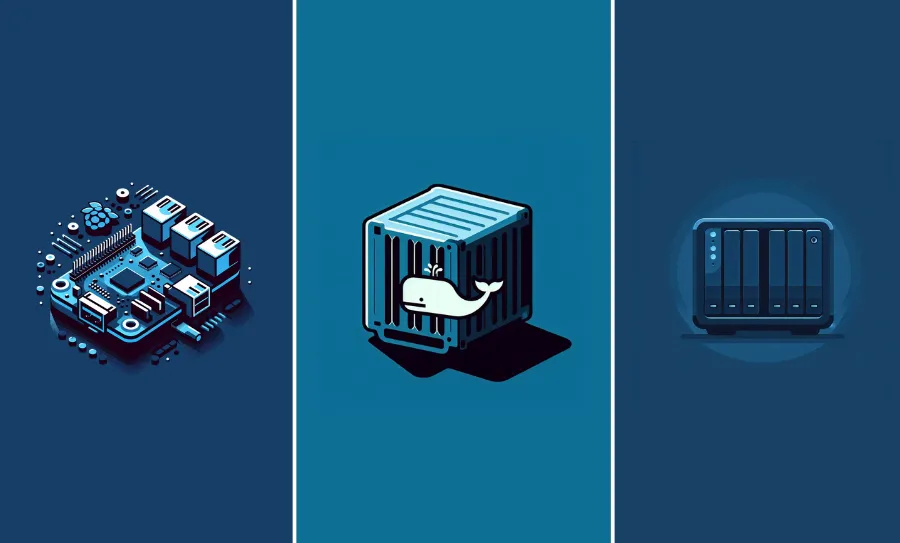
Raspberry Pi vs NAS vs Docker: Which Is the Best Way to Deploy Fing Agent?
When it comes to network monitoring, choosing the right deployment method can make all the difference in performance, flexibility, and ease of use. With the latest update to Fing Agent, you can now deploy it in three different ways: On a Raspberry Pi – a low-cost, versatile device popular among tech enthusiasts. On a NAS (via Container Manager) – leveraging your NAS as a centralized hub. On a Linux Docker...
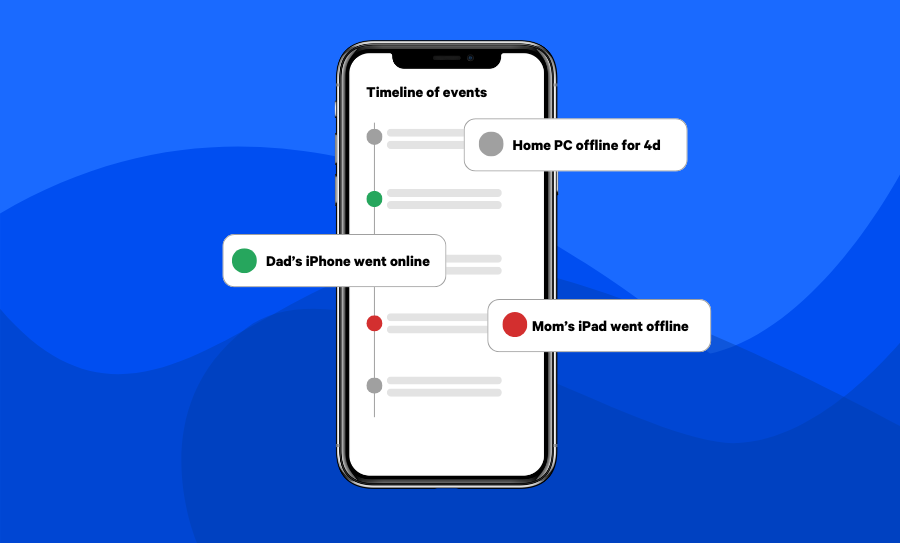
New Timeline is Now Available on Fing App and Web App
We’re excited to announce that a brand new Timeline page is now available on our mobile and web apps! This update – available with Fing App 12.9.0 version – brings enhanced network visibility, allowing you to monitor past network events effortlessly, no matter which device you use. What’s New on Mobile The latest update for Fing’s mobile apps introduces a Timeline card directly on the homepage, giving you a quick...

5 Reasons IT Professionals Love Docker Containers
At Fing, we understand the critical need for efficiency, security, and collaboration in the IT industry. Docker containers have revolutionized IT workflows by enabling professionals to optimize development, deployment, and management. By packaging applications and their dependencies into portable containers, Docker ensures consistency across environments, enhances productivity, and streamlines collaboration. If you’ve ever wondered why IT professionals rely on Docker to streamline their workflows, keep reading to discover five compelling...
Introducing Fing Agent for Docker
Today, we are excited to announce the availability of Fing Agent for a new platform. This update expands the versatility of Fing Agent, allowing installation on an even broader range of devices and platforms, including NAS devices like QNAP and Synology via their Container Manager. This milestone marks another step forward in Fing’s mission to provide IT professionals and network enthusiasts with flexible and powerful tools. Docker support follows the...