If you’re reading this, something probably doesn’t feel right. Maybe you noticed an unfamiliar device on your Wi-Fi. Maybe an object in your home looks different than it did before. Or maybe you just have a gut feeling that someone is watching. Whatever brought you here — your concern is valid, and this guide will help you find out for sure.
Home surveillance is not just a plot from a thriller movie. Research shows that perpetrators of domestic and family violence are increasingly using advances in communication and surveillance technology to monitor, intimidate, and control their victims. Hidden cameras can be planted by a partner, ex-partner, roommate, or landlord — and they’re getting smaller, cheaper, and harder to spot every year.
This guide will walk you through how to detect surveillance devices in your home using both digital tools and physical inspection methods. We’ll also cover what to do if you find something and where to get help if you need it. Whether you call them hidden cameras, spy cameras, or surveillance devices — the methods to find them are the same.
Looking for hidden cameras in an Airbnb or hotel instead? Read our companion guide: How to Find Hidden Cameras in Airbnb & Hotels (2026).
Signs That Someone May Have Placed a Surveillance Device in Your Home
Before jumping into detection methods, it helps to understand what might have triggered your concern in the first place. These are some of the most common signs that something may be off:
- Unfamiliar devices appearing on your Wi-Fi network — gadgets you don’t recognize showing up in your router’s device list or in a network scan.
- Objects that seem new, moved, or out of place — especially items with a direct line of sight to private areas like your bedroom, bathroom, or home office.
- Small holes or marks in walls, ceilings, or household objects that weren’t there before.
- Tampered baseboards or moulding — surveillance devices sometimes require wiring for power or data, and a common concealment spot is behind vinyl baseboards.
- USB chargers, air purifiers, clocks, or picture frames that you didn’t buy or that look slightly different than they used to period.
- A partner, ex-partner, roommate, or landlord who seems to know things they shouldn’t — details about your conversations, habits, or movements inside your own home.
- Unexpected changes to smart home devices — settings altered, new accounts linked, or features enabled that you didn’t turn on.
If any of these feel familiar, trust your instincts and keep reading.
How to Scan Your Home Wi-Fi for Hidden Surveillance Devices (with Fing)
Your home Wi-Fi network is the first place to look. Most modern IP cameras — whether hidden or not — need a network connection to transmit footage. That connection makes them visible to a network scanner, even when the camera itself is physically hidden.
This is where Fing comes in — and it’s where the product is at its strongest. Unlike scanning a random Airbnb once and leaving, at home you have continuous access to your own network. That means you can do far more than a one-time check.
Here’s how:
1) Run a full network scan to establish your baseline
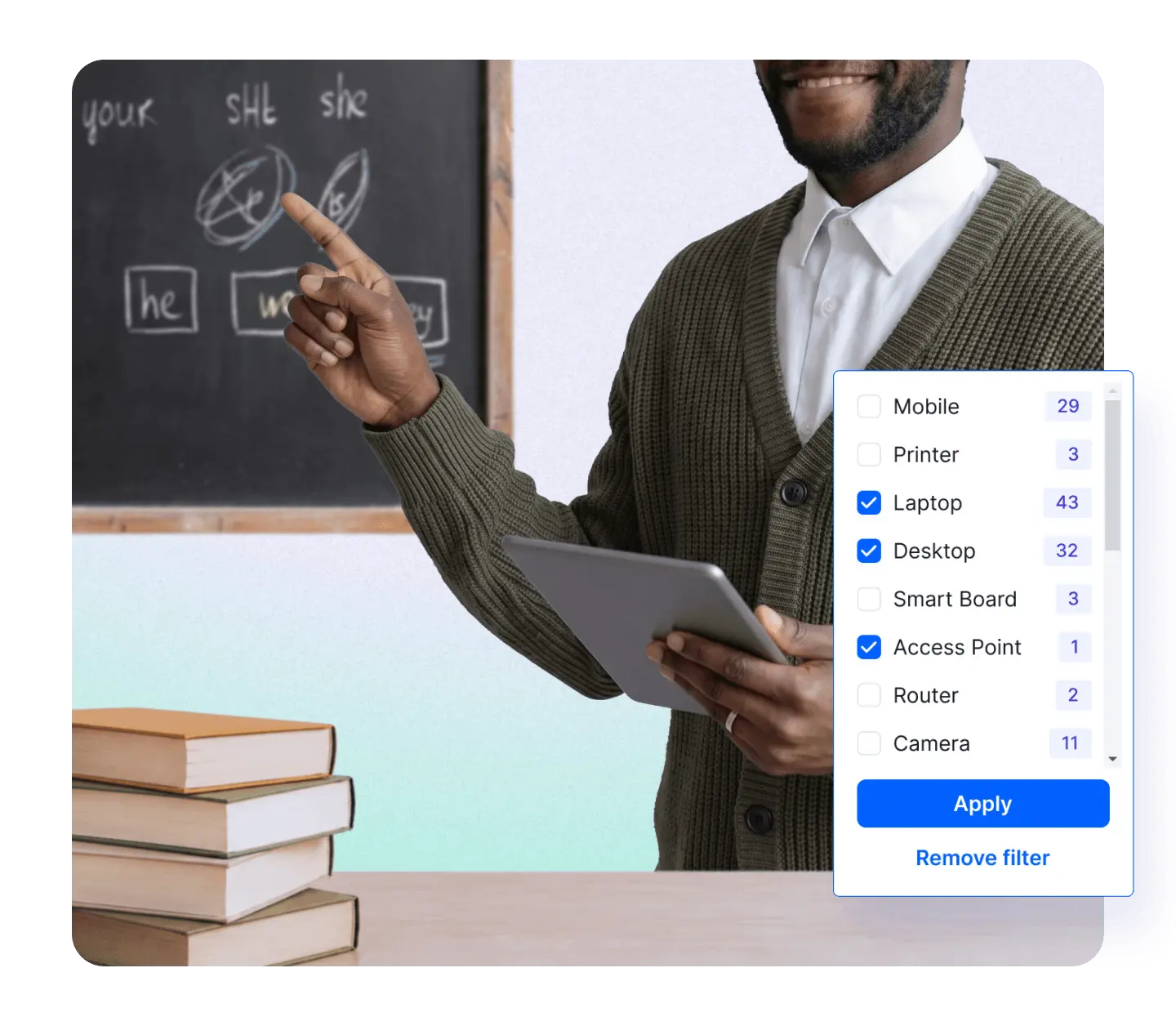
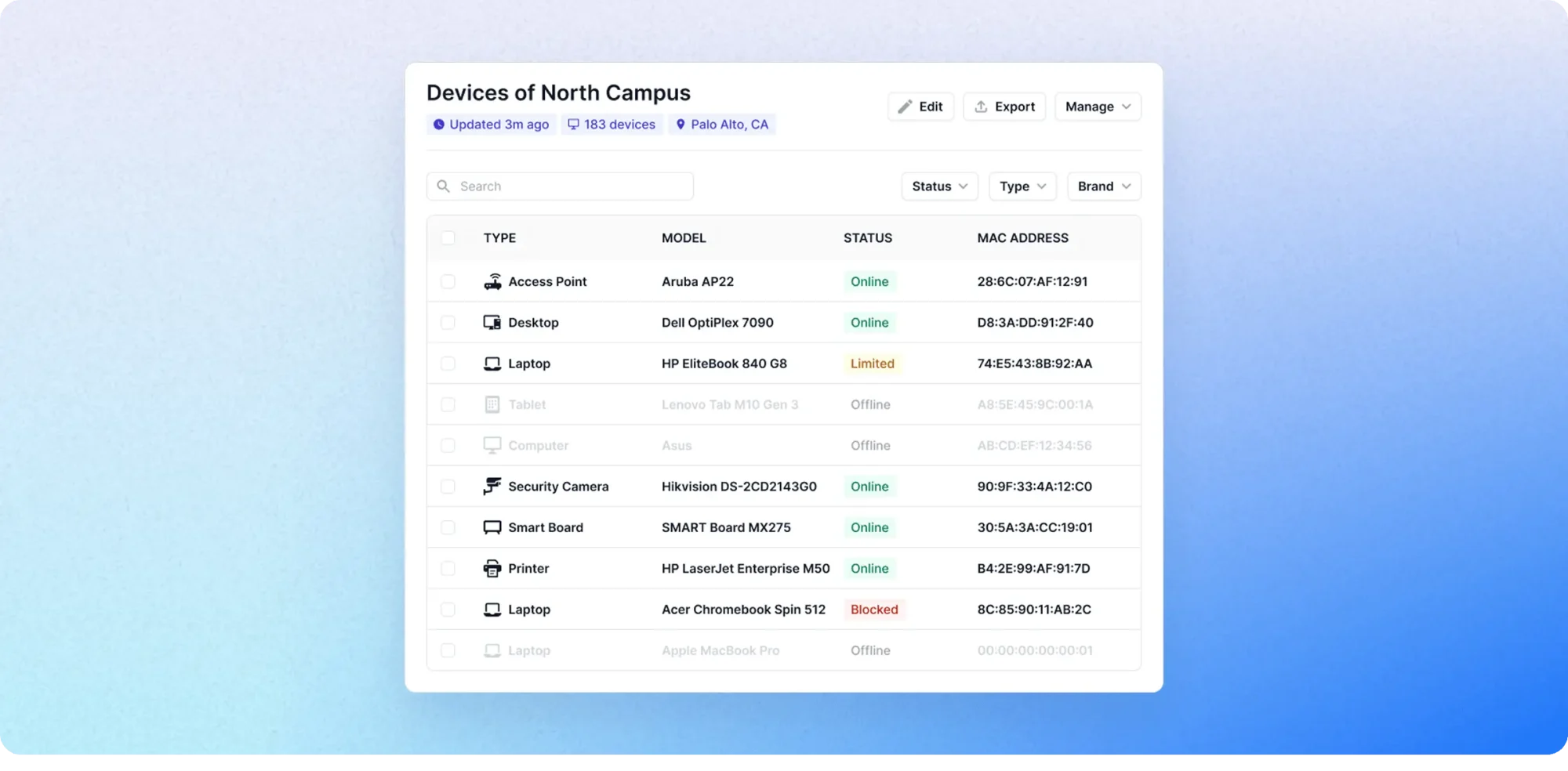
Download Fing Desktop on your Windows or Mac computer. Connect to your home Wi-Fi and run a network scan. Fing will reveal every device on the network — with details including device name, IP address, vendor, and model.
Go through the list carefully. Identify everything you recognize: your phone, laptop, smart TV, printer, smart speakers, gaming consoles. Anything you can’t account for deserves a closer look.
Tip: Give each known device a name in Fing (e.g., “Living Room TV,” “Mom’s iPhone”). This makes it much easier to spot new or unfamiliar devices later.
2) Look for devices with known surveillance camera vendors
After your scan, check the vendor information for any device you don’t recognize. Brands like LXMIMI, FREDI, Wyze are commonly associated with small, concealable IP cameras. Even if a device has a generic name, the vendor field in Fing can reveal what it actually is.
3) Use the “Find Hidden Cameras” feature
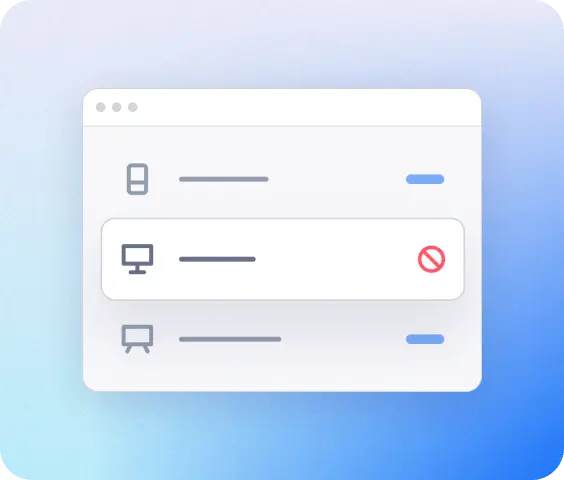
With a Fing subscription, you can access the dedicated “Find Hidden Cameras” tool — available on both mobile and desktop. This feature specifically flags devices whose network behavior matches known hidden camera signatures, saving you from manually reviewing every item on your list.
4) Set up alerts for new devices
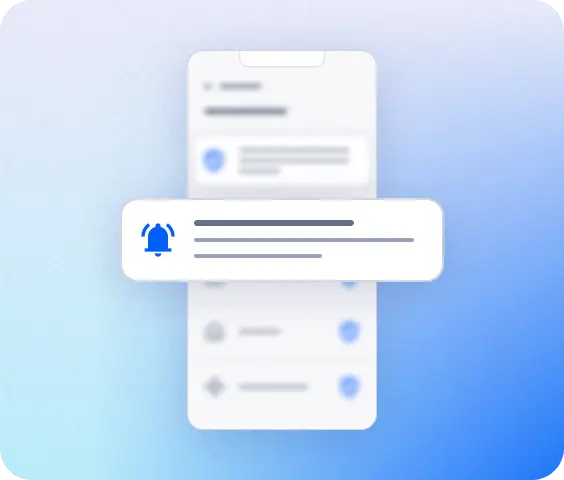
This is the game changer for home use. Fing lets you enable notifications so you’re alerted the moment an unfamiliar device connects to your network. If someone installs a new camera and connects it to your Wi-Fi, you’ll know immediately — even if you’re not actively scanning.
5) Check for rogue Wi-Fi networks
Some surveillance cameras create their own hotspot rather than joining your existing network. Open your phone’s Wi-Fi settings and look for any networks you don’t recognize — especially ones with strong signals and generic or random names (e.g., “Camera-01,” “DIRECT-xx”). If you find one, connect to it and scan with Fing to see what’s on it.
6) Use Fing Desktop for continuous monitoring
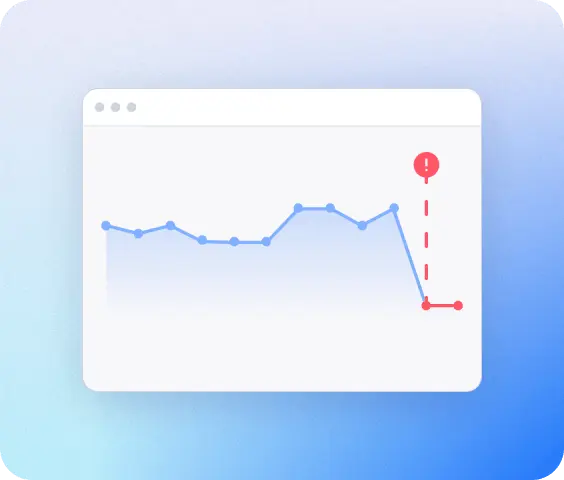
For ongoing peace of mind, Fing Desktop runs in the background on your computer and continuously monitors your network. It maintains a complete device history and alerts you to changes in real time. At home, this is far more powerful than a snapshot scan — it gives you full visibility, all the time.
Important: Fing can only detect cameras that are connected to a network you can scan. If a device uses a cellular connection or its own isolated hotspot that you haven’t joined, it won’t appear in a standard scan. That’s why combining Fing with physical detection methods (below) gives you the most complete coverage.
Pro tip: want continuous surveillance detection without having to keep your computer running? Fing Agent is a lightweight background service you can install on a dedicated device — like a Raspberry Pi or a NAS — that monitors your network around the clock. For anyone serious about long-term home network security, Fing Agent is the set-it-and-forget-it solution that turns your home into a permanently monitored environment.
Physical Detection Methods for Your Home
Not all surveillance devices connect to Wi-Fi. Wired cameras, battery-powered devices, and audio bugs require a different approach. These manual methods work alongside your Fing scan to cover the gaps.
- Conduct a room-by-room physical inspection
Walk through each room in your home and inspect anything that has a clear line of sight to areas where you spend private time — your bed, your desk, your bathroom.
Pay special attention to:
- Smoke detectors and carbon monoxide alarms — especially ones you didn’t install yourself
- USB wall chargers and power adapters that look slightly bulkier than normal
- Air purifiers, Bluetooth speakers, and clock radios
- Picture frames, decorative items, and anything positioned on a shelf at eye level or higher
- Bathroom vents, mirrors, and towel hooks period.
If something was installed or placed by someone else — particularly a landlord, ex-partner, or previous tenant — look at it more carefully.
- Use your smartphone camera to detect infrared (IR) lights
Many hidden cameras use infrared LEDs for night vision. These are invisible to the naked eye, but your smartphone can detect them:
- Turn off all the lights in the room.
- Open your front-facing camera (which typically lacks an IR filter).
- Slowly scan the room, looking at your phone screen.
- Hidden IR emitters will appear as small white or purple glowing dots.
- Use a flashlight to find hidden lenses
In a darkened room, shine a flashlight systematically across walls, shelves, vents, and electronics. Camera lenses — even tiny pinhole lenses — reflect light differently from surrounding surfaces. You’re looking for a small, distinct glint that doesn’t match the object it’s part of.
- Check for audio surveillance
Hidden microphones and audio bugs are harder to spot, but some signs include:
- Faint buzzing, clicking, or static sounds when the room is otherwise silent
- White noise that seems to come from a specific location
- Small, unfamiliar objects near seating areas or beds
Turn off all electronics and appliances, quiet the room completely, and walk slowly through each space, listening carefully.
- Inspect smart home devices for unauthorized access
If your home uses smart speakers, smart TVs, baby monitors, or connected security cameras, check for:
- Accounts or users you didn’t add
- Recording or monitoring features that have been enabled without your knowledge
- Devices that have been factory-reset or reconfigured
- Linked apps or cloud accounts you don’t recognize
A compromised smart home device can be used for surveillance without any additional hardware being installed.
Real Story: How One User Used Fing to Document Surveillance
A Fing user once reached out to share how the app helped them in a deeply personal situation. After suspecting they were being monitored by a former partner, they used Fing to scan their home Wi-Fi and discovered several devices they didn’t recognize — including one that matched the profile of an IP camera. They documented the scan results, took screenshots, and brought the evidence to local law enforcement. The case was investigated, and the surveillance was confirmed and stopped.
We share this story — with respect and without identifying details — because it illustrates something important: the methods in this guide aren’t theoretical. They work. And if you’re in a situation where you feel unsafe, tools like Fing can help you gather the evidence you need.
But please don’t go through it alone.
What to Do If You Find a Surveillance Device in Your Home
Finding a hidden camera or bug in your own home is frightening. What you do next depends on your situation and how safe you feel. Here’s a step-by-step guide:
- Don’t remove it immediately
Your first instinct may be to rip it out. Resist that impulse. The device is evidence. Removing it can also alert the person who placed it — and if that person is someone who might become dangerous when confronted, this matters.
- Document everything
Take clear photos and videos of the device in its location. Capture the brand, model, any identifying details, and surrounding context. If you used Fing, take screenshots of the scan results showing the device on the network — including its vendor information, IP address, and the date and time of the scan.
- Secure your network
Change your Wi-Fi password immediately. Update your router’s admin credentials. Check for any devices you don’t recognize and remove them from the network. If your smart home devices have been compromised, reset them and change all associated passwords.
- Contact theappropriate authorities
- If you feel safe to do so, report it to local law enforcement. Bring your documentation.
- If this involves a landlord, contact your local tenant rights organization or housing authority.
- If this involves a partner, ex-partner, or someone you live with — and you feel unsafe — please contact a domestic violence resource before taking any other action. Removing a camera or confronting the person can escalate the situation.
- Reach out for support
You don’t have to handle this alone. Search for your country’s domestic violence or privacy rights hotline. Many countries have specific resources for technology-facilitated abuse.
- Consult a lawyer
If you believe your privacy has been violated — whether by a partner, landlord, or anyone else — consider contacting a lawyer who specializes in privacy law or domestic abuse. They can advise you on your rights and help you take legal action if appropriate.
Your Home Should Be Your Safe Space
Your home should be the one place where you feel completely safe and unwatched. If something doesn’t feel right, you now have the knowledge and tools to find out.
Start with a Fing scan — it takes less than a minute and could give you the answers you need. Set up ongoing monitoring so you’re always informed. And if you find something, know that there are people and resources ready to help.
Get started today:
- Download the Fing Mobile — free on iOS and Android
- Download Fing Desktop — for Windows and macOS
- Upgrade to a Fing subscription — unlock the dedicated “Find Hidden Cameras” feature, device alerts, and continuous network monitoring
You deserve to feel safe in your own home.
Frequently Asked Questions
How do I know if there are hidden cameras in my apartment?
Start with a Fing network scan to check for unfamiliar devices on your Wi-Fi. Then do a physical sweep: check smoke detectors, USB chargers, picture frames, and anything with a line of sight to private areas. Use your smartphone camera to look for infrared lights in a dark room.
Can my landlord put cameras inside my rental?
In most jurisdictions, no — landlords cannot install cameras inside a tenant’s private living space without their knowledge and consent. This is typically illegal and may constitute a criminal offense. Cameras in shared common areas may be permitted with proper notice.
How do I detect surveillance bugs in my home?
Audio bugs are harder to spot than cameras. Listen for faint buzzing, clicking, or static in a silent room. Use an RF (radio-frequency) detector to sweep for wireless transmitting devices. Check behind baseboards, inside electrical outlets, and inside any object that seems out of place.
Can someone watch me through my home Wi-Fi?
If someone has access to your Wi-Fi network — or has placed an IP camera connected to it — they can potentially view a live feed remotely. Running a Fing scan will reveal all devices on your network, including cameras you didn’t know were there. Changing your Wi-Fi password and checking for unknown devices is a critical first step.
What app can detect hidden cameras at home?
Fing is one of the most widely used apps for detecting hidden cameras via Wi-Fi network scanning. It’s free on iOS and Android, identifies device vendors and models, and offers a dedicated “Find Hidden Cameras” feature with a Starter or Premium subscription. For continuous monitoring at home, Fing Desktop provides background scanning and instant alerts.
Is it illegal to spy on someone in their own home?
In most jurisdictions, recording someone without their knowledge or consent in a private space is illegal. This applies to hidden cameras placed by partners, ex-partners, roommates, landlords, and anyone else. Laws vary by location, so consult a local privacy or domestic abuse lawyer for specific guidance