Works for Retail
When your shop's tech works, your day works
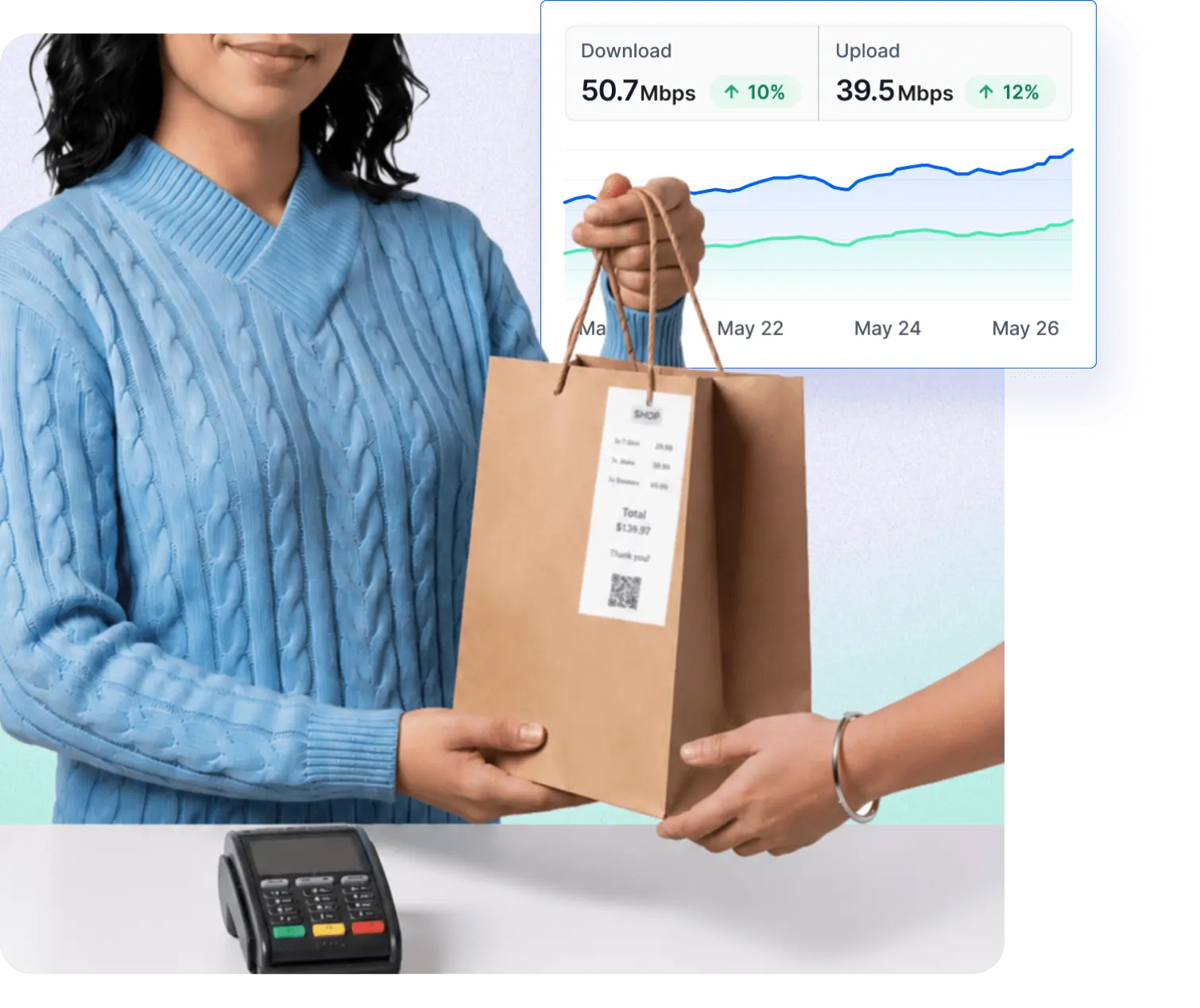
Your card reader, Wi-Fi, security camera, and back-office PC all need to work - every day, all day. Fing watches them for you, pings your phone the moment something drops, and helps you fix it before the next customer walks in.

The problems retail shops face every day
Three things go wrong in shops all the time. Fing catches all of them.


One app to handle every network problem
Discover what's connected, get alerted when it fails, troubleshoot in seconds, and block anything that shouldn't be there.
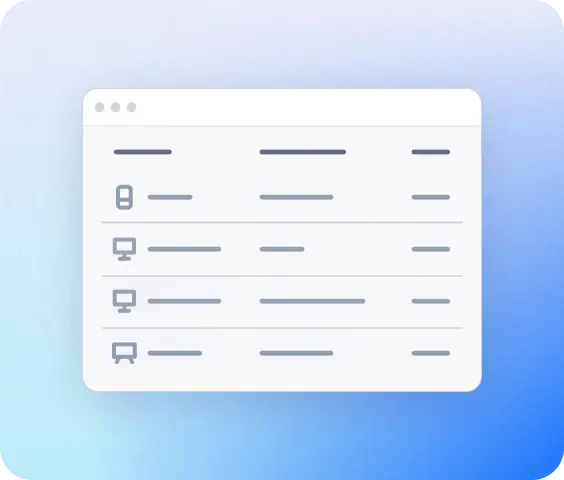
See everything connected
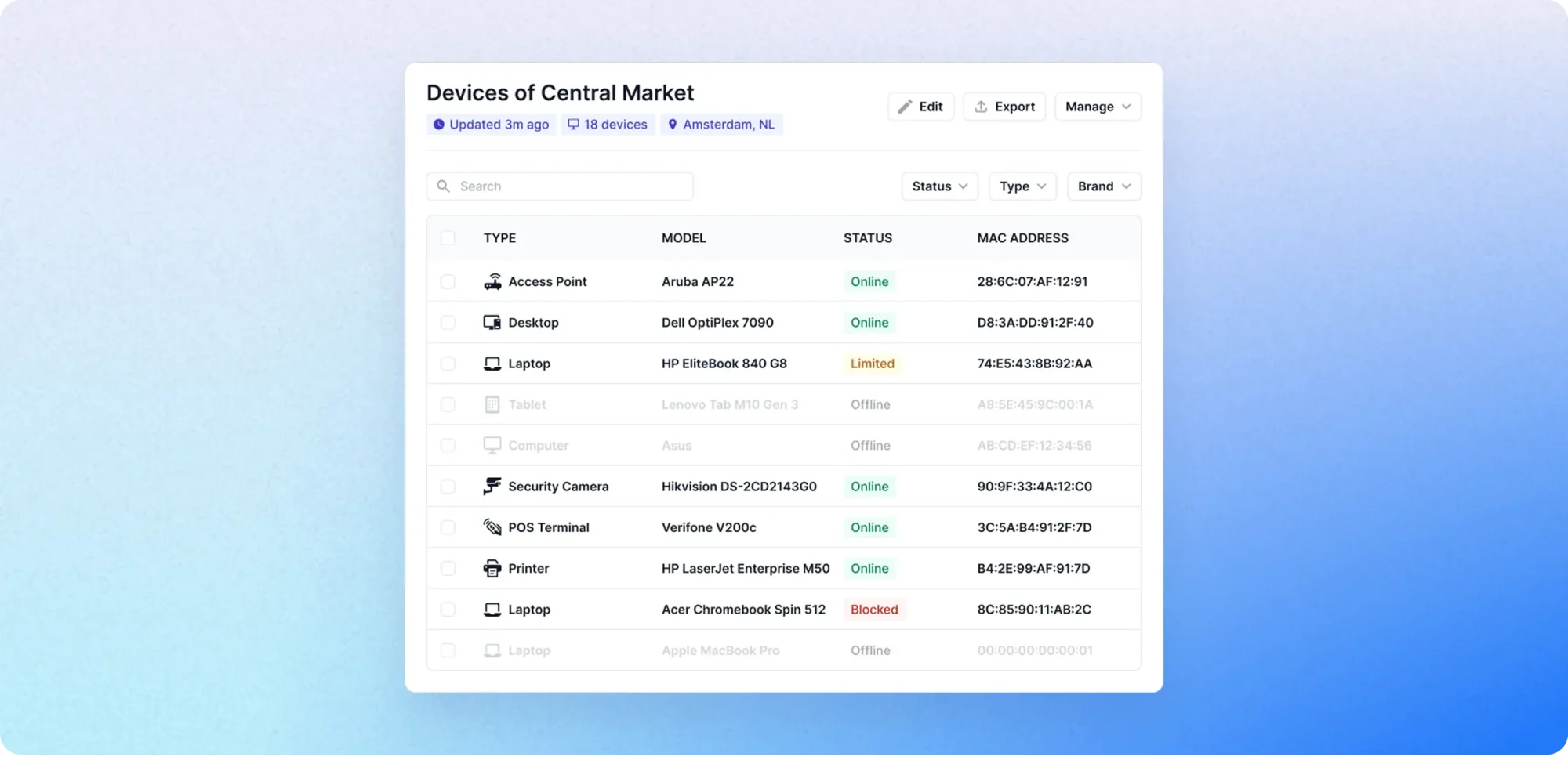
Run a single scan and get a complete inventory of everything connected: POS terminals, barcode scanners, security cameras, printers, smart displays...

Get alerted, not surprised
A notification on your phone or by email the instant a payment terminal, camera, or printer goes offline. Catch it before customers do.
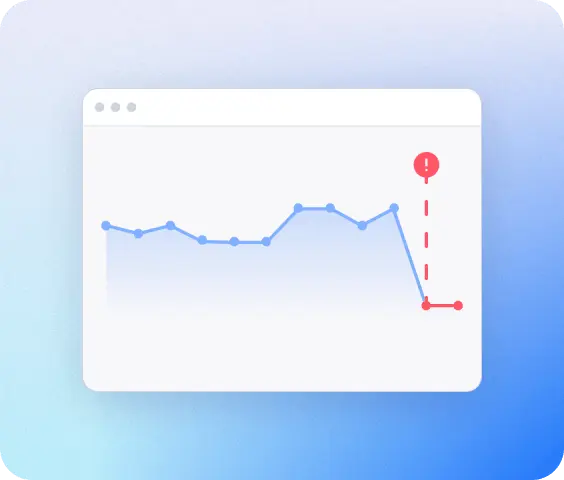
Find the problem in seconds
When the card machine freezes or the Wi-Fi drops, any staff member can open Fing and see whether it's the device, the router, or the internet.
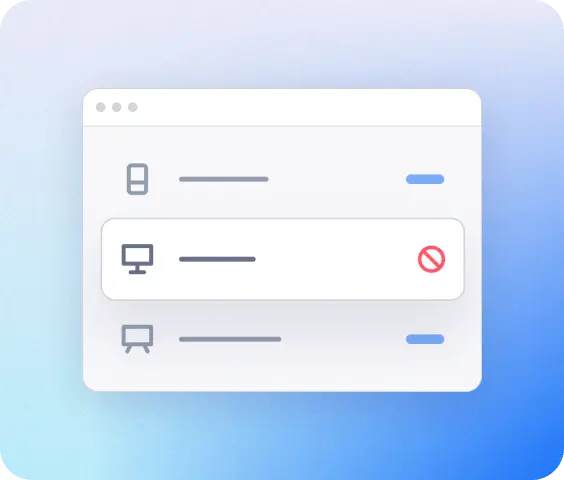
Keep strangers off your Wi-Fi
See every device that joins your shop network, spot unknown ones — like a customer's hotspot or a supplier's device — and block them with a click.
A retail shop, fully mapped
The average independent shop has 15–50 connected devices across the sales floor, stockroom, and back office. Fing gives you a single, real-time view of all of them.
How Fing works
Up and running in three simple steps
See everything on network
Download Fing Desktop, run your first scan, get a complete inventory in 60 seconds.
Get continuous monitoring
Upgrade to Fing Professional for 24/7 alerts, access control, and multi-network coverage.
Set it and forget
Install Fing Agent on a Raspberry Pi or NAS so monitoring runs even when no one's around.
Frequently asked questions
Do I need technical knowledge to use Fing?
No. Fing is designed for the people actually running the shop — owners, store managers, shift leads. The interface is visual and intuitive: just run a scan and you’ll see every device on your network in plain language. No certifications, no jargon.
Will Fing work with my existing router and POS setup?
Yes, and you don’t have to change a thing. Fing works with any router, any Wi-Fi, any internet provider, and any POS system. Just install Fing Desktop on a computer that’s already connected to your shop’s Wi-Fi, run a scan, and you’re set.
Does Fing see my customers' payment information?
No. Fing sees devices, not traffic. It can tell you what’s connected to your network — that the card reader is online, that there’s a new phone on the Wi-Fi — but it never looks at what those devices are sending or receiving. No card data, no transaction records, no customer information. Ever.
Is there a free version, or do I have to pay upfront?
You can start with Fing Desktop, which is free to download, and try it on your shop network with no commitment. When you’re ready for alerts, multiple staff access, and blocking, Fing Professional is available as a monthly or yearly subscription. And you can cancel anytime.
Is Fing Professional enough for my shop?
Yes, most of the times. Fing Professional covers up to three networks, which is plenty for most shops — your main shop Wi-Fi, the back office, and the stockroom, for example. If you run more than one location, get in touch and we’ll sort the right setup for you.
Can my staff also see the network status?
Yes. You can give your store manager, a shift lead, or even your IT person access so they can check the network too — without sharing your login. You decide who sees what.
What if I already use Fing's free version?
Great — you’re already set up. Upgrade to Fing Professional to unlock continuous monitoring, alerts on your phone, and the ability to block unwanted devices. Your existing scans and device history come with you automatically.
Join thousands of businesses already using Fing
Whether you run a single boutique or a busy corner shop, Fing gives you the visibility to keep every device running — without needing an IT department.