IT support for small business. No IT team needed.
Fing delivers visibility, security, and performance monitoring
for business owners. Detect threats, manage devices, and
keep your network reliable—no in‑house IT team required.
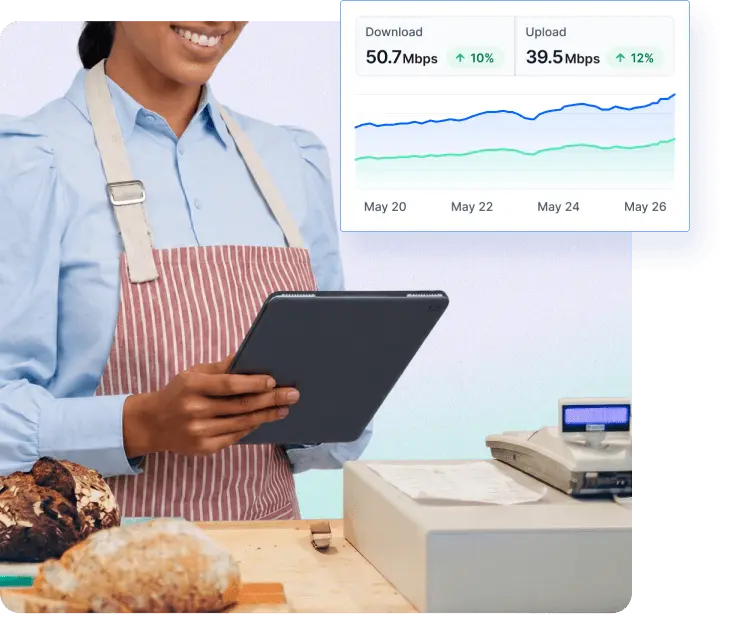

Fing Professional
IT support for small business with Fing
- No centralized infrastructure required
- Works without domain login or SSO
- More affordable than enterprise tools
Device Discovery
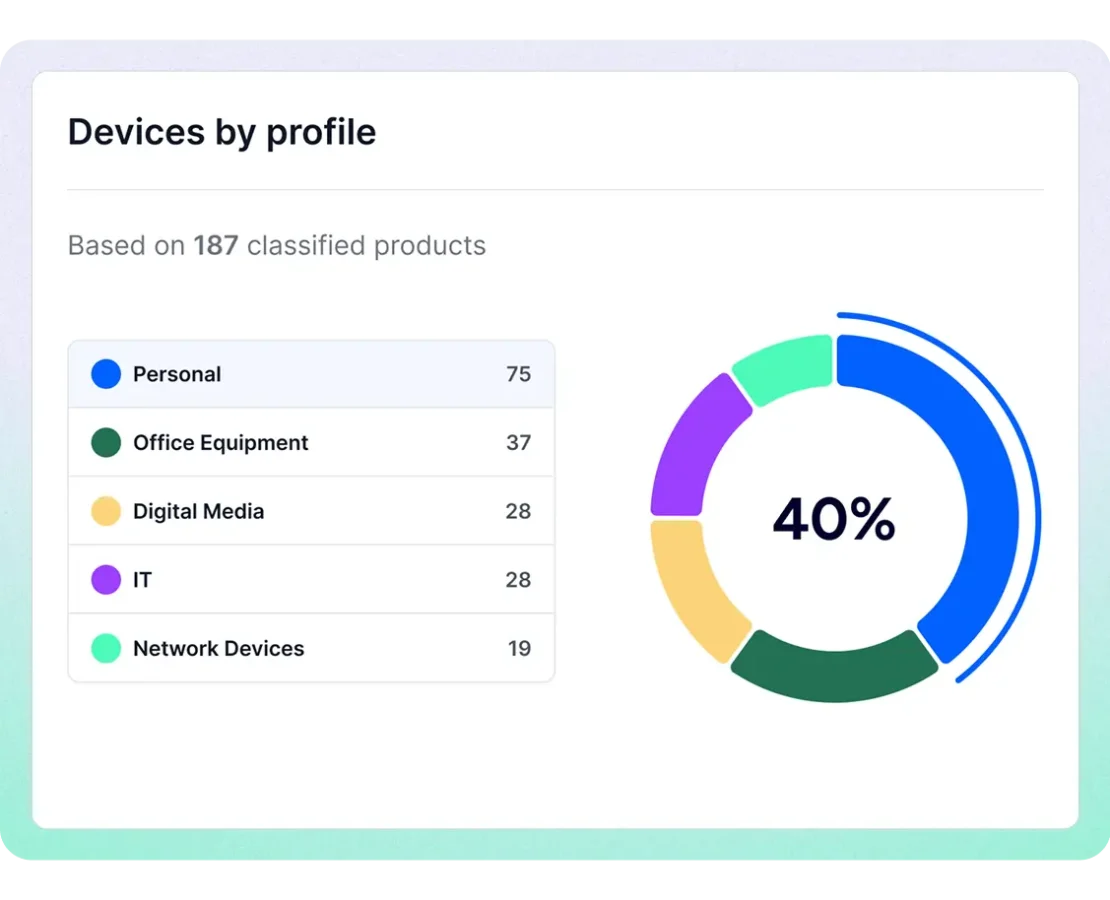
Know Exactly What's on Your Network
Get a full inventory of all connected devices — from company laptops to unauthorized phones. Fing provides essential IT support for small business by alerting you instantly when new or unknown devices join your network, so you can take action before problems arise.
Access Control
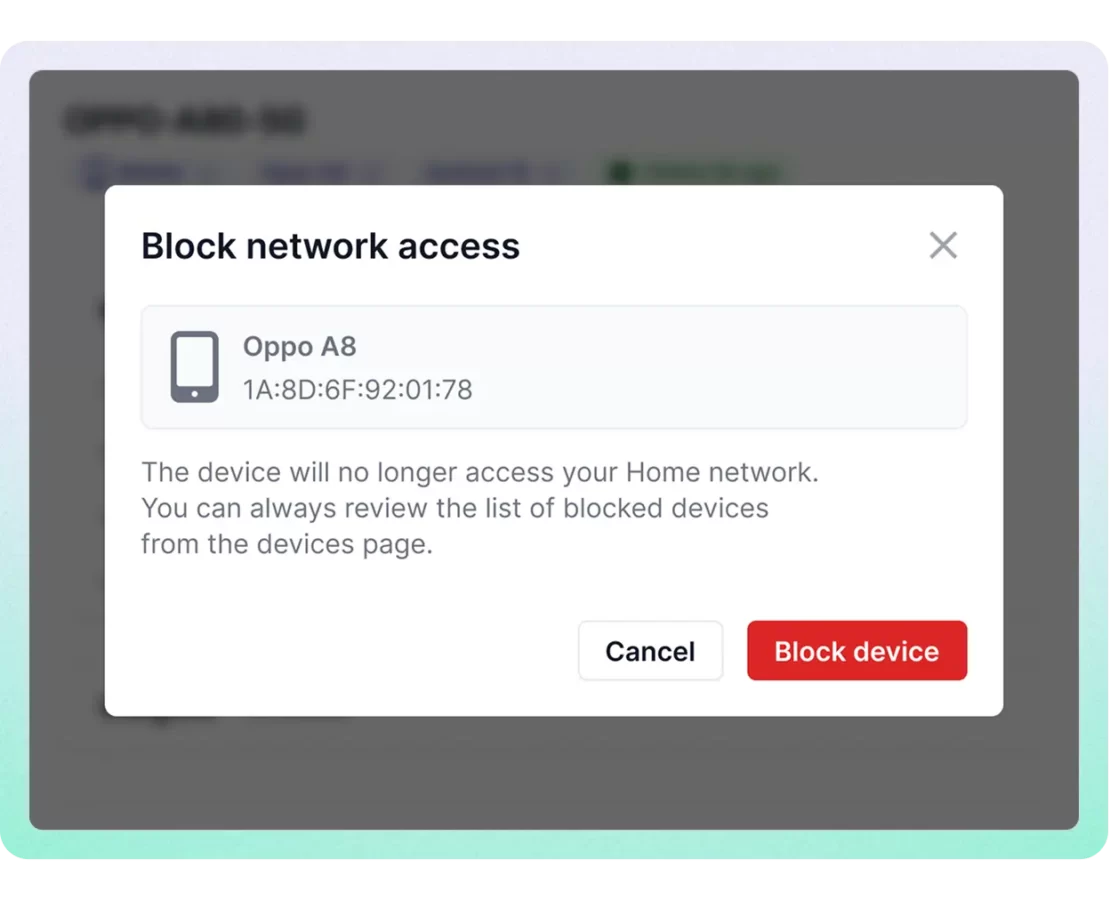
Block Unauthorized Devices Instantly
Take control with easy-to-use blocking tools. Fing delivers practical small business IT support by letting you instantly remove or limit access to suspicious devices — helping you protect your business without needing dedicated IT staff or technical know-how.
Network Monitoring
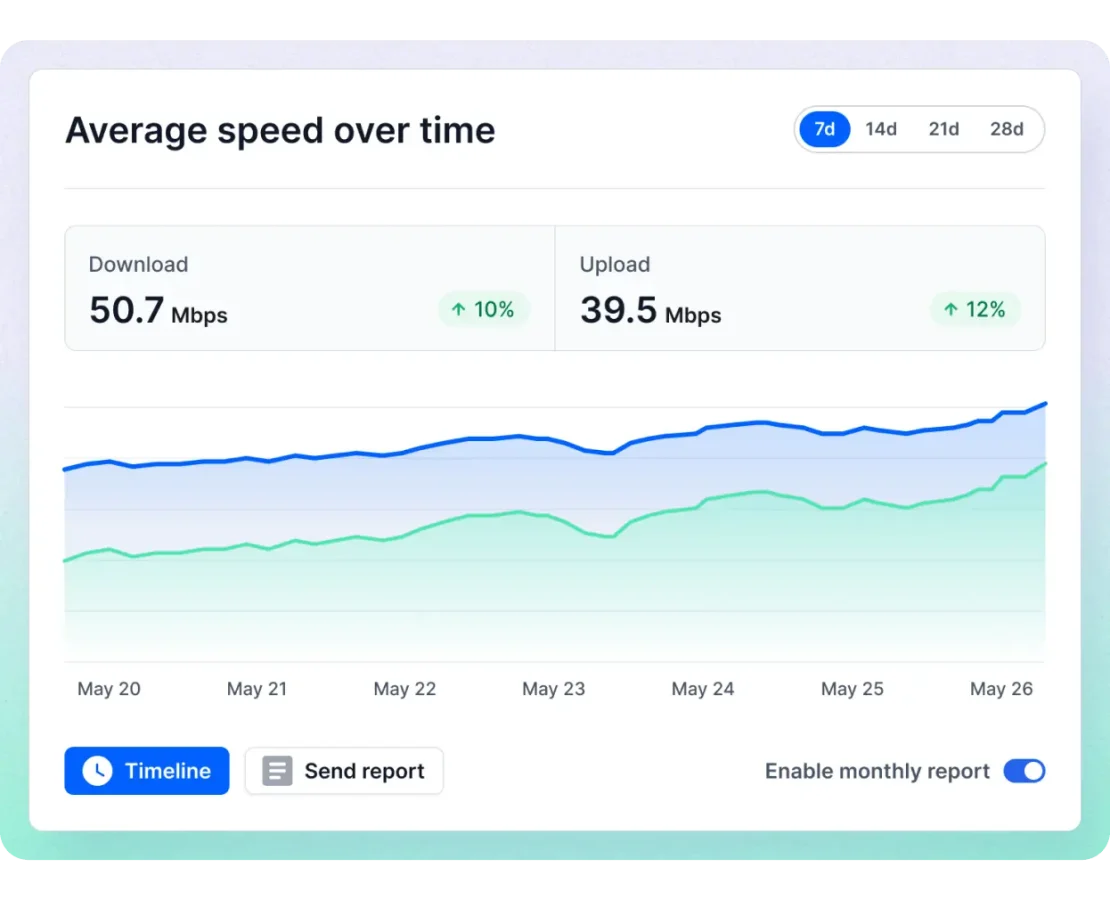
Fix Issues Before They Cost You
Fing monitors network performance in real time and notifies you about outages, slowdowns, or unusual behavior. With Fing as your IT support for small business, you can spot and fix issues quickly — without waiting on external tech support.

Enterprise-grade security. Small business price.
Fing is SOC 2 ® Type II certified, independently audited, zero exceptions. The security standards big companies demand, available to you
Learn how to manage multiple networks
Take a closer look at how workspaces work
The All-in-One IT Support Tool Built for Small Business
See every device, get real-time alerts, and block threats across all your locations — setup takes minutes, not hours.
Frequently Asked Questions
Do I need technical skills to use Fing?
No. While Fing is powerful enough for IT professionals, it’s also built to be accessible for non-technical users — with intuitive tools, clear alerts, and a user-friendly dashboard.
Can I really manage my network without an IT person?
Yes. Fing helps you see all devices connected to your network, block unauthorized ones, and get alerts about outages or slowdowns — all without needing an expert.
How does Fing protect my business?
Fing notifies you when unknown devices join your network, helps you block them, and tracks performance issues that might impact your operations — like internet outages or device conflicts.
Can I install Fing by myself?
Yes, you can download Fing Desktop directly from our website and install it like any standard application. Fing Agent can also be set up in just a few minutes on a NAS or Raspberry Pi, although some basic technical knowledge is recommended. Once installed, Fing begins monitoring your network instantly — no complicated configuration required.
Do I need to be on-site to check my network?
No, that’s not necessary. With Fing Agent set up, you get 24/7 network monitoring accessible from anywhere. Whether you’re in the office or working remotely, your network status is always just a click away.
Is a monitored network the same as a physical site?
No, a monitored network is not the same as a physical site. At Fing, each unique subnet is considered a separate monitored network, regardless of:
- Physical location (e.g. multiple networks within the same building),
- Client setup (e.g. different departments or zones),
- Network connectivity (e.g. routing between subnets or use of VLANs).
This means that even if several subnetworks are:
- Hosted at the same physical location,
- Deployed for a single customer,
- Interconnected using routers, VLANs, or other routing techniques,
they will still be treated as separate monitored networks, each requiring its own Fing Agent and network license.