Network discovery & inventory
Discover and track every device on your network
Fing is the easiest network discovery and inventory tool, scaling from a single home Wi-Fi to office networks with 100+ devices. It builds a complete, up-to-date device inventory in seconds — no router credentials or admin access needed. Powered by over a decade of machine-learning recognition.
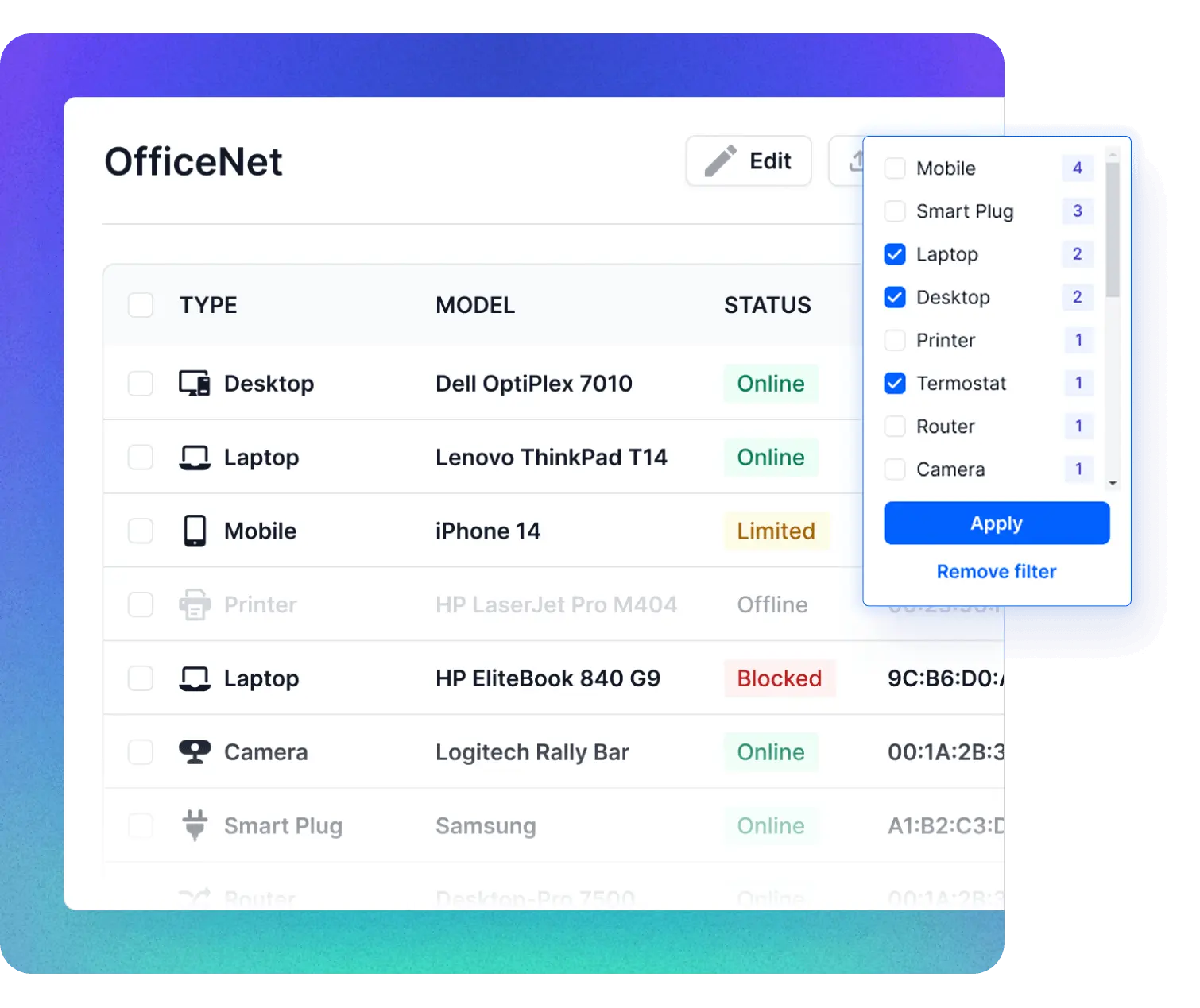
Network discovery
Find every device on your network
Fing’s network discovery engine detects every device on your Wi-Fi or wired network in seconds — even hard-to-find smart appliances. Powered by a recognition engine trained on millions of devices over 10+ years, Fing’s network device discovery goes far beyond what your router’s admin panel can show.
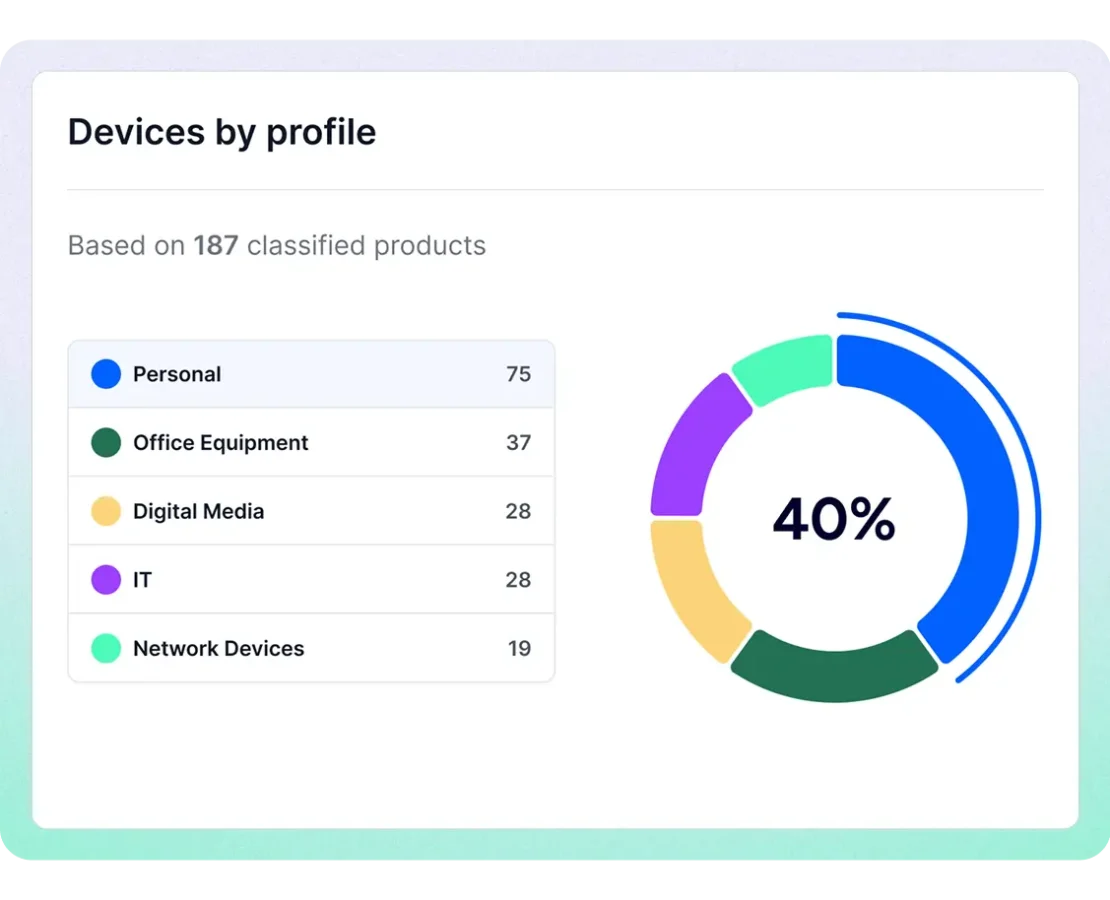
Network Inventory
Catalog every device with full detail
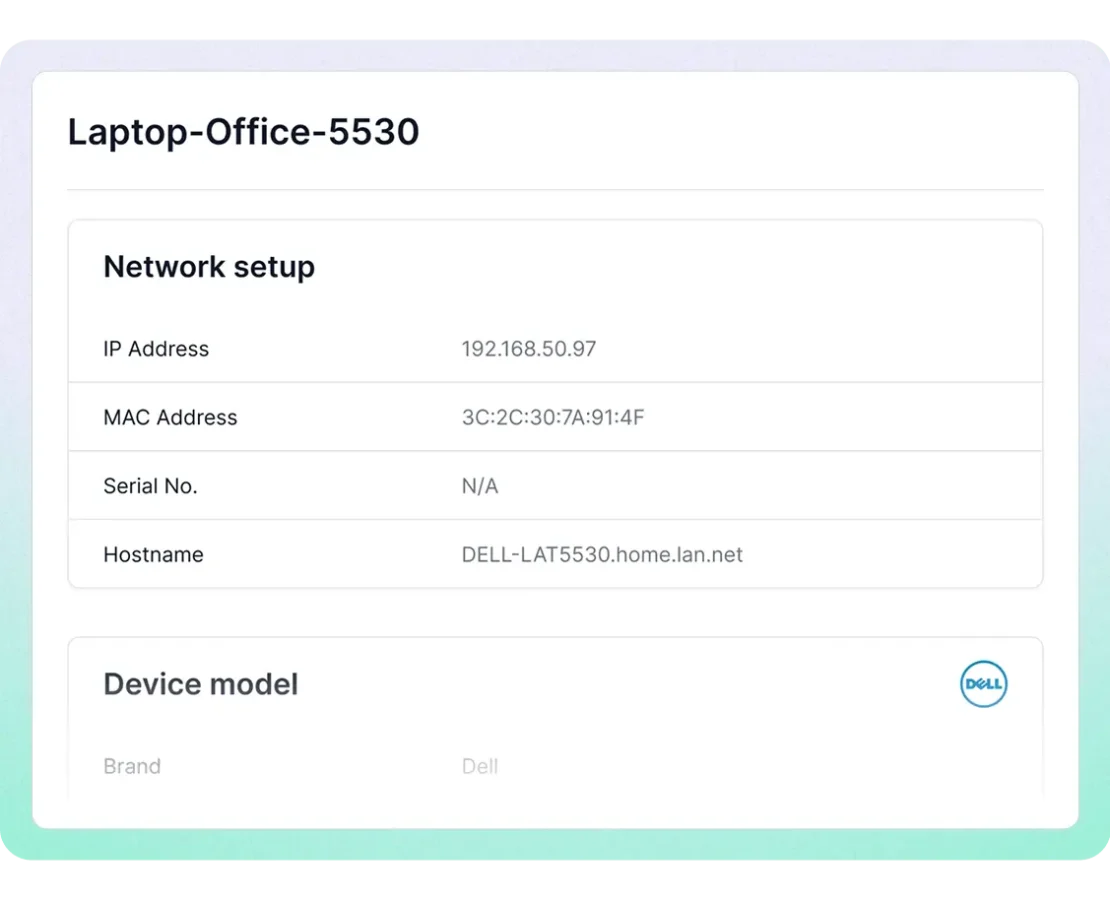
Fing builds a detailed network inventory for every device found: brand, model, OS, IP address, MAC address, and connection status – whether you’re managing a home network of 10 devices or an office with hundreds. Deploy Fing Agent for 24/7 continuous network inventory management without lifting a finger.
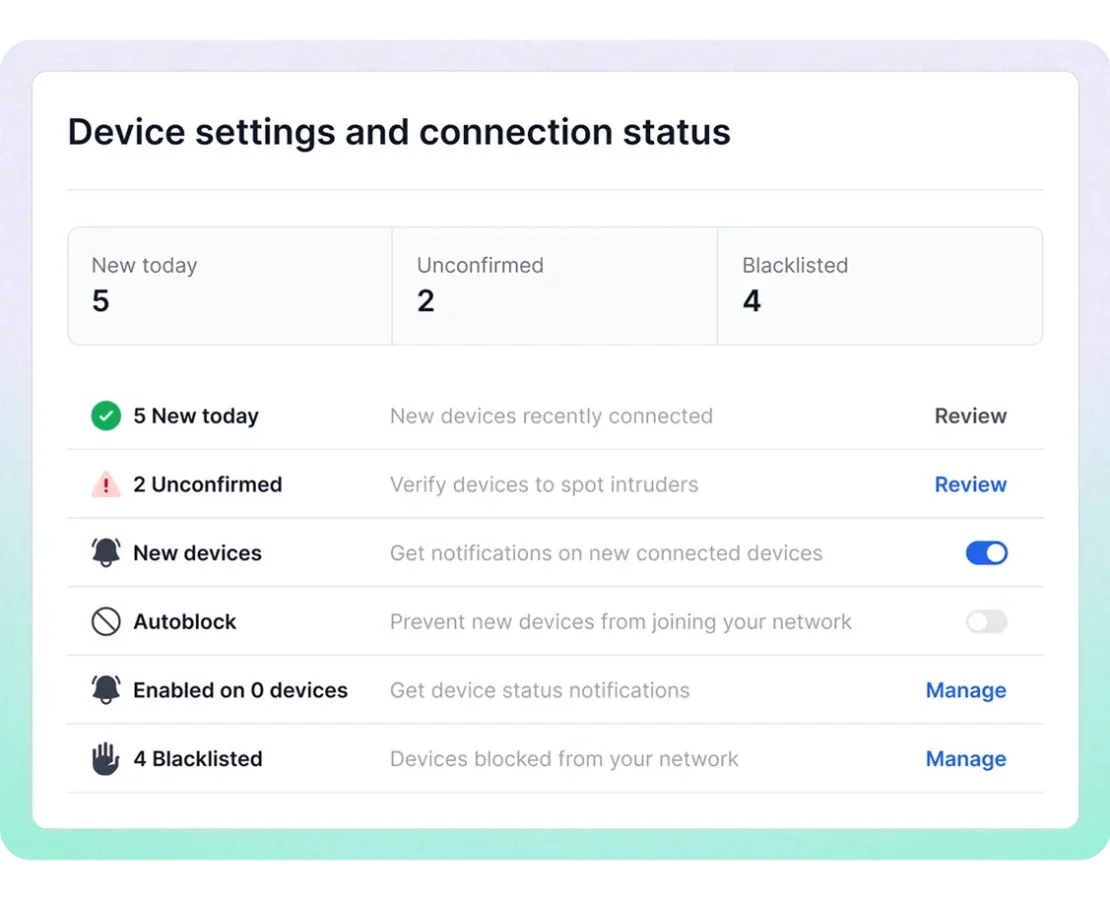
Unauthorized Device Detection
Spot intruders and unknown devices instantly
With a complete network discovery and inventory in place, any unauthorized user or unknown IoT device stands out immediately — identified by name, brand, and type. Set up alerts for new connections so you’ll know the moment something unexpected joins your network.
Trusted by global technology leaders
Industry leaders rely on Fing's device recognition technology to power their products.





Network discovery in action
Network inventory for every scenario
Home users
See every smart device, phone, tablet, and laptop on your home Wi-Fi. Spot intruders and keep your family network secure.
IT consultants
Walk into any client site, run a scan, and have a network inventory in minutes. Export device lists for archive and audits.
Small businesses
Track employee devices, printers, access points, and IoT equipment. Know exactly what's on your business network at all times.
MSPs & integrators
Manage multiple networks from a single dashboard. Fing Web and Fing Agent provide continuous remote inventory management.
How Fing's network discovery tool works
Download & install
Get Fing Desktop (Windows, Mac, Linux) or Fing Mobile (iOS, Android). Setup takes less than a minute.
Scan your network
Fing performs instant network discovery, finding every device on your Wi-Fi or wired network.
Review your inventory
See every device with detailed information: brand, model, OS, IP address, MAC address, and connection status — all identified by Fing's machine-learning engine.
Frequently asked questions
What is network discovery?
Network discovery is the process of automatically detecting and identifying all devices connected to a network — including computers, phones, printers, routers, and IoT devices. Fing is a free network discovery tool that performs this scan in seconds, giving you a full network inventory with device brand, model, OS, and IP address — no technical expertise required.
What is network inventory?
A network inventory is a detailed catalog of all devices connected to your network, including hardware type, brand, model, operating system, IP address, and connection status. Fing automates this process, building and maintaining your inventory with a single scan.
How do I start discovering devices on my network?
Download Fing Desktop (free for Windows and macOS), connect to your network, and run a scan — Fing will discover and list every connected device in seconds, including hidden devices and IoT equipment that don’t show up in your router’s admin panel. You don’t need router credentials or admin access — just a connection to the network. You can also run network discovery from Fing Mobile (available on iOS and Android), but Fing Desktop and Fing Agent deliver more accurate results, including full MAC address detection. For the best experience, we recommend starting with Fing Desktop and scaling to Fing Agent for 24/7 monitoring.
Is Fing's network discovery tool free?
Yes — network discovery and device inventory are completely free for everyone. Scan your network, identify every device, and build a full inventory at no cost. Advanced features like historical data, real-time alerts, multi-network management, and the ability to block unwanted devices are available with our subscription plans.
How does Fing compare to other network discovery software?
Unlike enterprise-focused tools that require complex setup, Fing is designed for instant results. Run a network discovery scan in seconds, with no agents to deploy and a free tier that covers most users’ needs. Fing’s recognition engine, trained on millions of devices, provides industry-leading accuracy for device identification.
What platforms does Fing support?
Fing Desktop is available on Windows and macOS, Fing Mobile is available on iOS and Android, and Fing Agent is deployable on Raspberry Pi, Docker, and NAS devices. For the most complete network discovery and inventory — including MAC address detection — we recommend Fing Desktop or Fing Agent.
Start free network discovery now
Download Fing Desktop, set up your account, and scan your network in under a minute. It's free and takes just a few seconds.