Network security
Detect threats
before they
become problems
Fing strengthens your network security by checking router
vulnerabilities, scanning open ports, and detecting threats — continuously and automatically. Whether protecting your
home Wi-Fi or auditing a client's network, you get the security
diagnostics you need without enterprise complexity.
Router security
Wi-Fi security check & router vulnerability scan
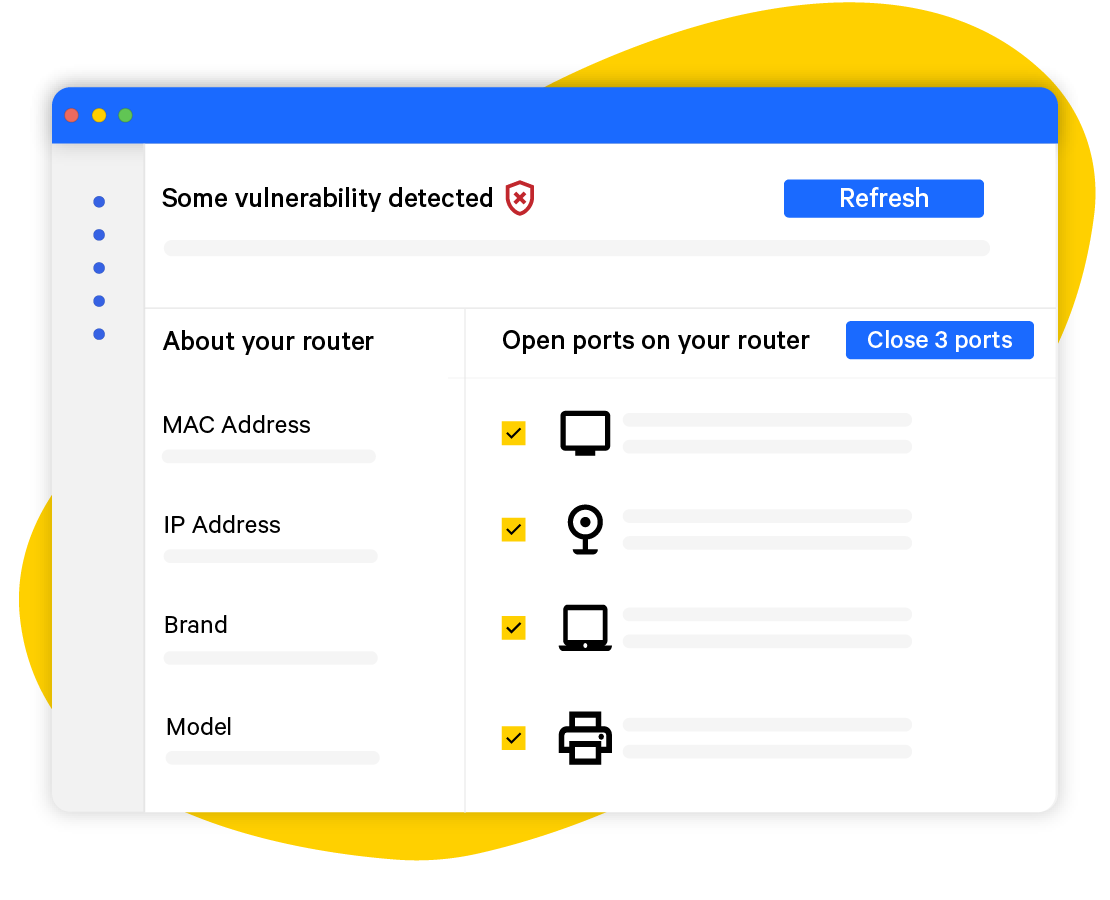
Your router is the gateway to your entire network — and its most exposed component. Fing runs scheduled security checks on your router and network, detecting known vulnerabilities, outdated firmware, DNS hijacking risks, and exposed management interfaces. Scans run daily, every other day, or weekly — keeping your first line of defence always up to date.
Threat detection
Scan for open ports before attackers do
Open ports are open doors. Fing’s open port scanner checks your network for services that shouldn’t be exposed — remote management interfaces, UPnP, Telnet, FTP — and alerts you to potential entry points before they’re exploited. Know exactly what’s reachable from outside your network, and shut down what shouldn’t be.
Intrusion awareness
Get alerted to unknown devices instantly
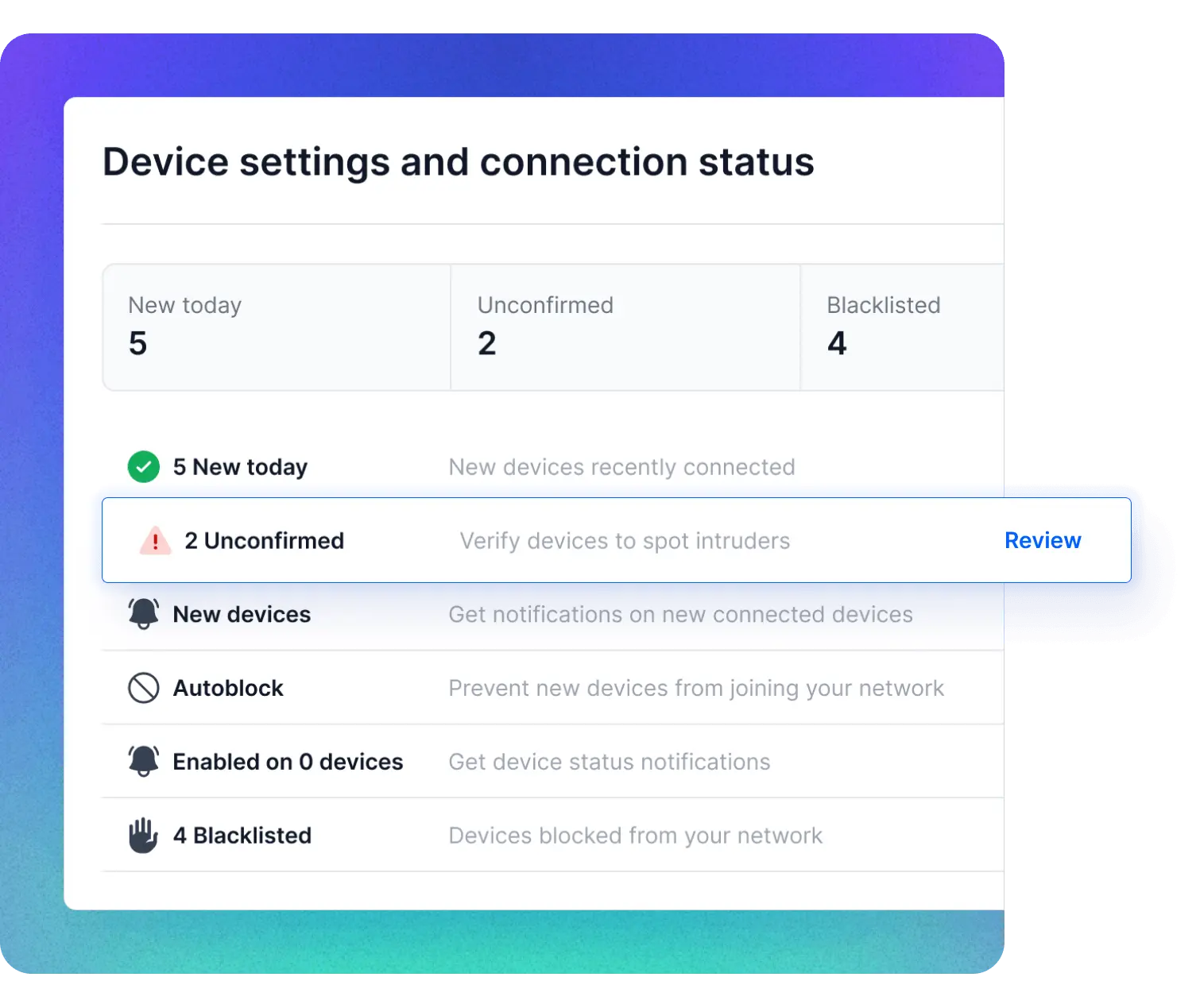
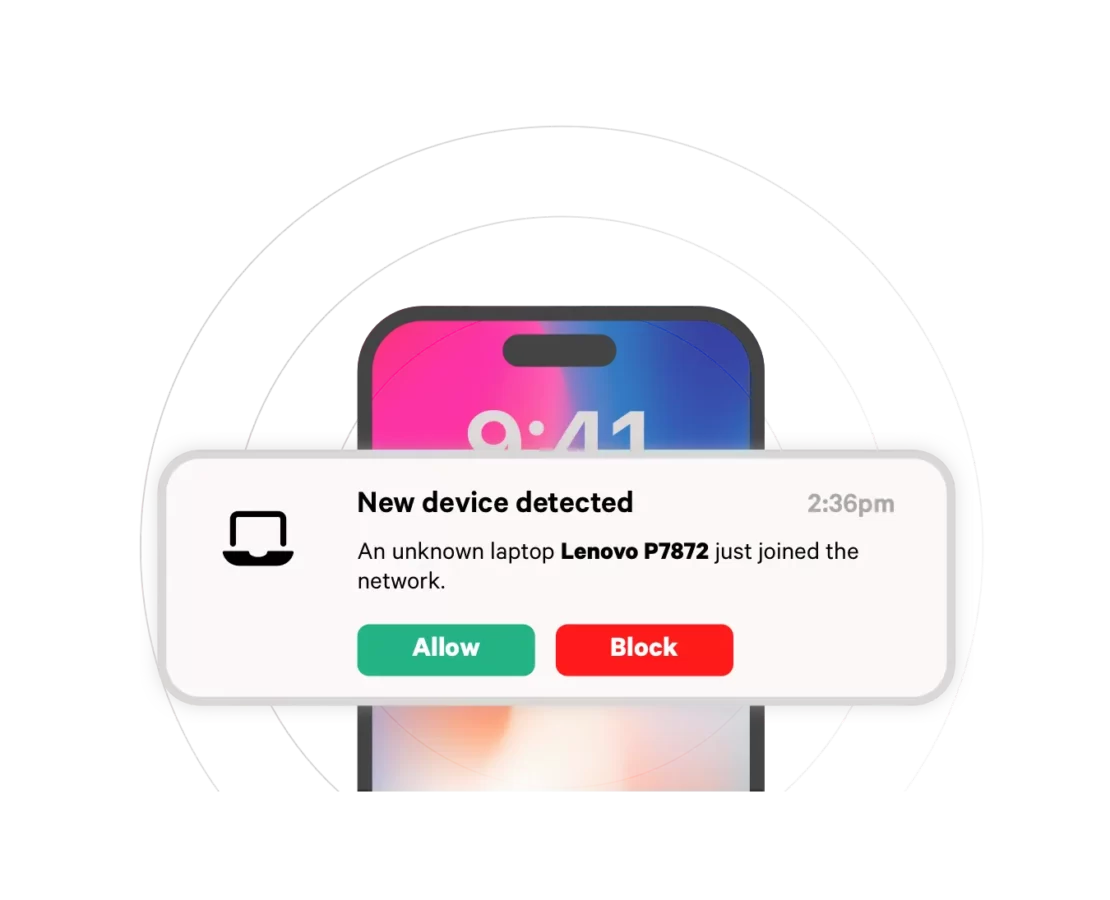
An unrecognized device on your network is a potential security threat. Fing alerts you the moment an unknown device connects, with full identification — brand, model, and type — so you can assess the risk immediately. Whether it’s an intruder on your home Wi-Fi or a rogue device on a client’s office network, nothing joins without you knowing.
Privacy protection
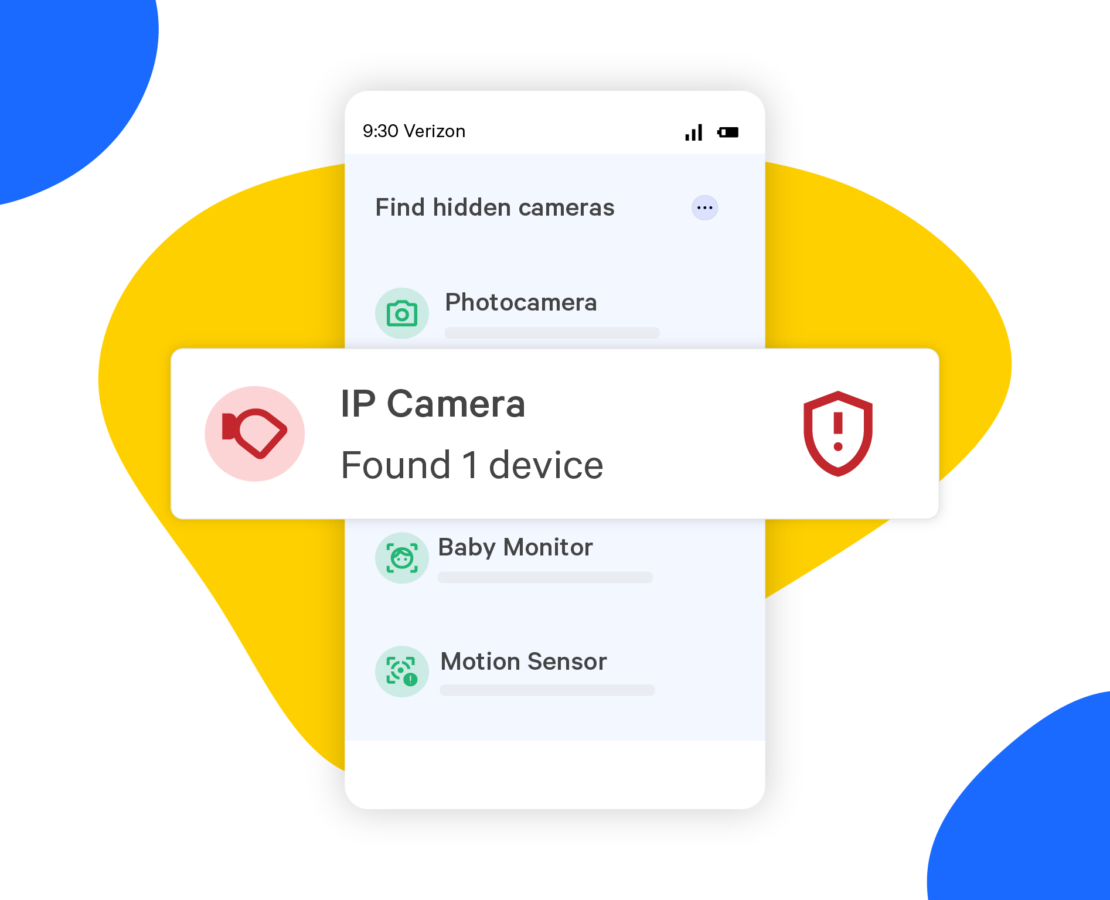
Find hidden cameras on any network
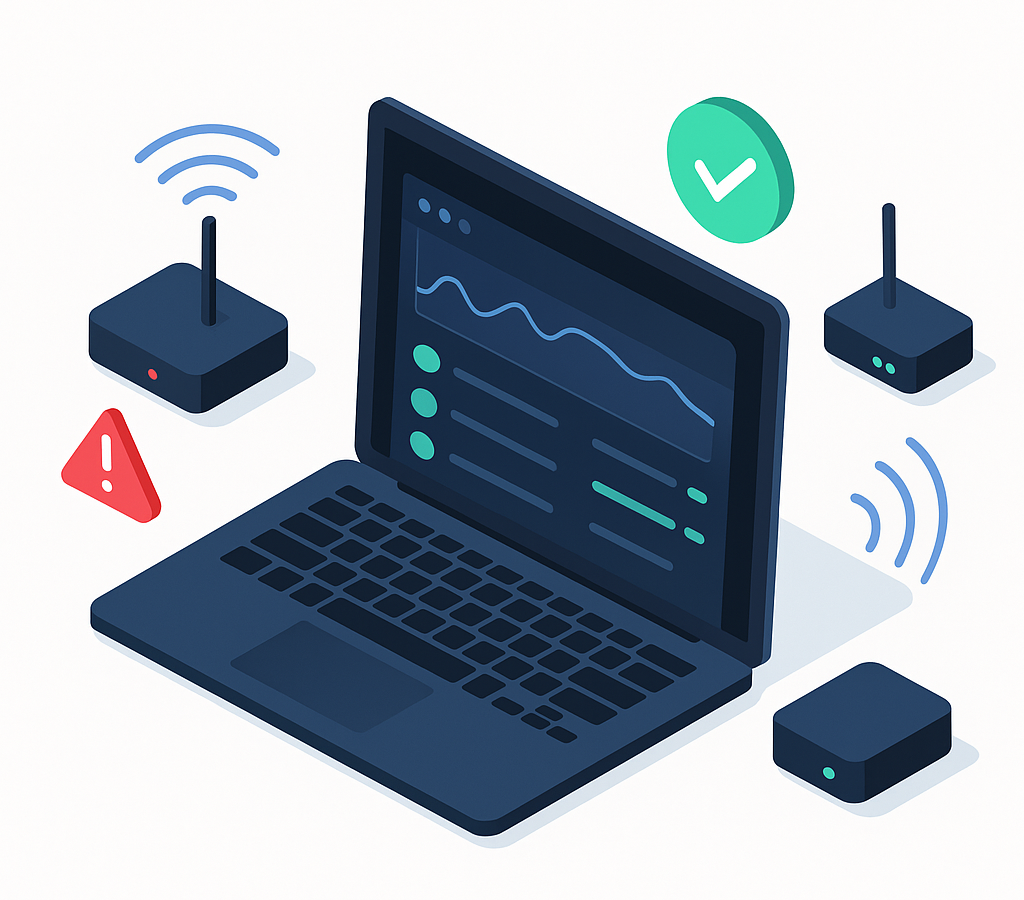
Traveling for work or on holiday? Fing detects cameras and spy devices on any Wi-Fi you join — powered by a database of over 12 million known camera models. Scan a rental, hotel room, or Airbnb in seconds and get peace of mind before you unpack.
What you need for continuous cybersecurity
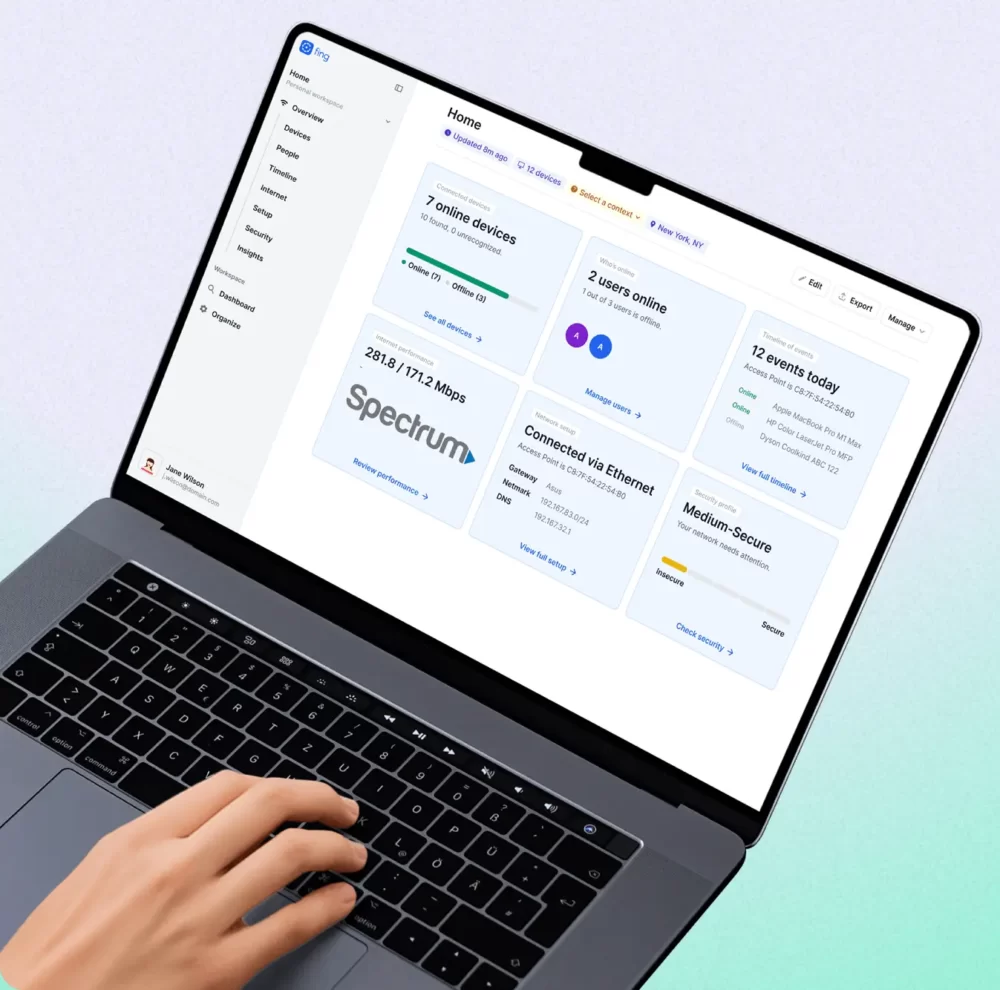
Fing Desktop
Run router vulnerability checks, detect open ports, and receive security alerts while the app is running on your Windows or Mac computer.

Fing Agent
Deploy on a Raspberry Pi, Docker container, or NAS for 24/7 automated security checks — even when your computer is off.
What users say about Fing's network security
Frequently Asked Questions
What does Fing check for in a router vulnerability scan?
Fing checks your router for known vulnerabilities, outdated firmware, exposed management interfaces, DNS hijacking risks, open ports, and misconfigured services. Checks can be scheduled to run daily, every other day, or weekly.
What is an open port scanner?
An open port scanner is a tool that checks which network ports are open and accessible on your devices and router. Open ports can expose services to the internet that shouldn’t be public — creating potential entry points for attackers. Fing scans your network for exposed ports and alerts you to any that need attention.
How does Fing detect hidden cameras?
Fing scans the Wi-Fi network you’re connected to and cross-references detected devices against a database of over 12 million known camera models. If a camera or spy device is found, Fing identifies it immediately — even if it’s disguised as another device type.
How do I secure my home or office wifi?
Start by running a WiFi security check with Fing — it scans your router for vulnerabilities, outdated firmware, and exposed services. Then review your open ports, update your router’s firmware, change default credentials, and enable WPA3 encryption. Fing’s automated checks can repeat this process daily so you stay protected over time. The same process works for office networks — IT consultants and MSPs use Fing to audit client networks following the same steps.
What's the difference between the Network Security and Internet Access Control features?
Network Security is about detecting threats — router vulnerabilities, exposed ports, unknown devices, and hidden cameras. Internet Access Control is about managing who gets access — blocking devices, scheduling internet downtime, and setting screen time limits. Together, they give you full protection and control.
Do I need a subscription for Fing's security features?
Basic open port scanning is available for free. Automated, scheduled vulnerability scans, continuous threat detection, and advanced security alerts are available with Fing’s Starter, Premium, and Professional subscription plans.
Can I use Fing's cybersecurity features for professional networks?
Protect Your Network Now
Download Fing Desktop, run your first security check, and find out what's exposed on your network. It takes just a few minutes.