Fing Web
Network insights, wherever you are
Fing Web allows you to access the networks you monitor,
directly from your browser. See devices, check insights,
and take quick actions - anytime, from any device.
Why users love Fing
Access your network data from anywhere
Network Access
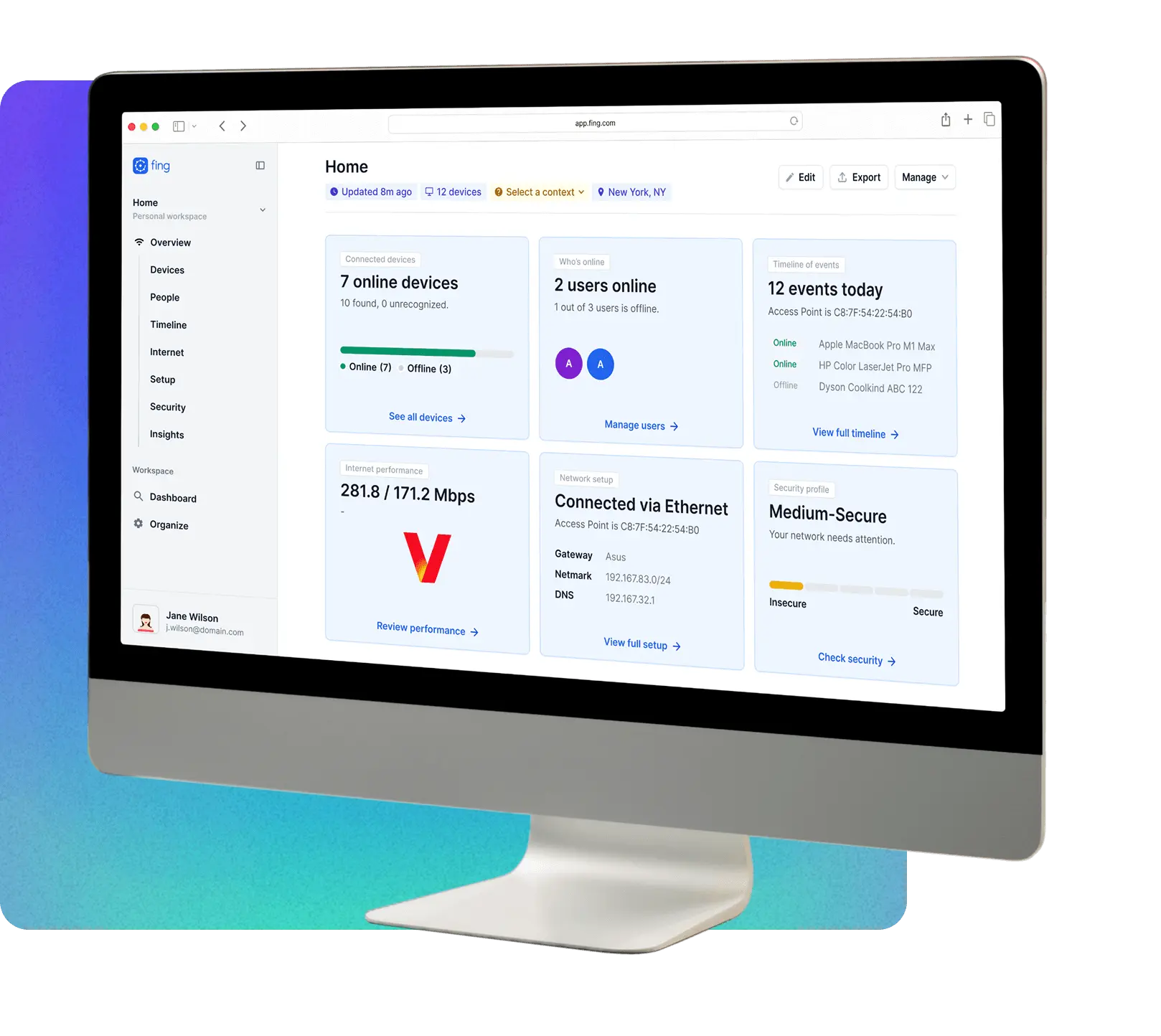
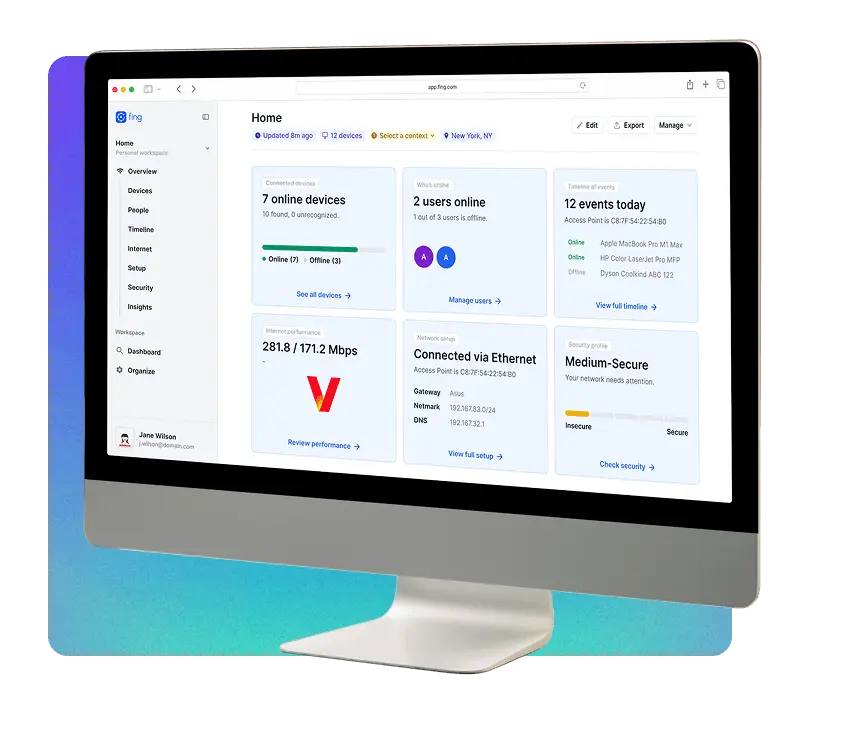
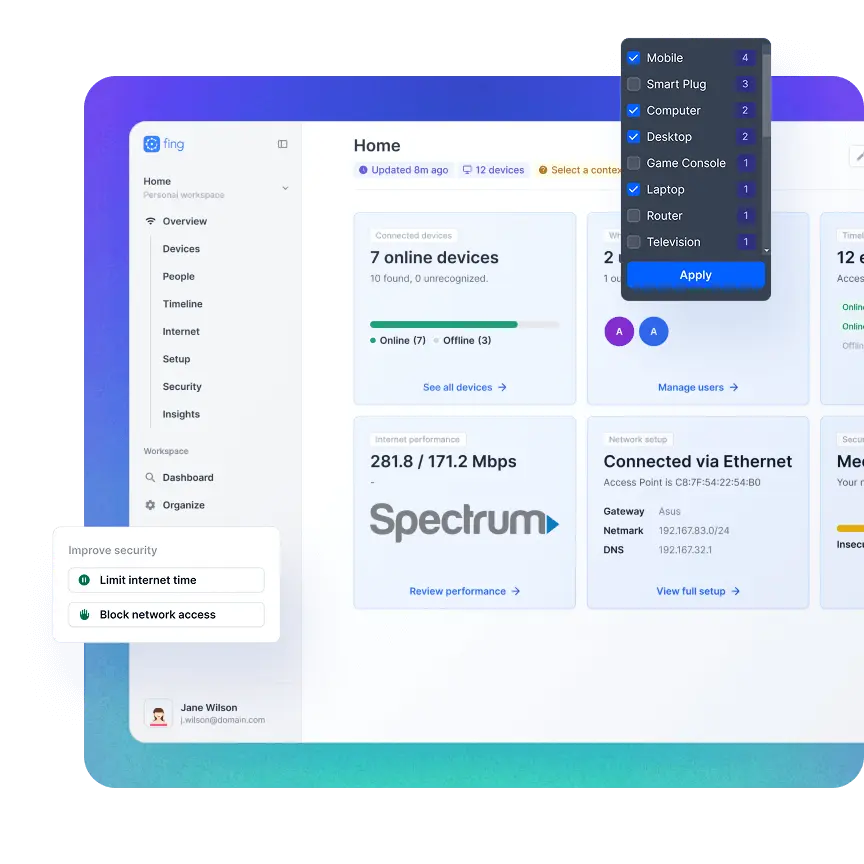
See all your network data from any browser
Fing Web gives you full visibility on the networks you monitor with Fing Agent or Fing Desktop. Open your browser and instantly access devices, performance, and activity – wherever you are.
Smart Insights
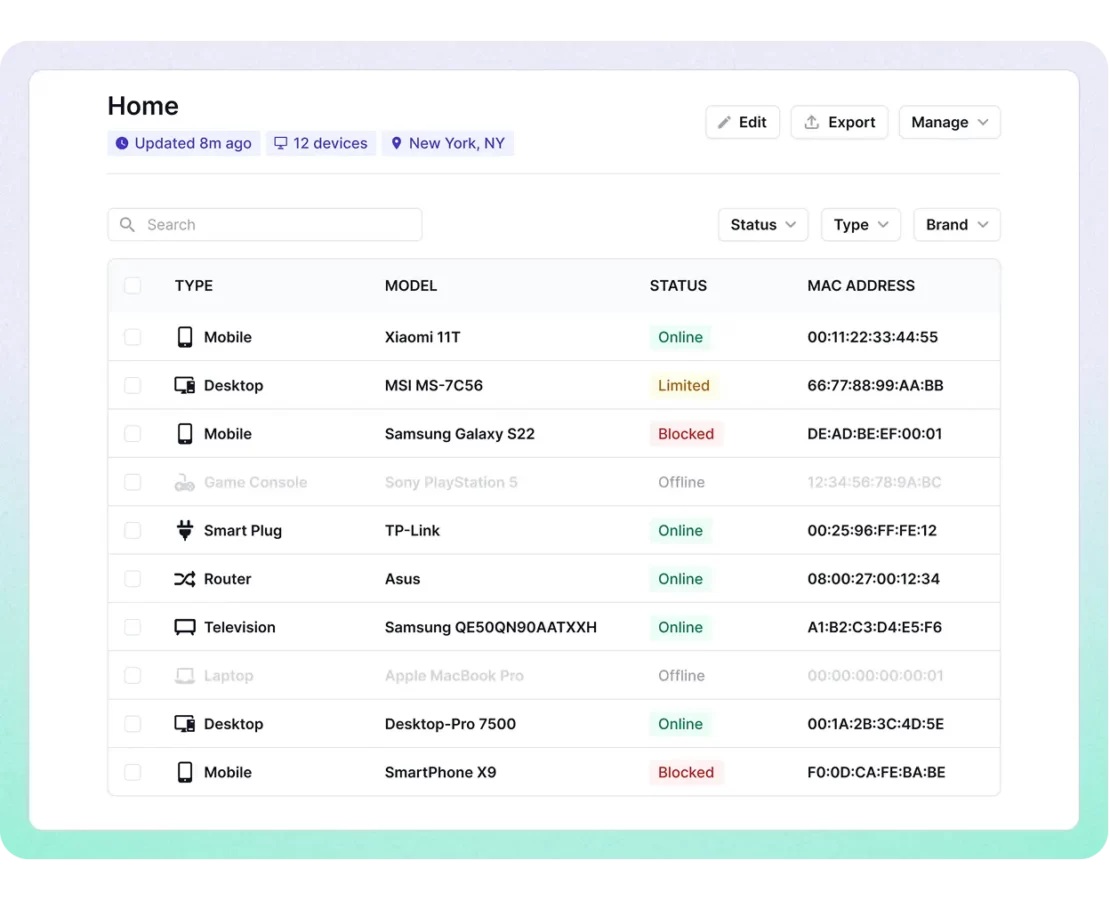
Understand your devices at a glance
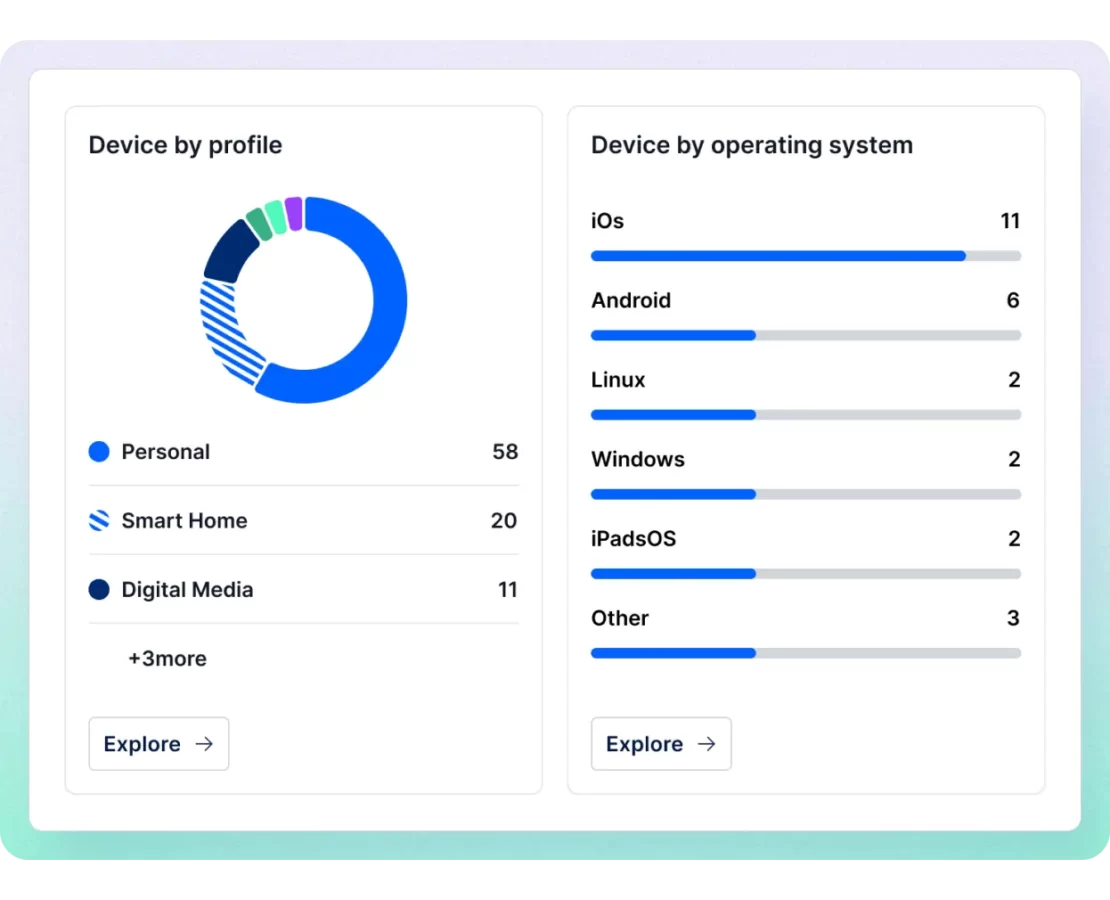
All the key insights you need: device details, events, performance trends, and security indicators. Everything is organized so you can spot what matters in seconds.
Setup Management
Access advanced features and workspaces
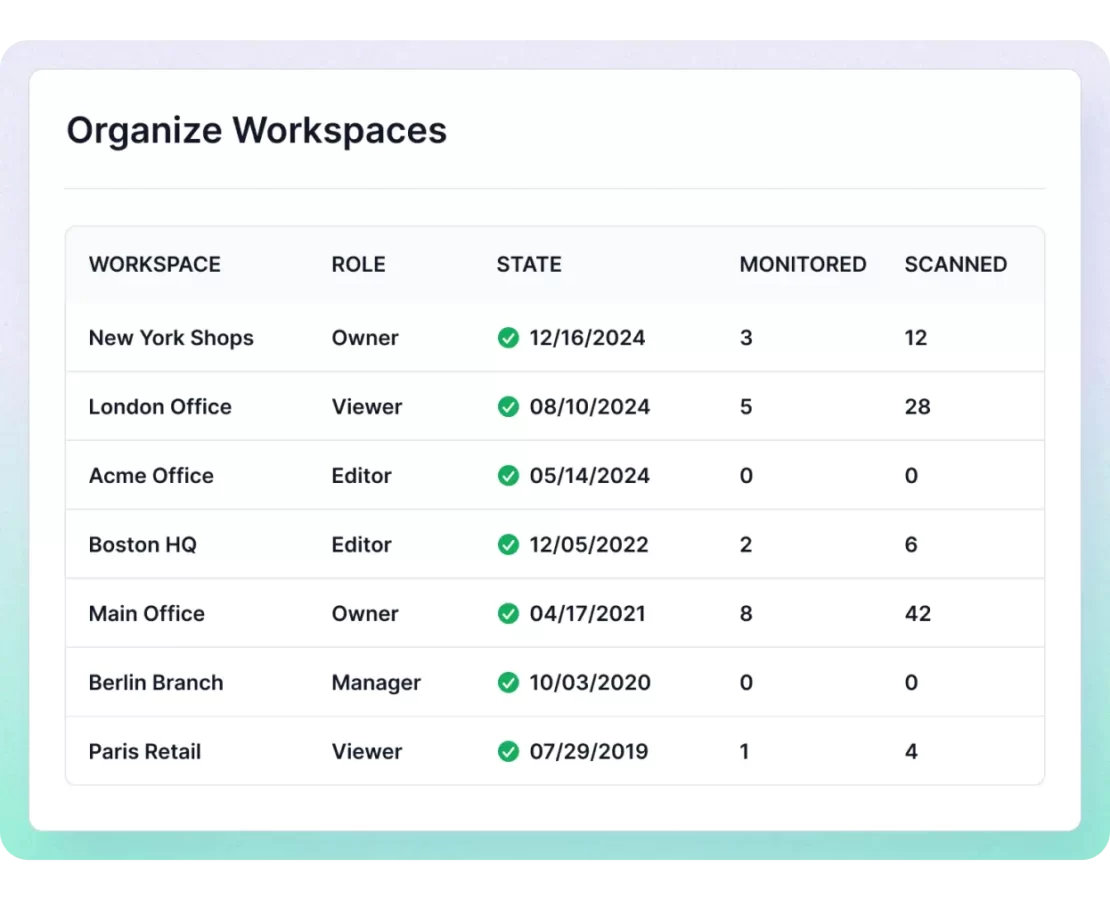
Manage setups, review configurations, and use Fing Professional workspaces directly from your browser. From device management to network settings, the tools you need are always within reach.
Need help?
Here are the answers to the questions we get most often.
Do I need Fing Desktop or Fing Agent to use Fing Web?
Yes. Fing Web displays data collected by a monitoring unit (Fing Desktop or Fing Agent). If no unit is connected, Fing Web won’t show any data. Once your network is being monitored, you can access everything directly from your browser.
Can I use Fing Web on mobile?
Yes. Fing Web works on any modern browser, including mobile devices.
Is Fing Web free to use?
Yes, you don’t need a subscription to access Fing Web. A subscription is only required for advanced features, such as device blocking, multiple security checks, and workspace management.
Manage your network from any browser
Use Fing Web to view your network data, check insights, and access key features from anywhere. Simple, fast, always available.
Manage your network from any browser
Use Fing Web to view your network data, check insights, and access key features from anywhere. Simple, fast, always available.