Network monitoring & Alerts
Monitor your
network 24/7
Fing monitors your network continuously, detecting new devices,
tracking activity over time, and alerting you when something changes.
Whether it's a single home Wi-Fi or a multi-site office, go from a
one-time scan to always-on network awareness.
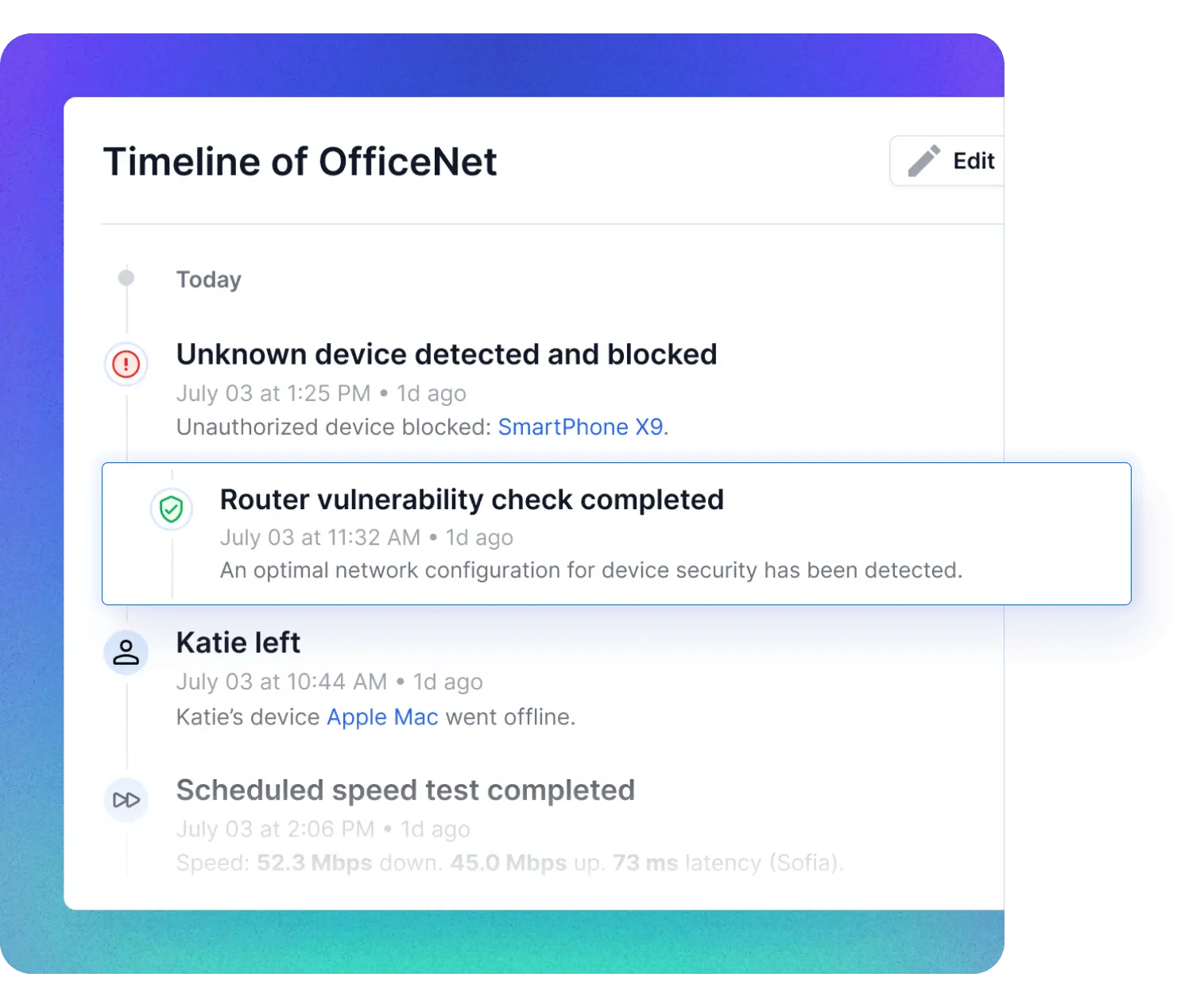
Network alerts
Instant alerts when something changes
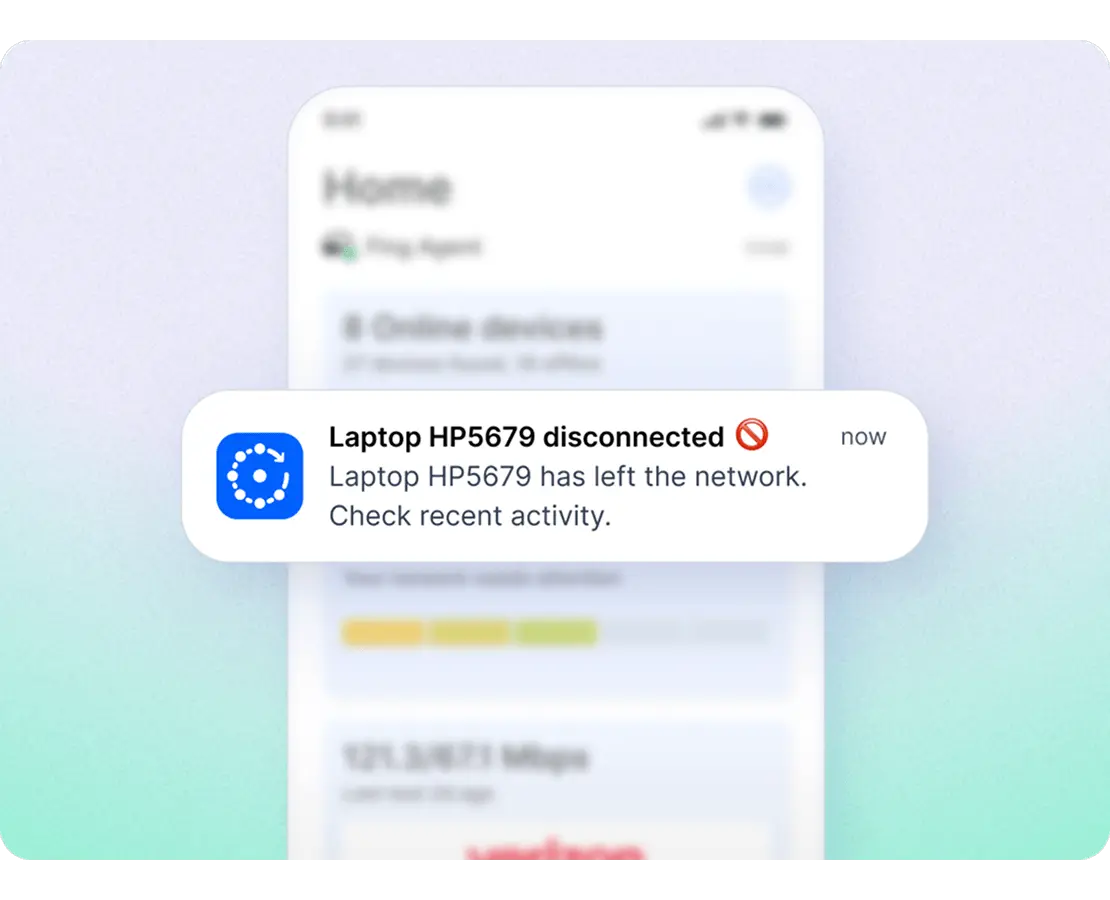
Event timeline
A living timeline of every network event
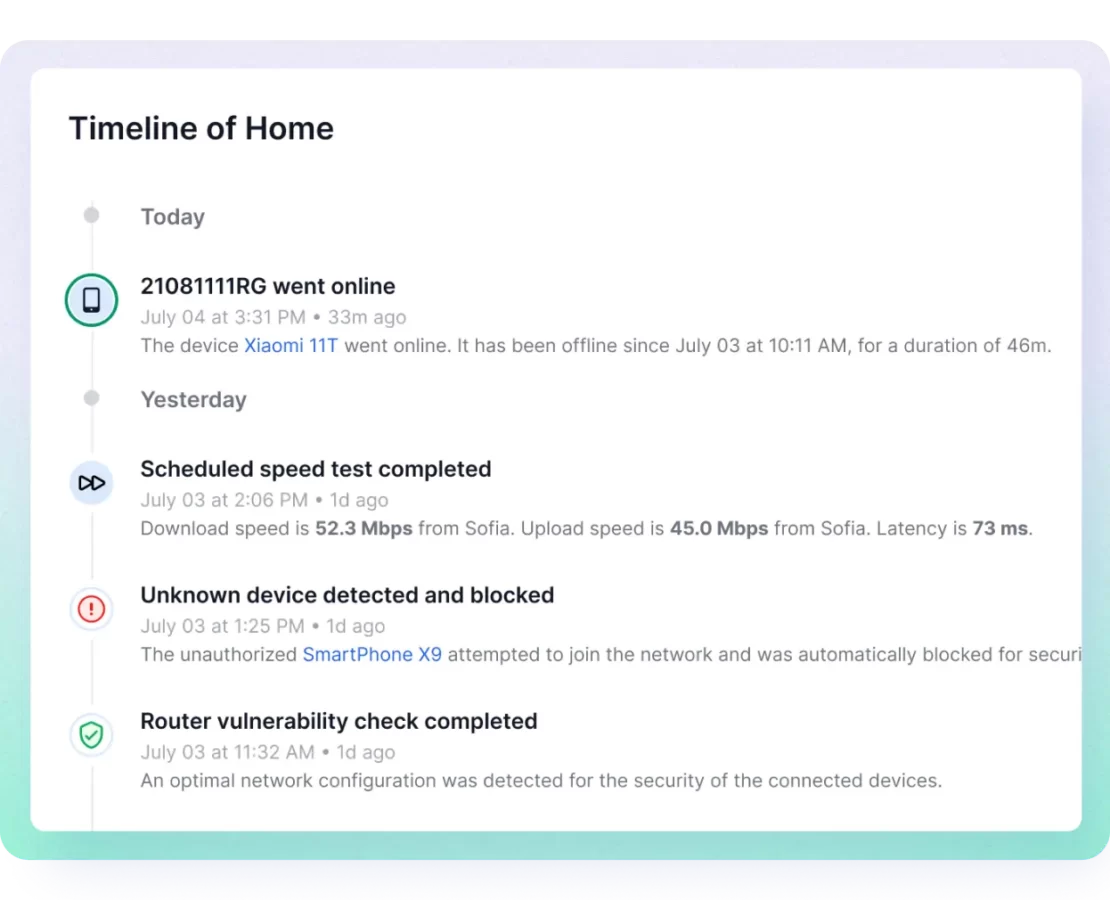
User presence
Know who's on the network — and when they left
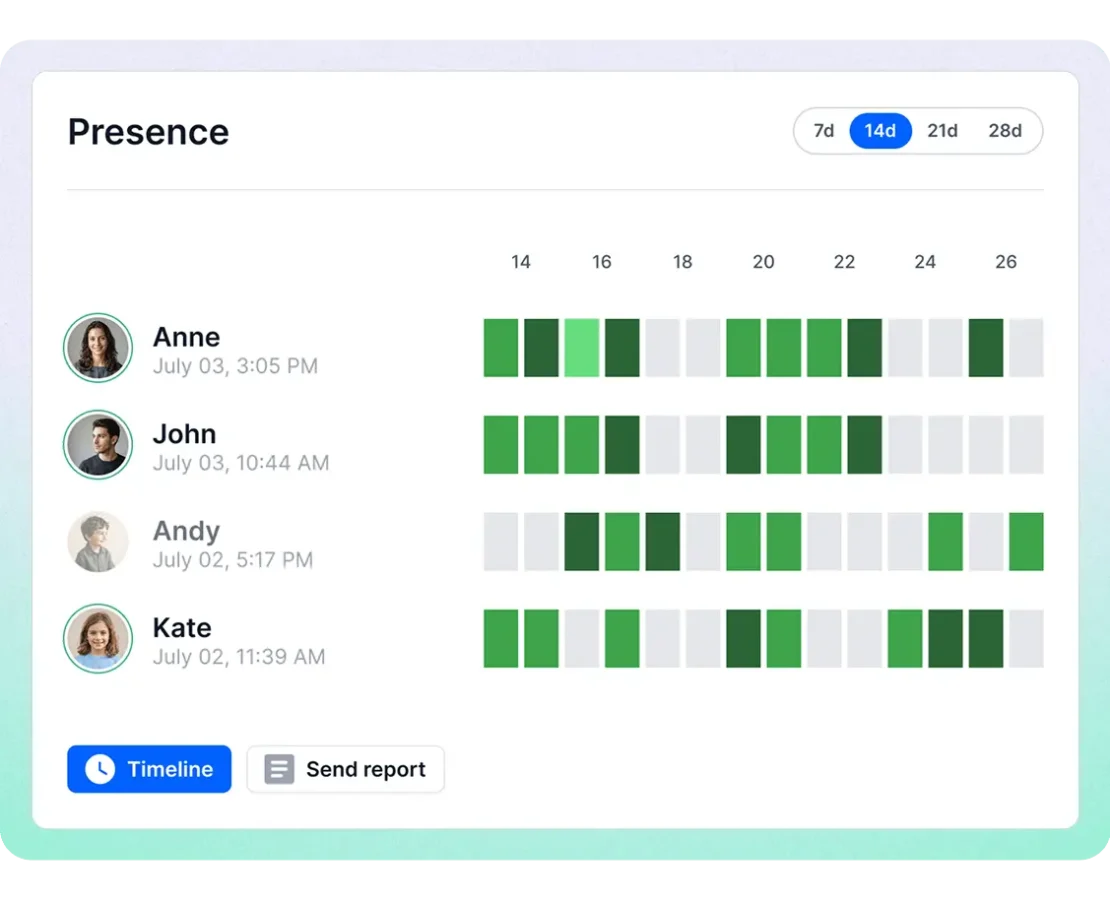
What you need to start monitoring
Monitoring requires a dedicated unit running on your network. You have two options:
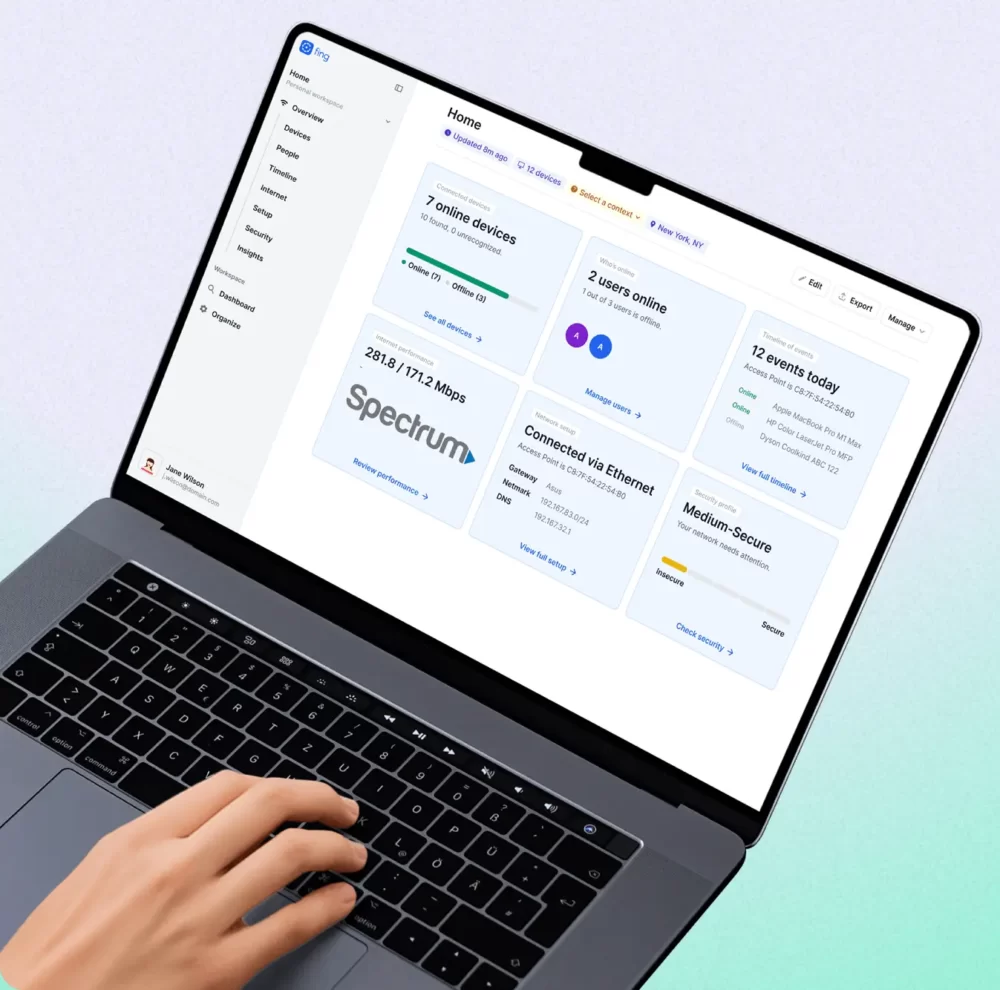
Fing Desktop
Install on your Windows or Mac computer. Fing Desktop monitors your network continuously while the app is running — automated scans, alerts, and timeline logging, all in the background.
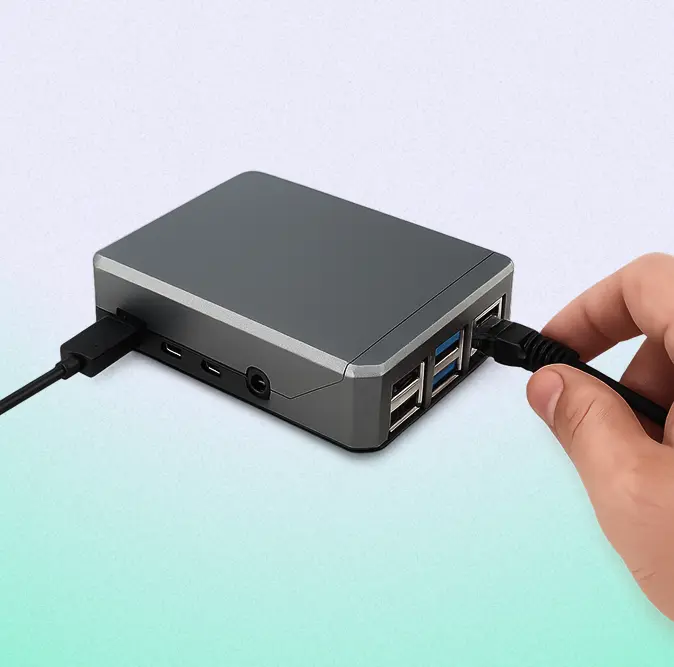
Fing Agent
Deploy on a Raspberry Pi, Docker container, or NAS for true 24/7 monitoring — even when no computer is turned on. The ideal setup for always-on visibility across home and professional networks.
Network monitoring in less than 2 minutes
Learn what network monitoring is and how Fing keeps your network under watch.
Trusted by real users to monitor their networks
Frequently asked questions
What's the difference between scanning and monitoring?
Can I get an alert when a new device connects to my Wi-Fi?
Yes. Fing sends a real-time notification whenever an unrecognized device joins your network. You can customize which events trigger alerts and receive them on your phone, desktop, or via email.
Do I need Fing Desktop or Fing Agent to monitor my network?
Yes — continuous monitoring requires Fing Desktop (running on your computer) or Fing Agent (deployed on a Raspberry Pi, Docker, or NAS). Fing Mobile lets you view your network and run scans, but it cannot act as a monitoring unit.
Does Fing monitoring work for professional networks?
Absolutely. Fing is used by IT consultants, MSPs, and small businesses to monitor client and office networks. With Fing Agent and Fing Web, you can manage multiple networks remotely from a single dashboard.
Start monitoring your network now
Download Fing Desktop, set up your account, and go from a one-time scan to always-on network monitoring in minutes. It's free to get started.